

Fill the showing calendar without the phone tag.
Property viewings and agent consultations — booked online with the right agent at the right time. Capture buyer intent with custom intake forms; reduce no-shows with automatic reminders.
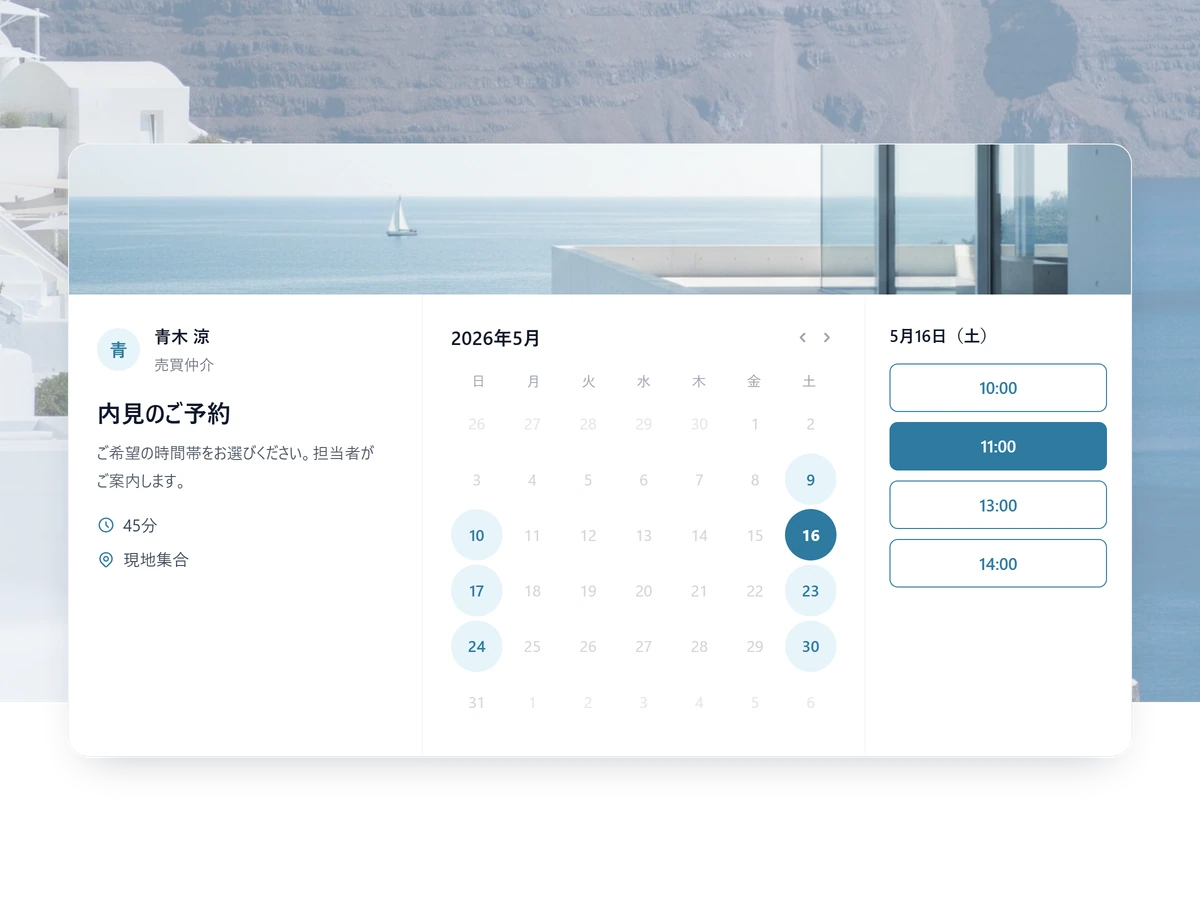
Fill the viewing calendar without the phone calls
Agent availability and the questions you need answered, handled on one page.
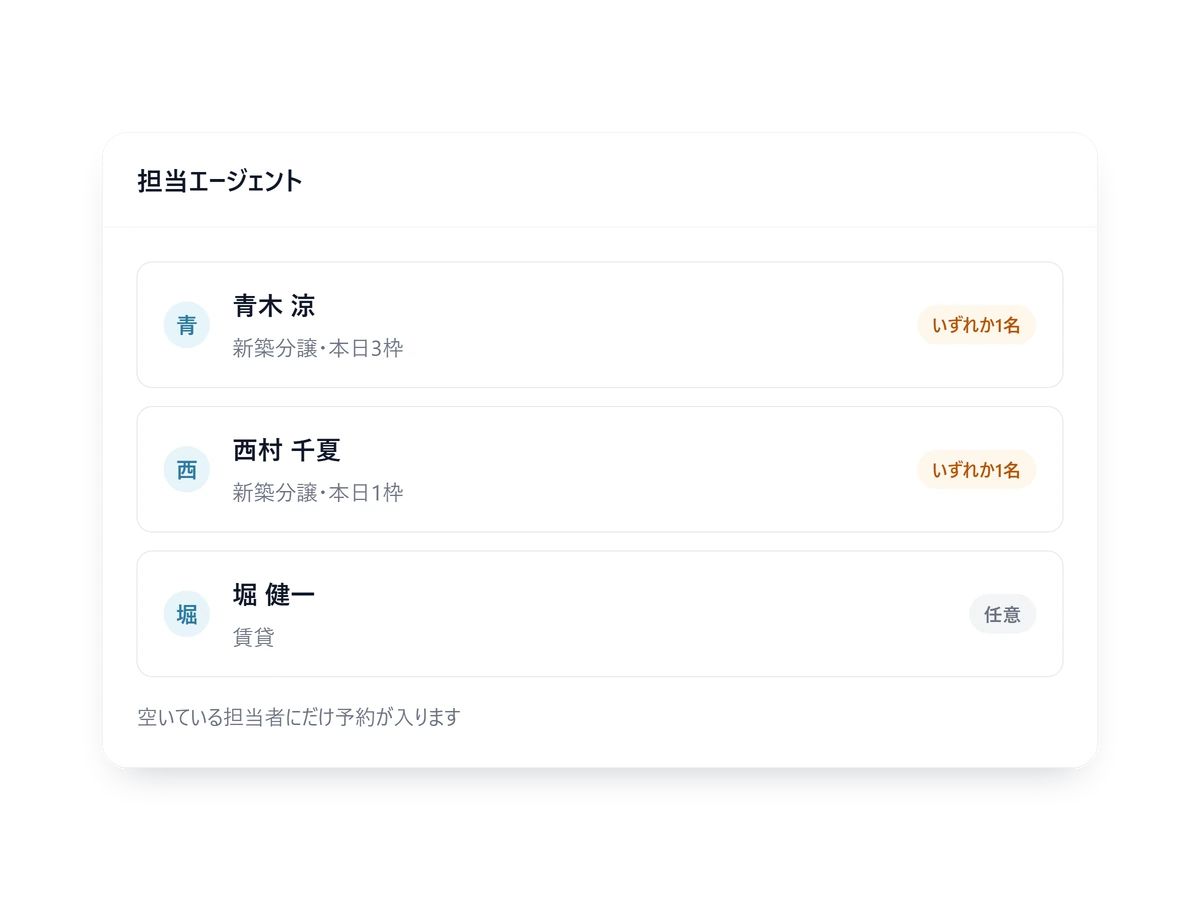
One calendar, however many agents
A buyer only ever sees times when an agent who covers that property is genuinely free.
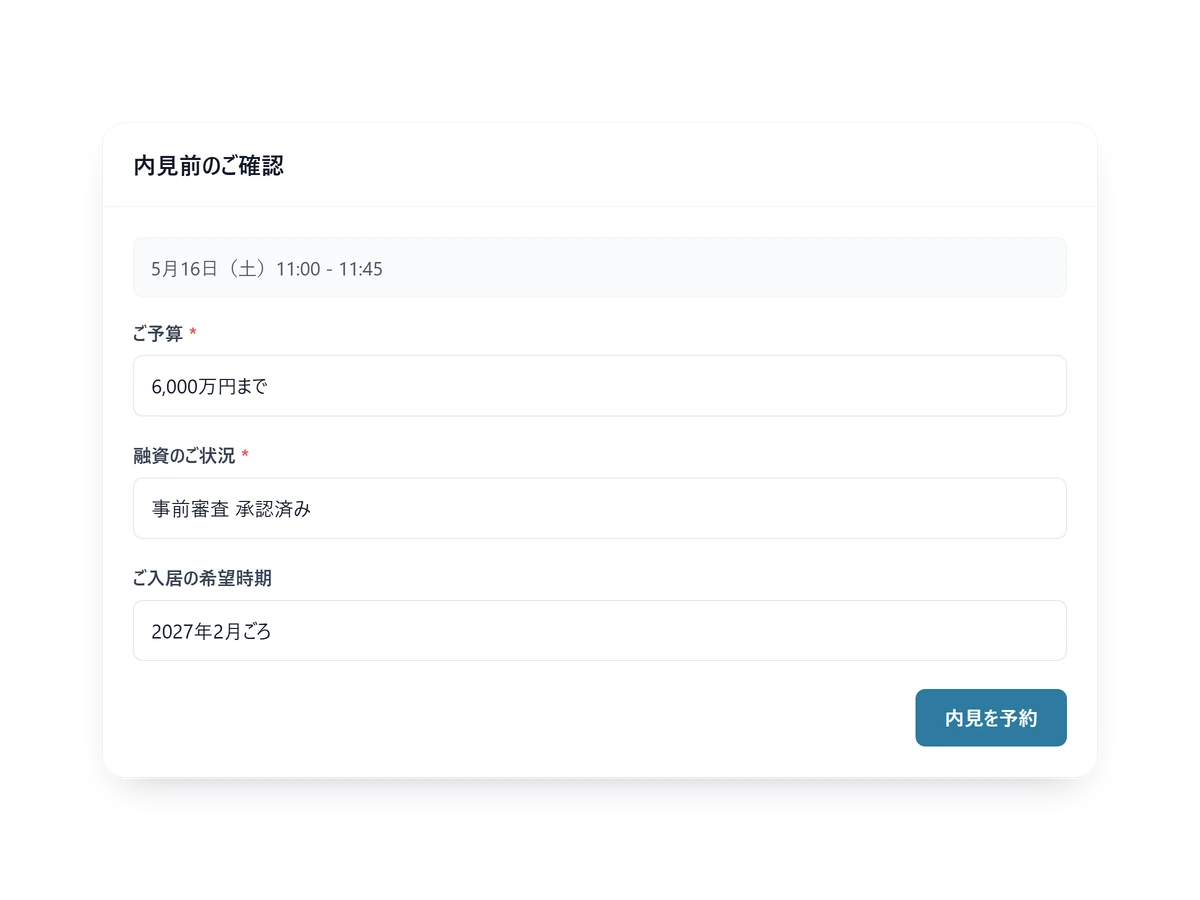
Budget and financing, asked before the viewing
The questions change per property type, so the agent arrives already knowing.

Fewer no-shows on the day
The day-before reminder carries the address and the agent to contact.
Built for viewings
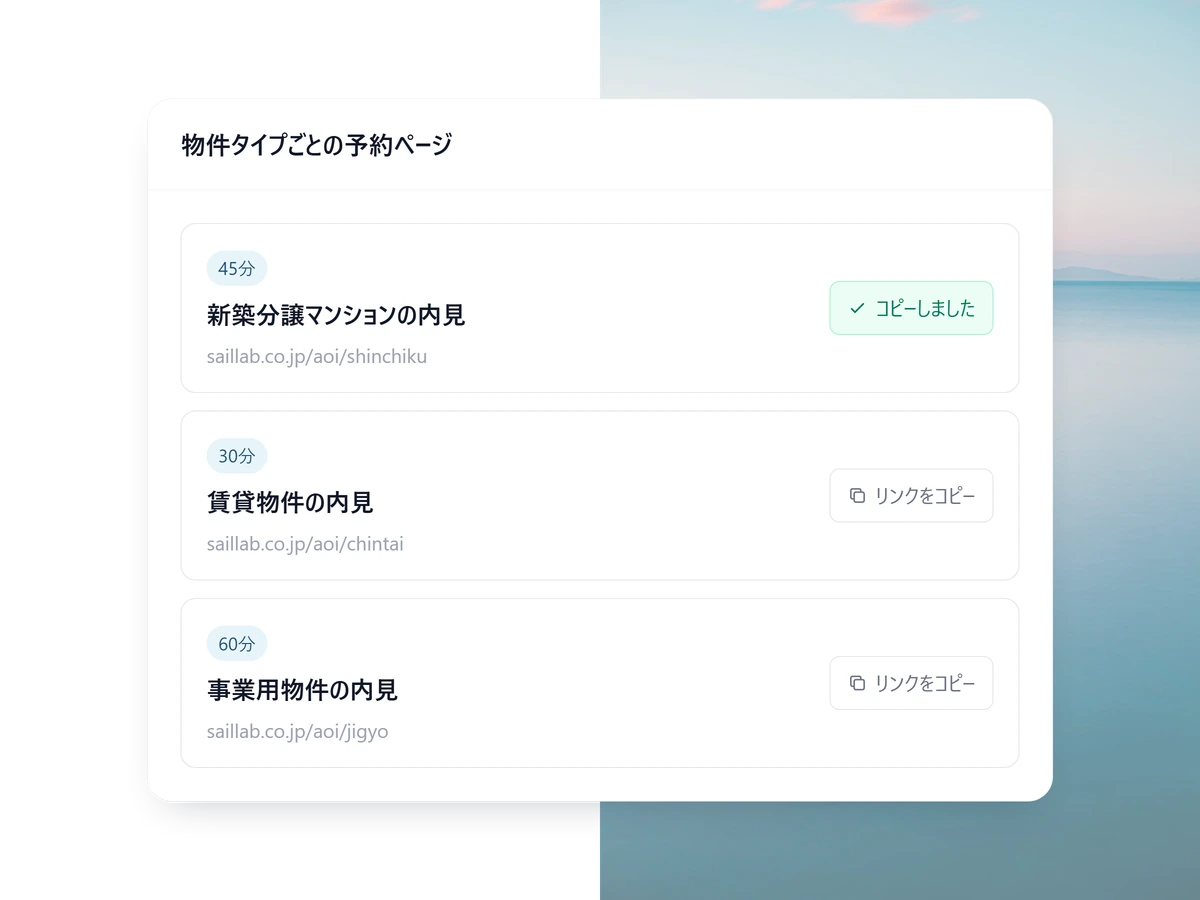
A page and an owner per property type
New-build, rental, commercial — tie agents to each page and bookings land with the right person.
- Auto-assign to whoever is free, on Standard and above
- For joint viewings, mark who is required
- Separate working hours per agent
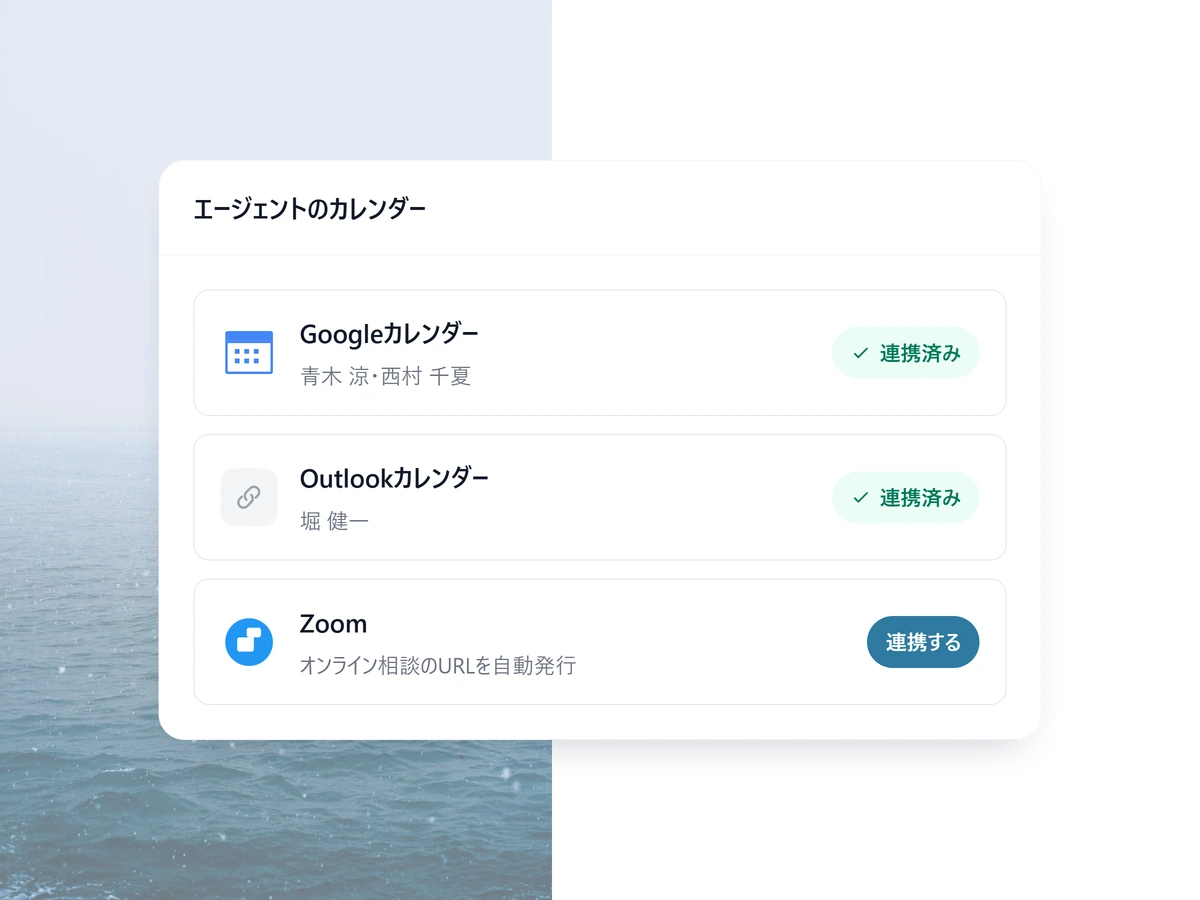
No double-booking
It reads each agent Google or Outlook calendar, so a time already taken is never offered.
- A booking lands in both calendars at once
- Online viewings get their meeting URL automatically
- Set a cut-off that stops last-minute bookings
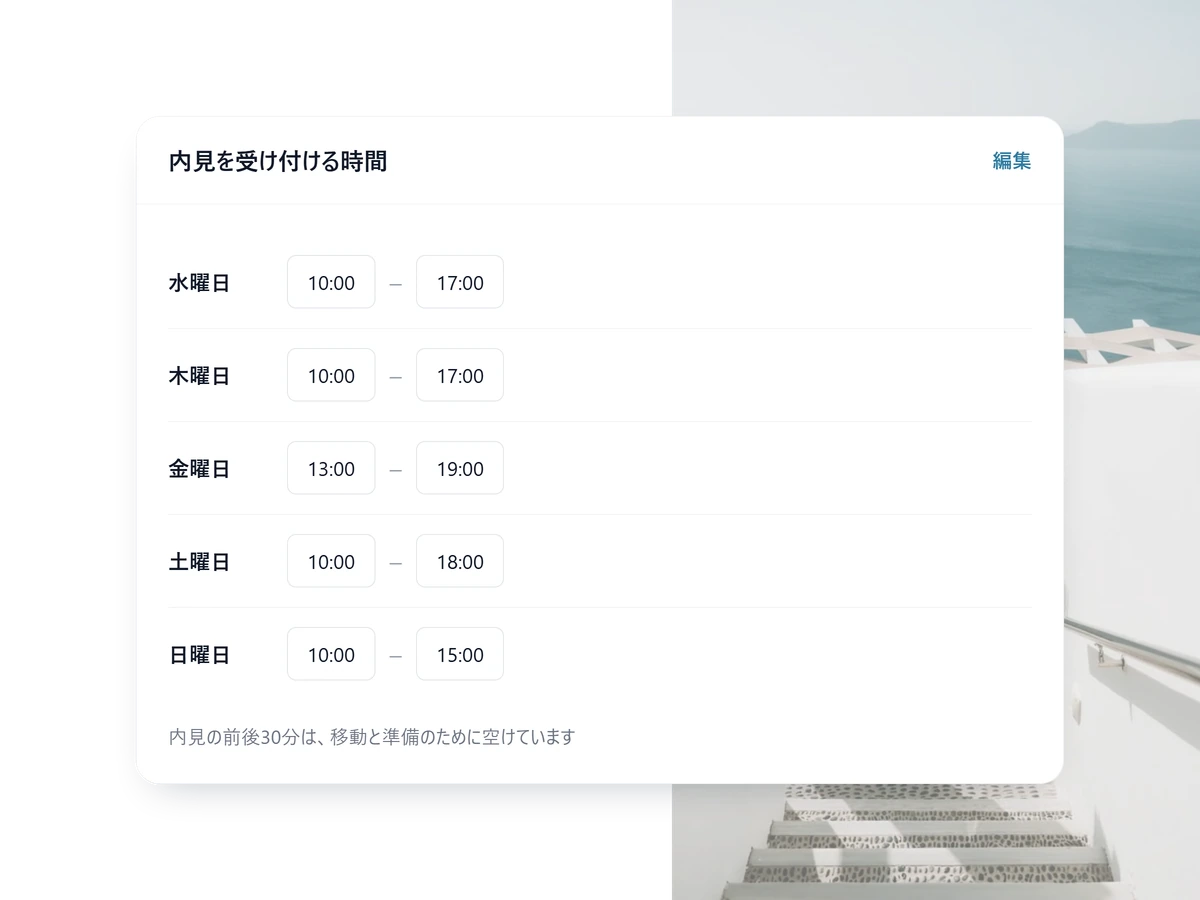
Travel time is booked before it is needed
Put a buffer either side of a viewing, and for on-site meetings the address can stay hidden until the booking is confirmed.
- Recurring blocks, such as all day Sunday
- Different hours for on-site and online
- The day-before reminder carries the meeting point
Take viewing bookings without the phone tag
Free to start. Assigning each property type to the right agent automatically is on Standard.
Stand up showing scheduling in 3 steps
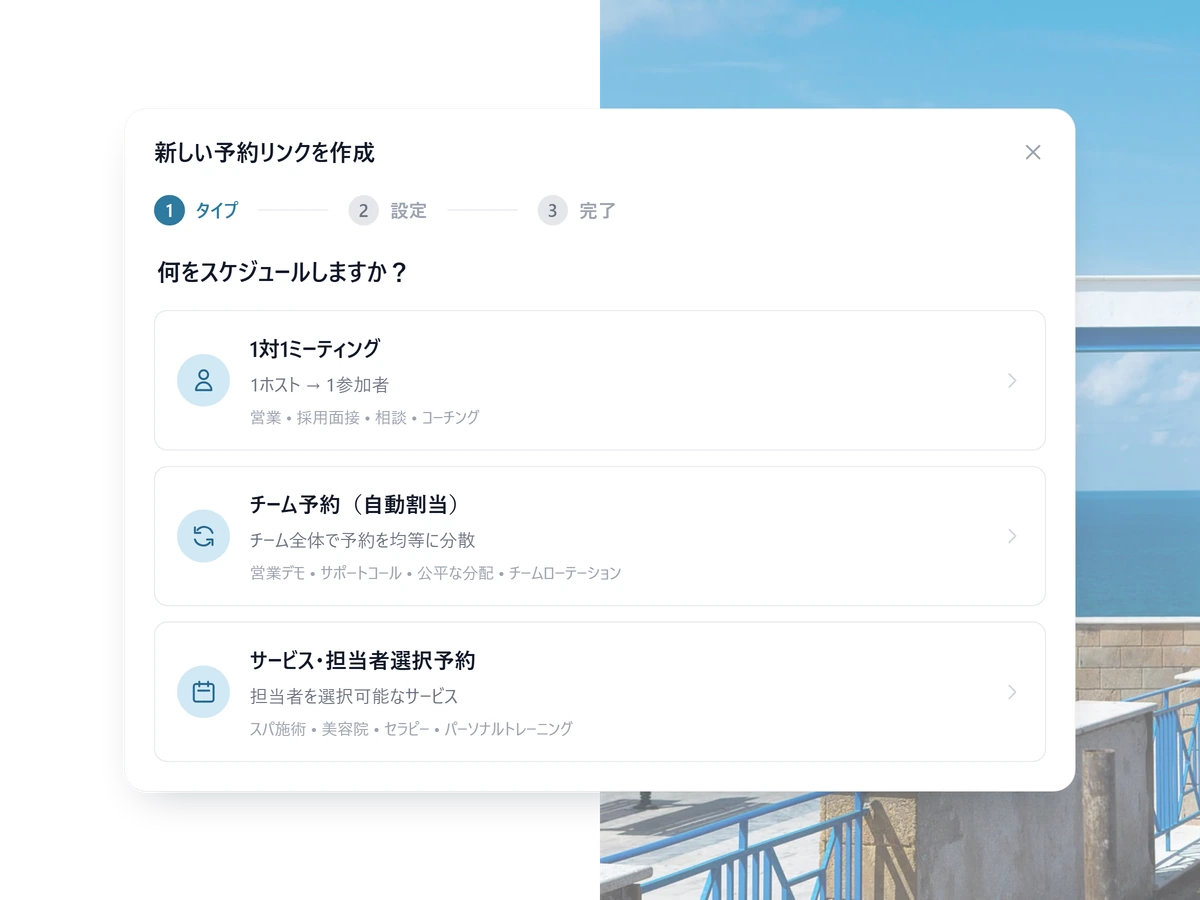
1 STEP 01
Add the agents and the property types
Who shows which kind of property, and when. That is the only setup.
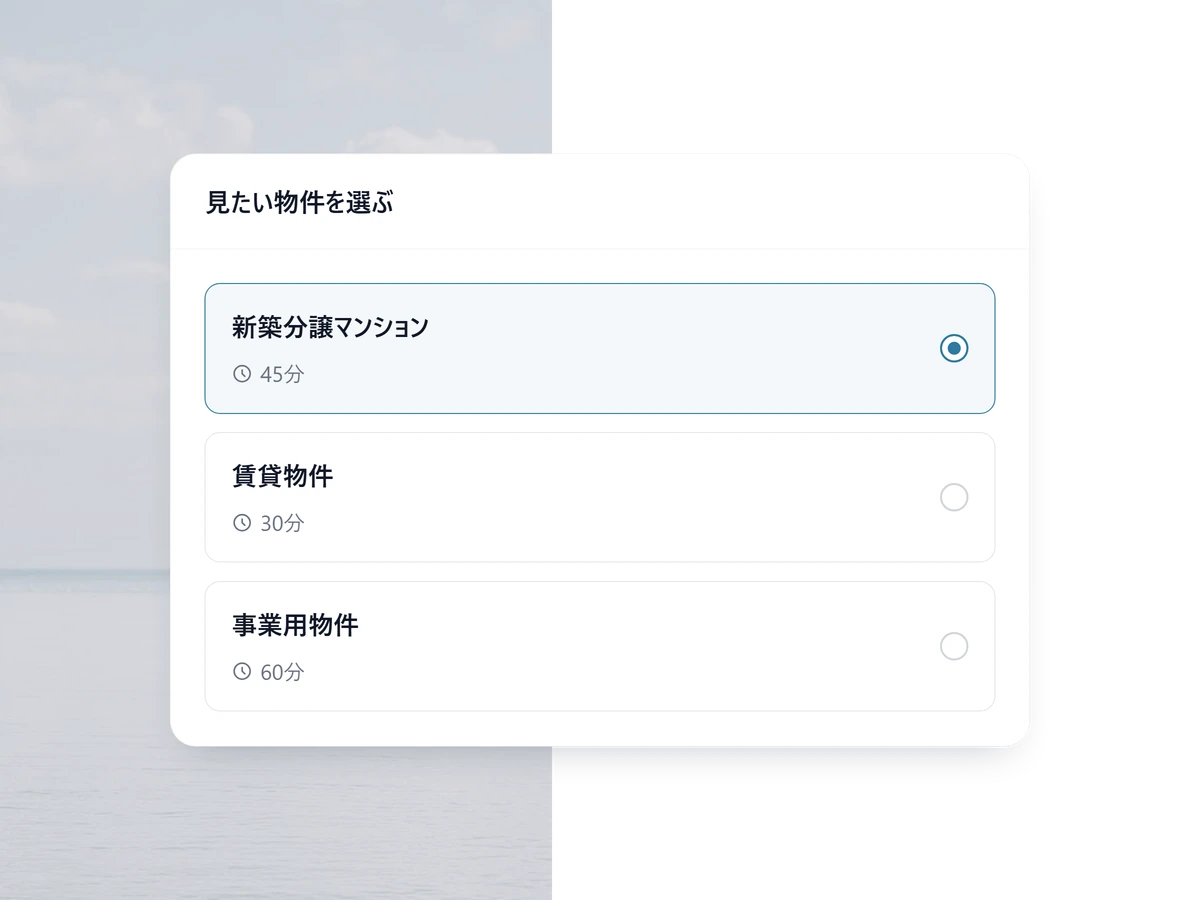
2 STEP 02
Put the link on the listing
Under the listing and in your follow-up email, so a buyer takes a viewing slot on the spot.
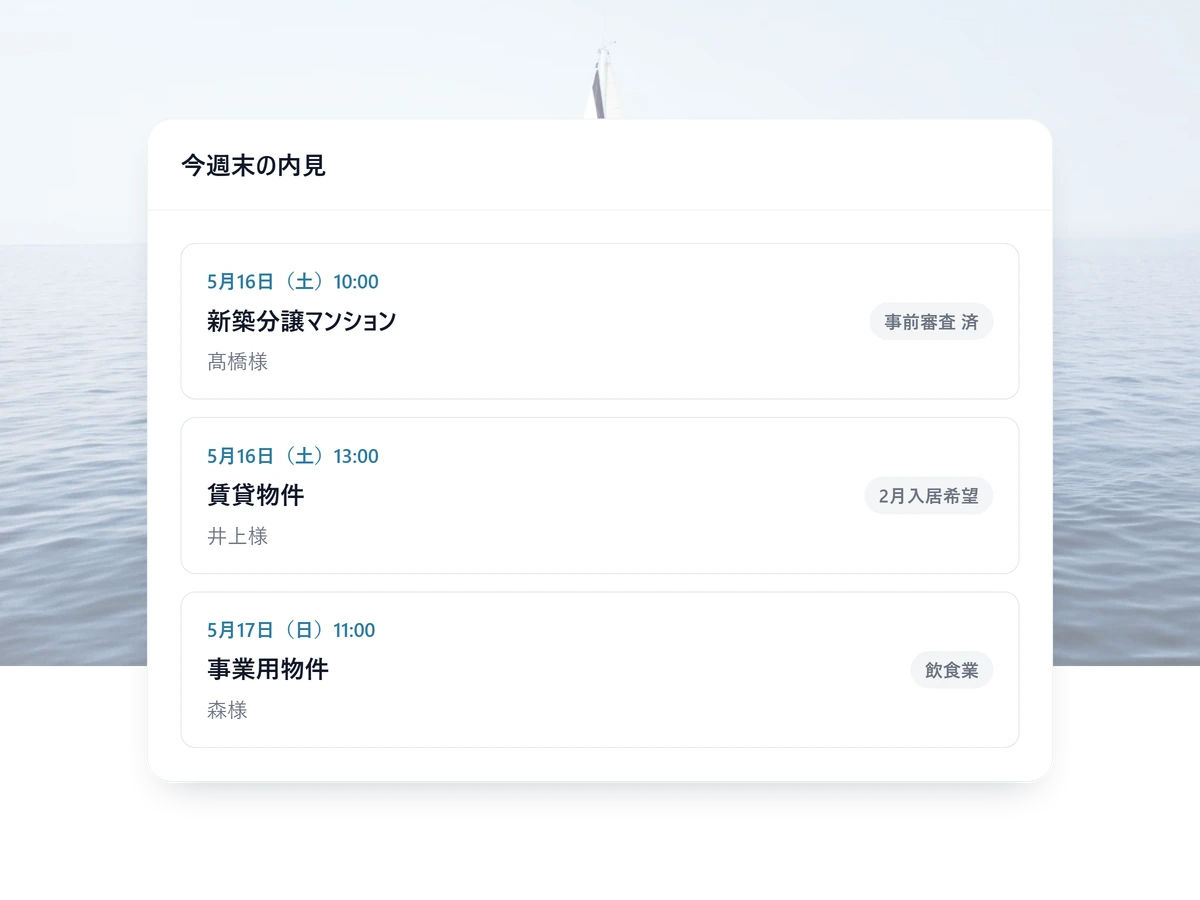
3 STEP 03
Arrive already knowing
Budget and financing reach the agent before the viewing starts.
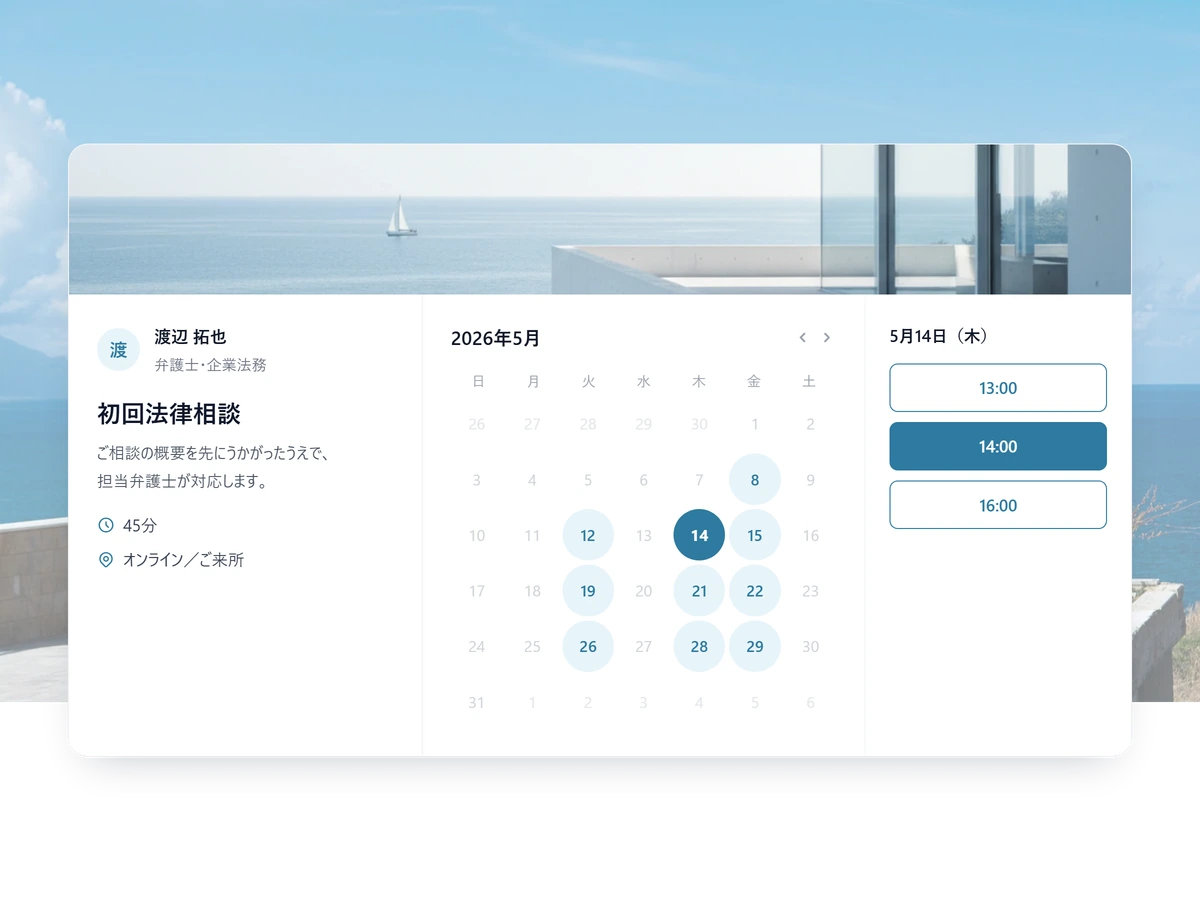
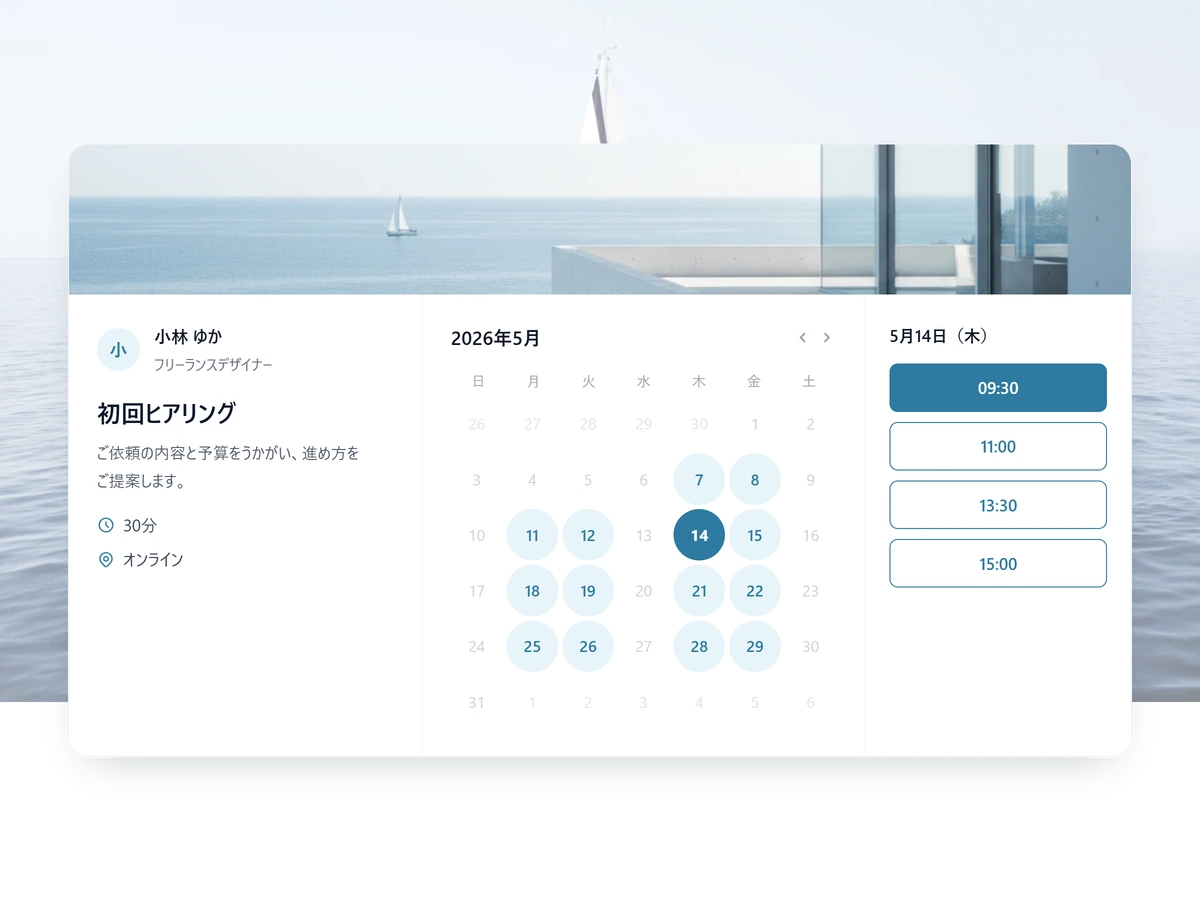
Other ways teams use SailLab
Real estate FAQ
Can each property type have its own booking flow?
Yes. Create a separate booking page per property type — each with its own intake form, agent assignment, duration, and address. Buyers see only what applies to the property they're interested in.
Can I keep the property address private until the viewing is confirmed?
Yes. Each booking page has a 'show location after booking' toggle. The booking page itself doesn't display the address; once a buyer books and the meeting is confirmed, the address appears in their confirmation email.
Can I block out times for property prep or other commitments?
Yes. Each agent can set buffer time before and after viewings, working hours per day of the week, holidays, vacation, and one-off blocks (with optional weekly recurrence). SailLab also reads each agent's Google or Outlook calendar in real time, so any event added there blocks new bookings automatically.
Can we offer virtual showings via video conference?
Yes. Each booking page can be configured as in-person or virtual. Virtual viewings auto-generate a video conference URL (Zoom, Google Meet, or Microsoft Teams); in-person viewings include the address and any access notes in the confirmation email.

More viewings. Fewer phone calls.
Free to start. Add agents and property-type pages anytime.