
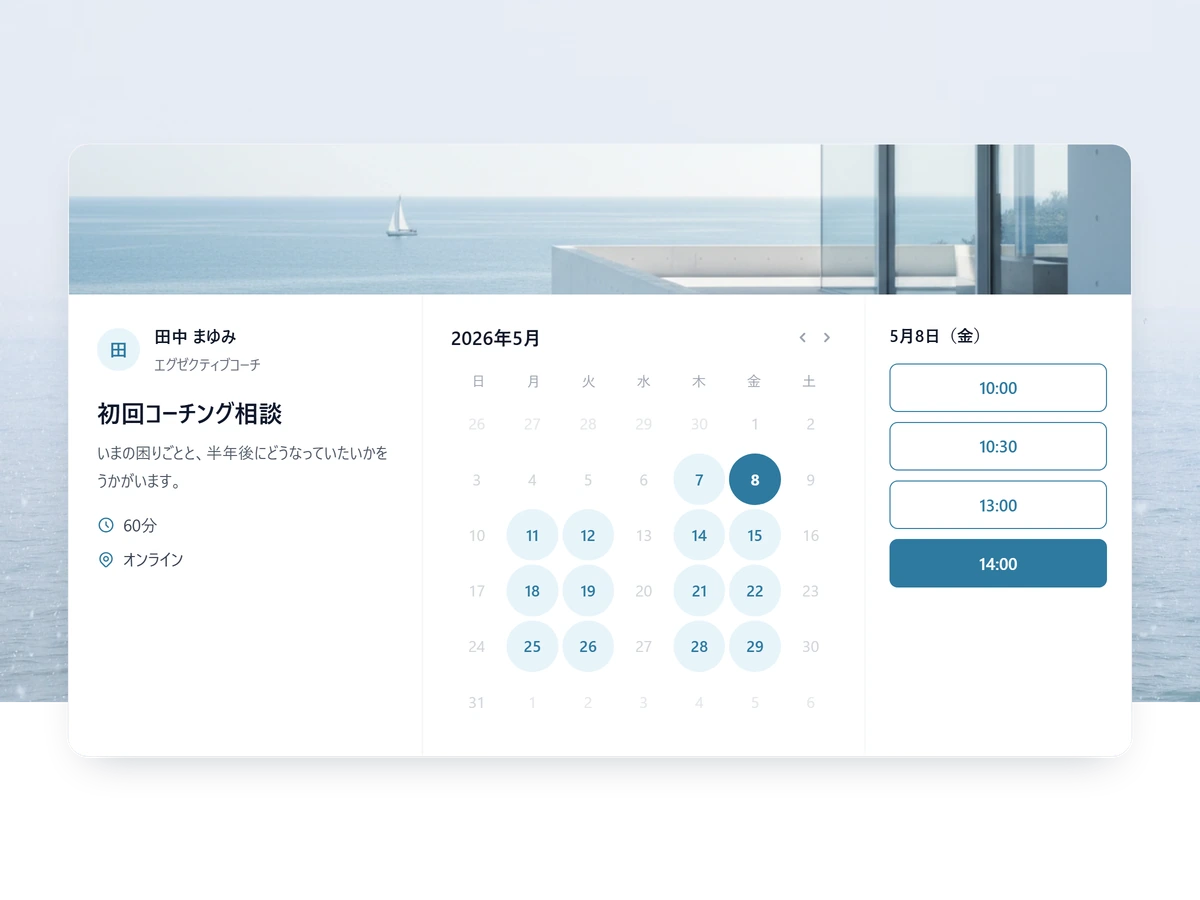
Bookings and payment, together in one link.
Booking, payment, reminders, and repeat-client records — SailLab runs the back office of your one-person business from a single link, so the hours you bill aren't lost to scheduling.
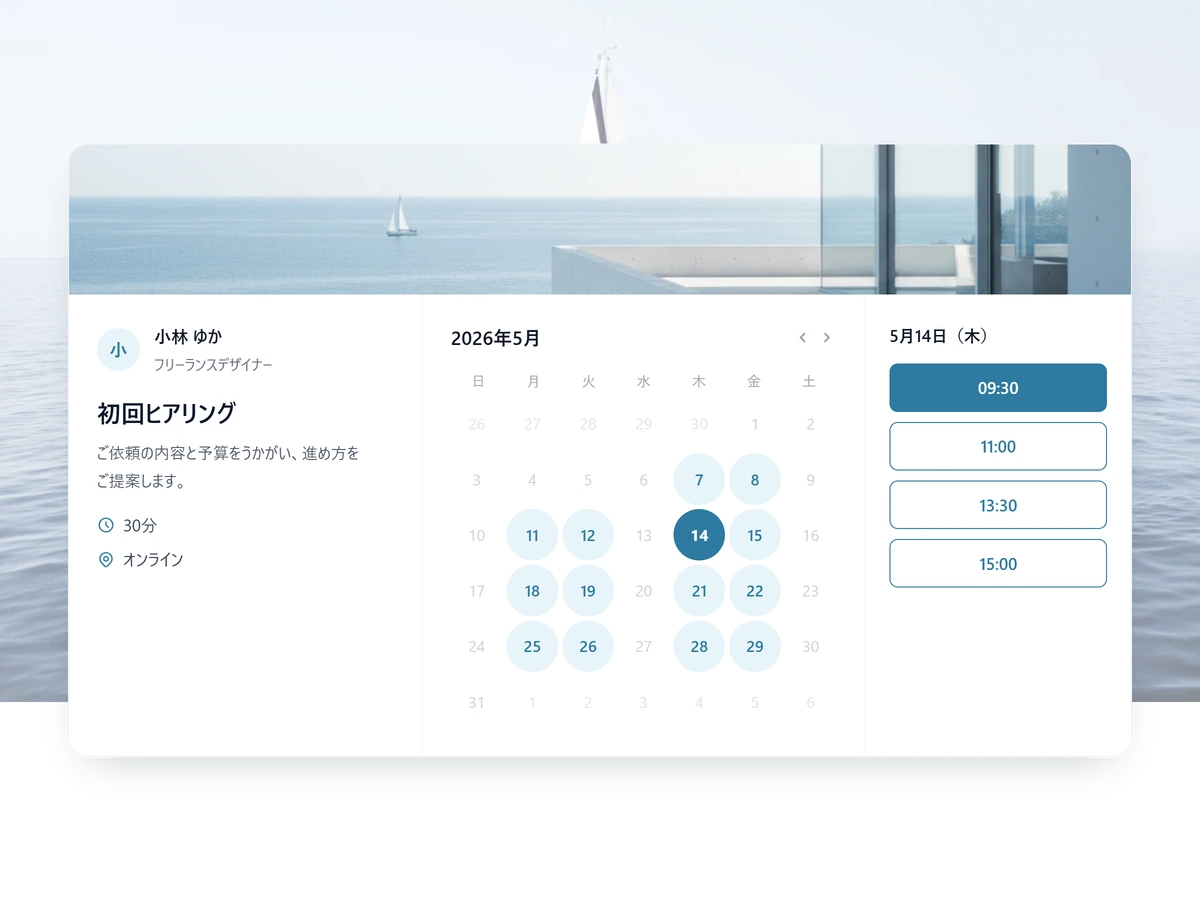
From booking to payment, on your own
Send one link; the booking and the payment are both done.
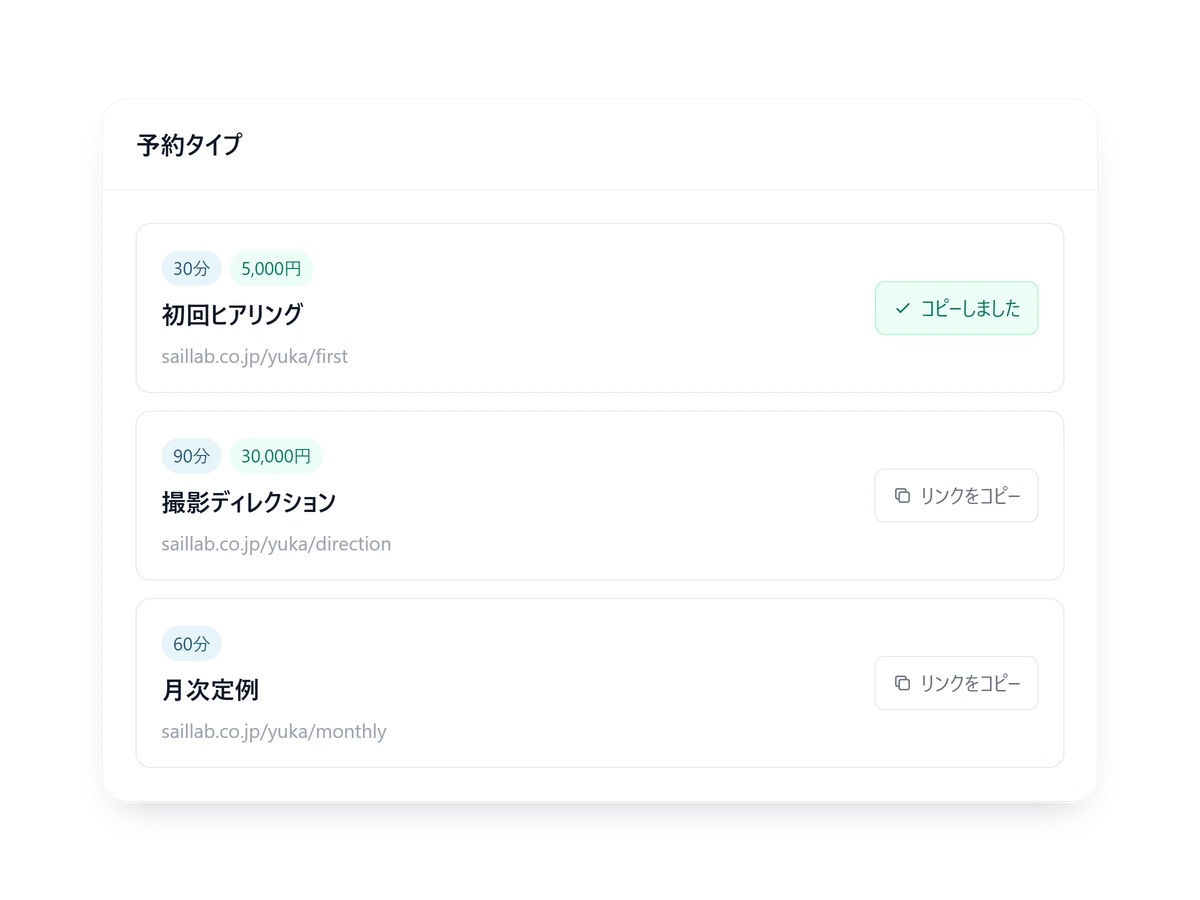
No website needed to take bookings
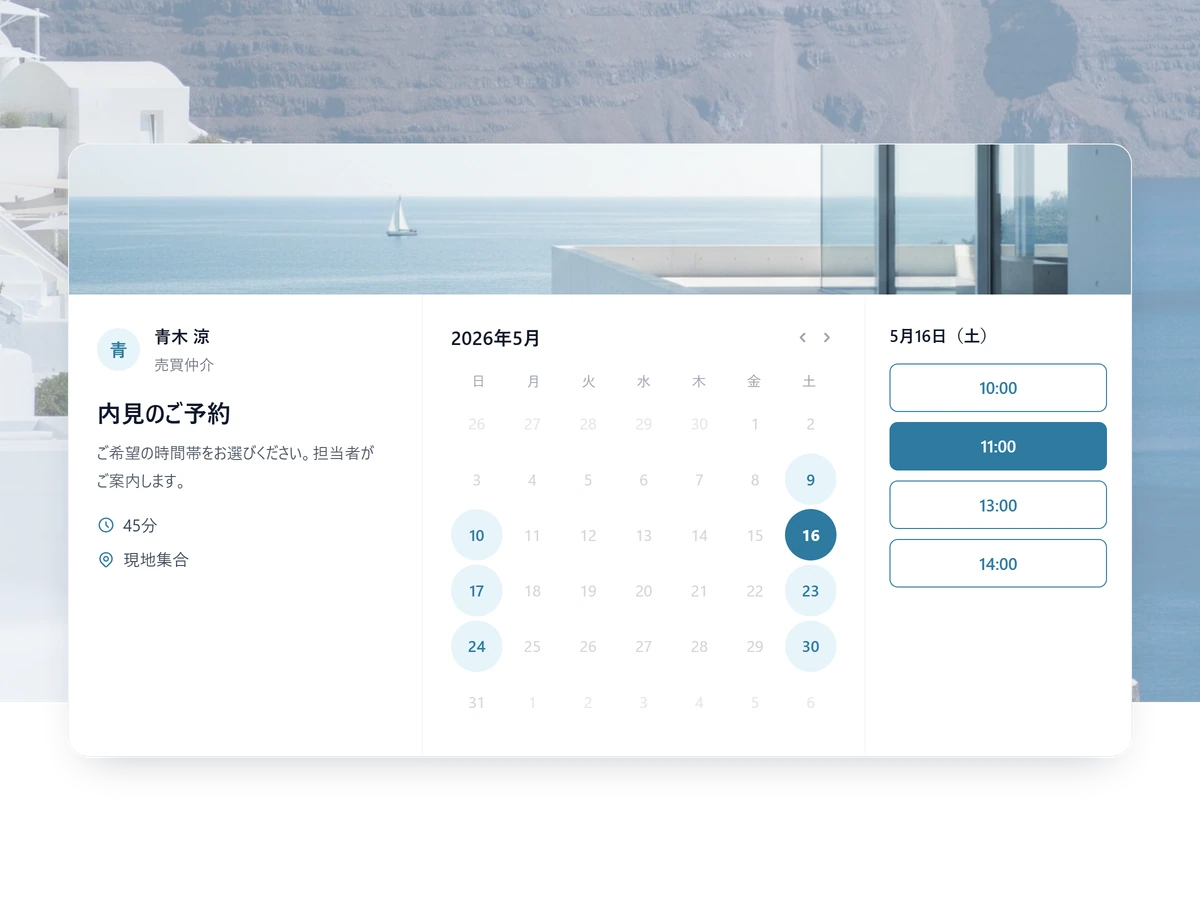
Send one link in a DM or an email, and the client books in seconds from times you are free.
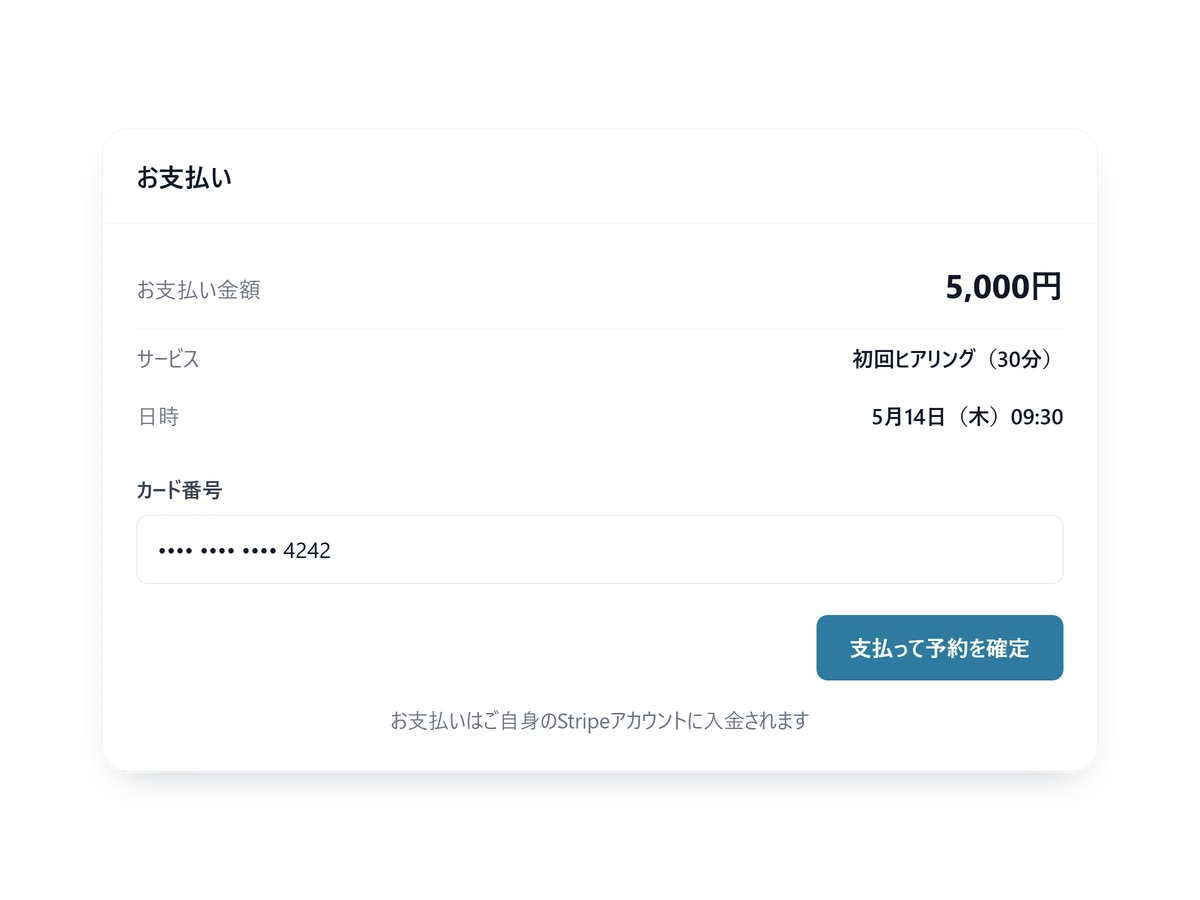
Paid at the moment they book
Payment lands with the booking — no invoice to send, nothing to wait for.
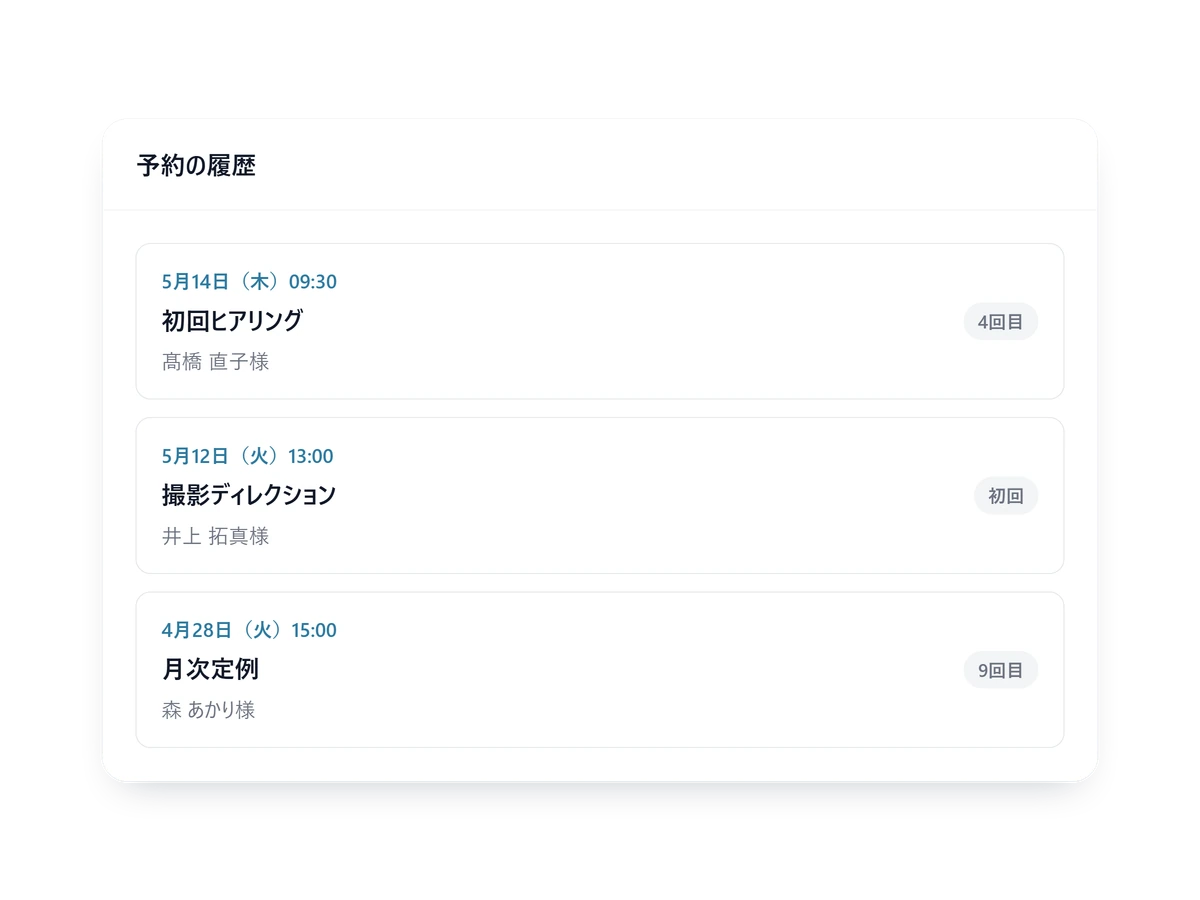
Who booked what, kept for you
Every booking adds to the client record, so a returning client never gets asked the basics twice.
Everything a one-person business needs
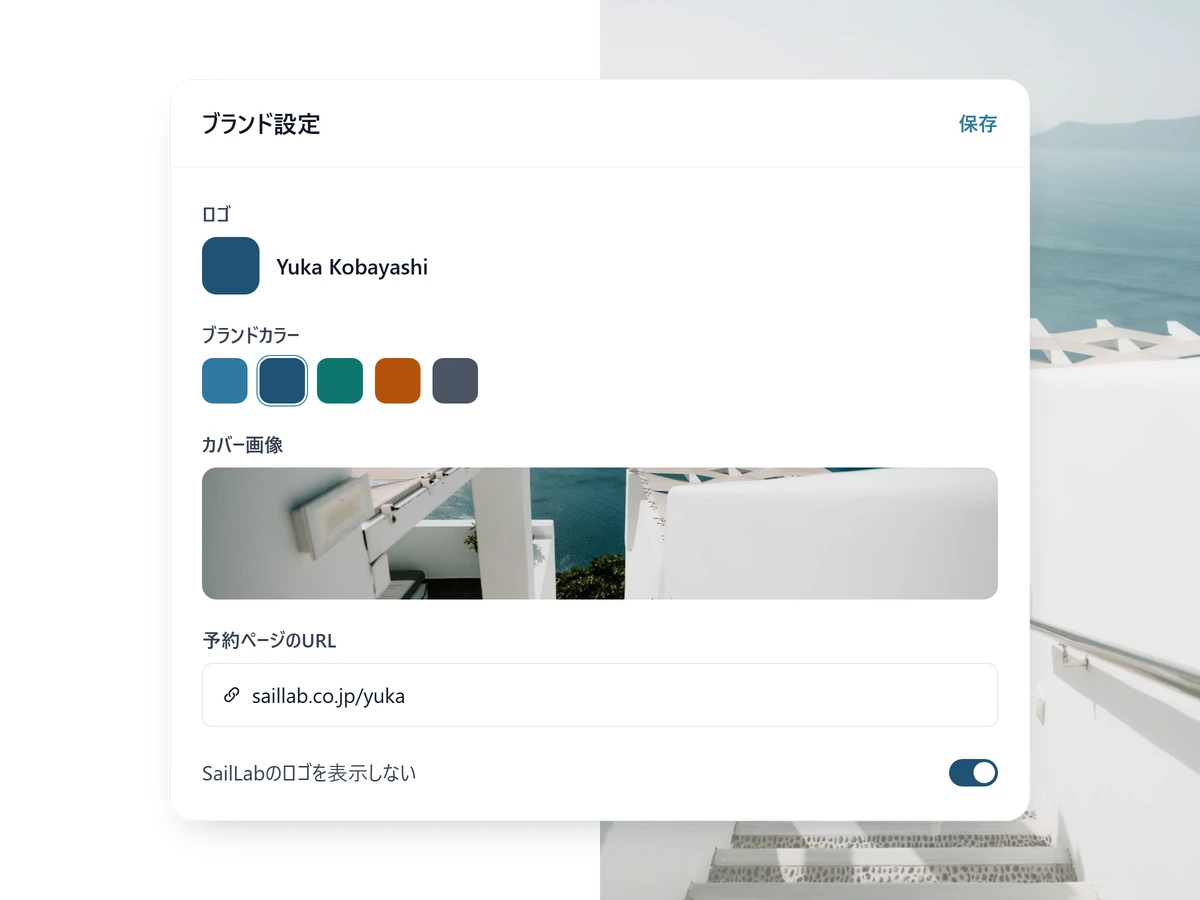
A page you can hand to anyone
Logo, colours, cover image, a line about each service. No designer, and still a page you are happy to send.
- Hide the SailLab logo entirely, on Light and above
- Show the page in Japanese or English
- Books the same way from a phone
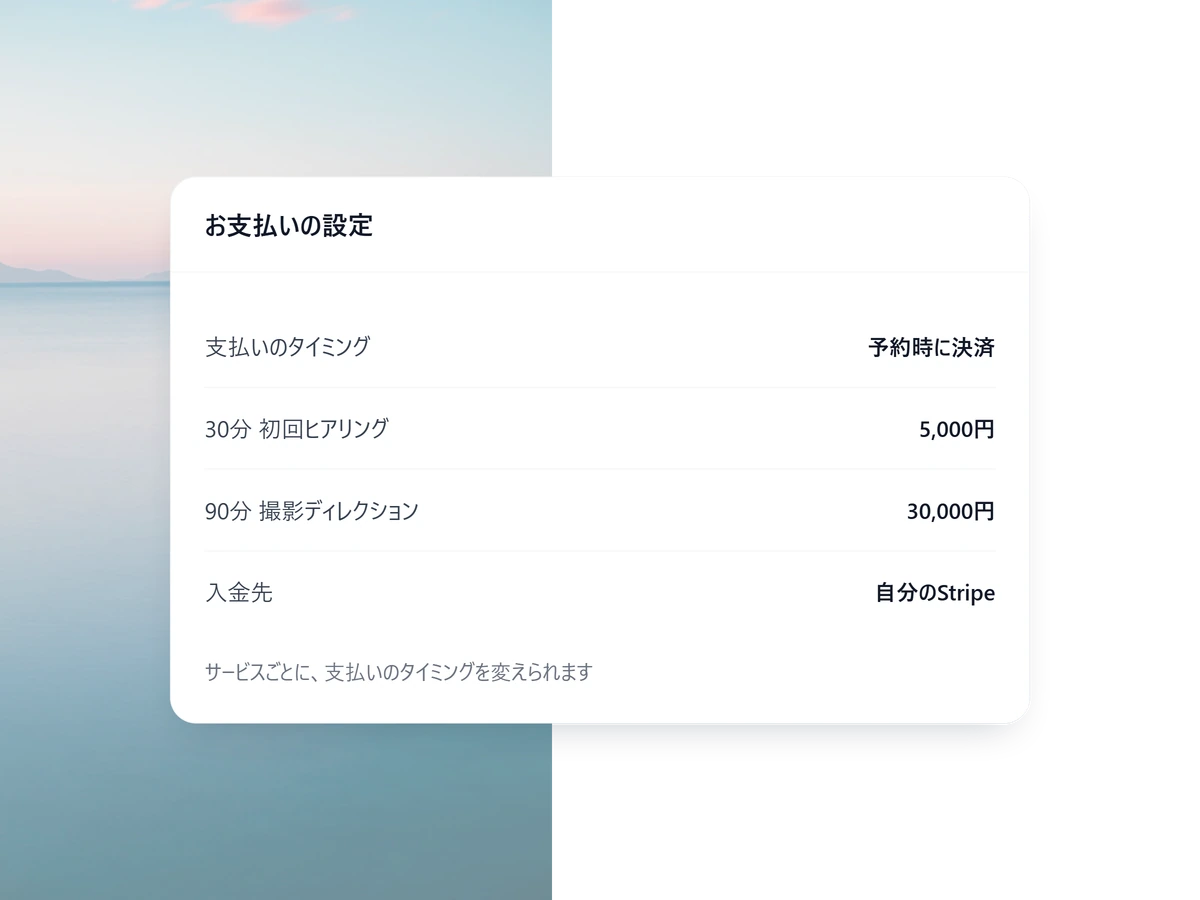
You choose when they pay
Take the card at booking or invoice afterwards, decided per service. The money lands in your own Stripe account. Available on Standard and above.
- Price and currency set per service
- Refund in full or in part from SailLab itself
- SailLab takes 3% on Standard, 0% on Professional (plus Stripe processing fees)
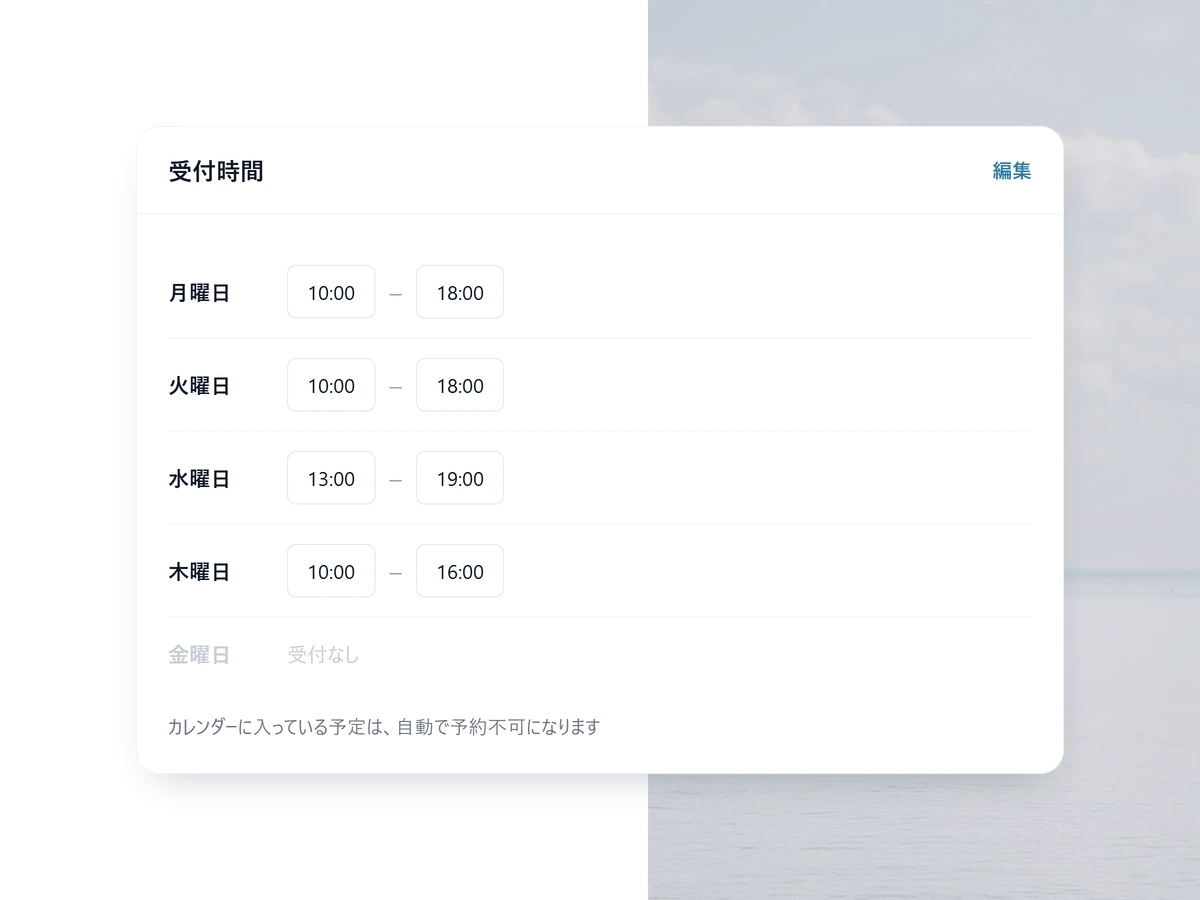
You never count your own free time
It reads your Google or Outlook calendar and offers only what is genuinely free. Confirmations and reminders go out on their own.
- The meeting URL is issued with the booking (Zoom, Meet, Teams)
- Clients reschedule or cancel themselves
- Set a cut-off for same-day bookings, and buffers
Put your booking link up tonight
Free to start. Your own branding is on Light; taking card payment at the time of booking is on Standard.
Up and running in one evening
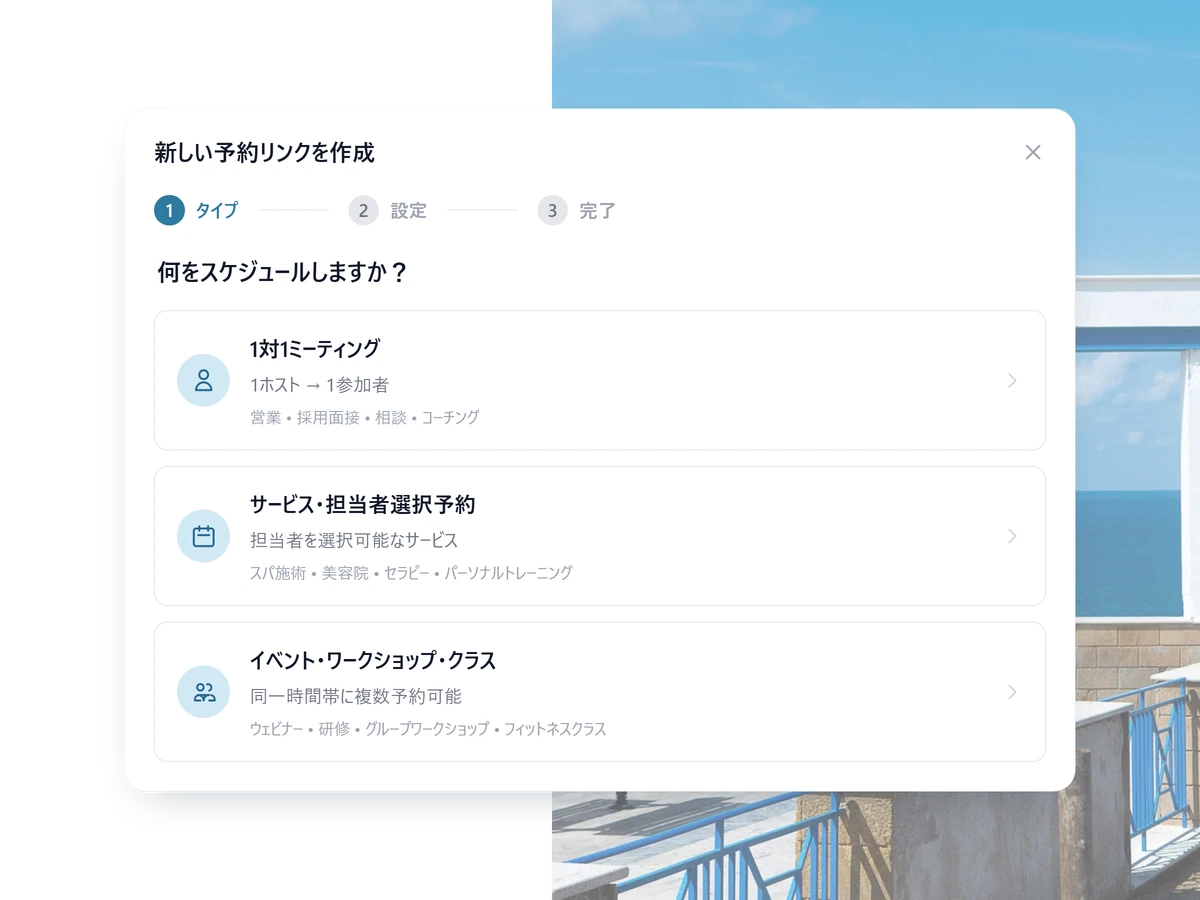
1 STEP 01
Set your services and prices
What you offer, how long it takes, what it costs. That is the whole setup.
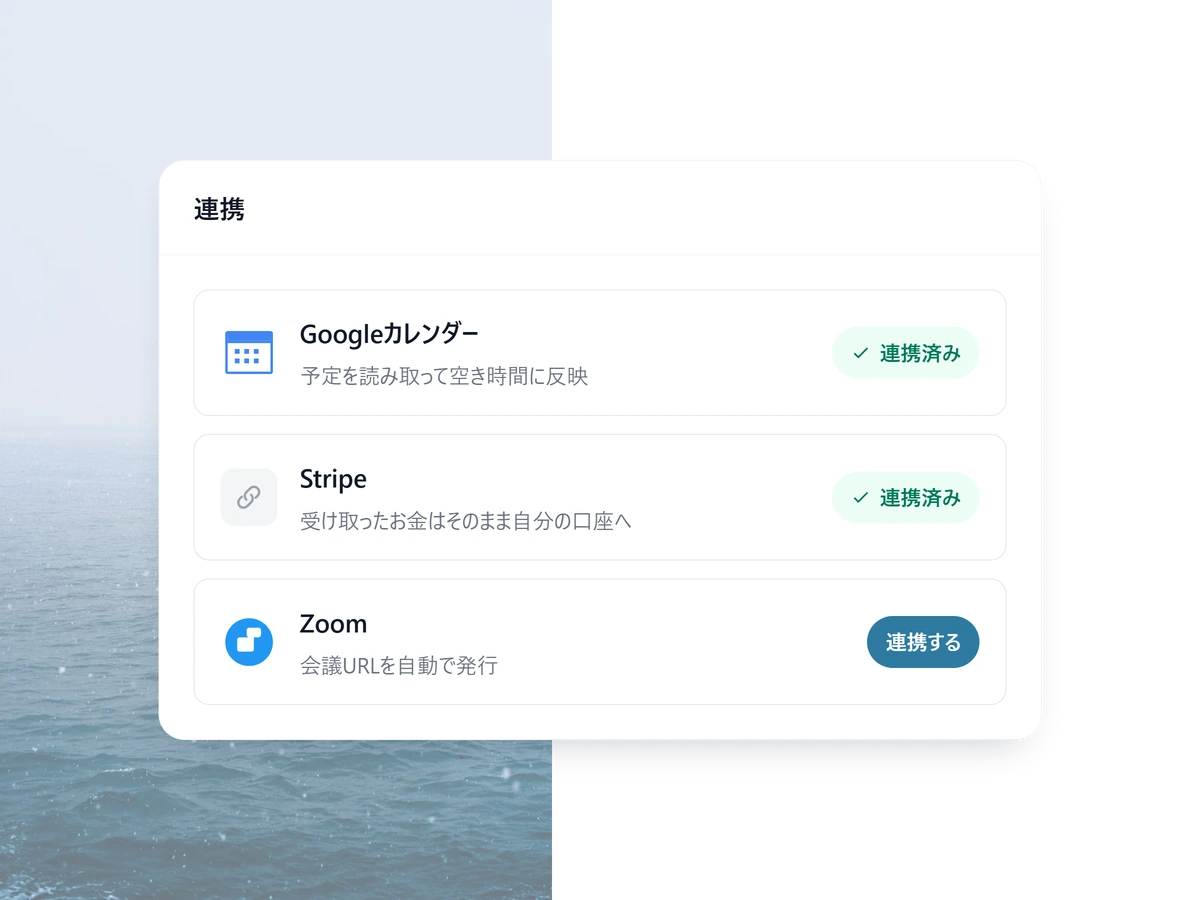
2 STEP 02
Connect your calendar and Stripe
From that moment the availability and the money both take care of themselves.
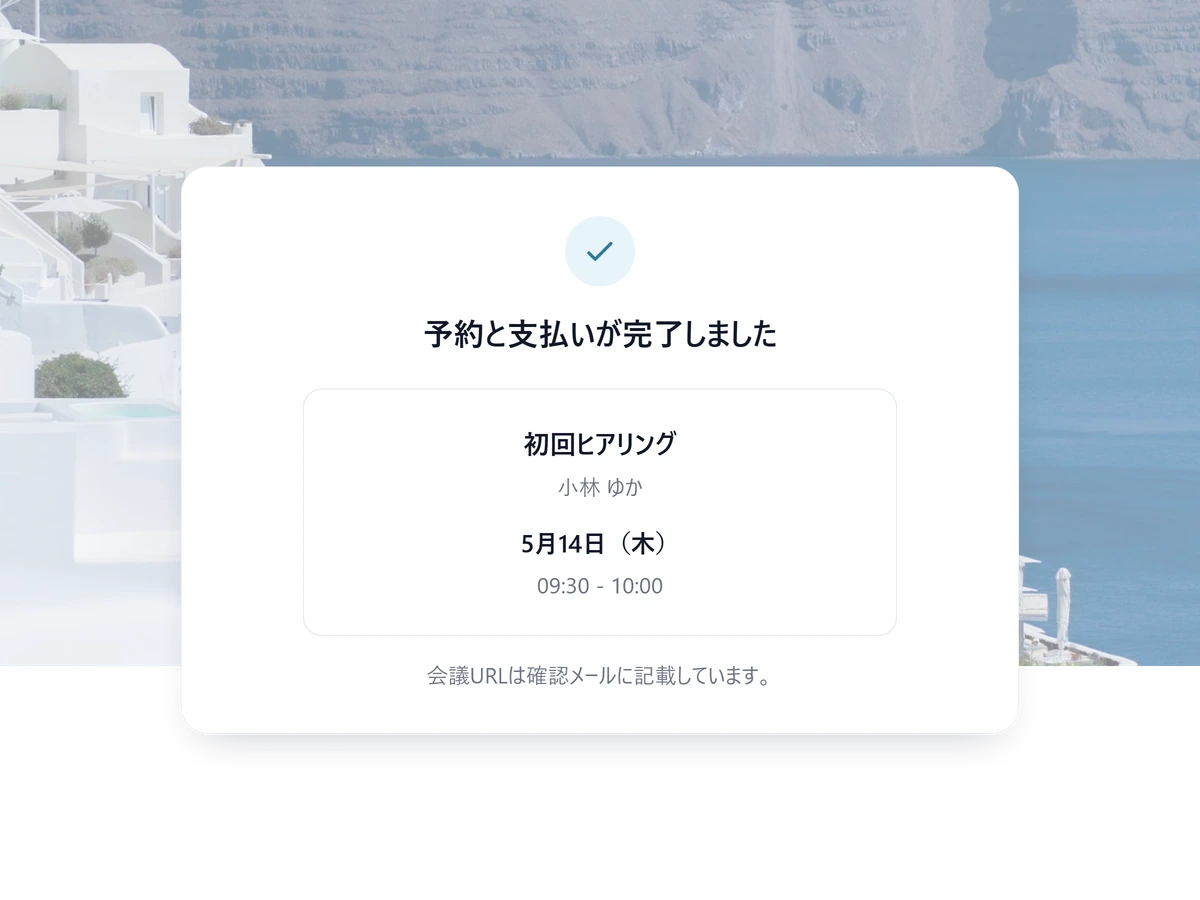
3 STEP 03
Send the link
A DM, an email signature, a profile. They open it and pick a time.
Other ways people use SailLab

Freelancer FAQ
Can I run my whole client process from one link?
Yes. One link handles your services, scheduling, intake questions, and payment — for most freelancers it replaces a website entirely. Put it in your profile or signature and you're open for bookings.
How do clients pay, and what does it cost me?
Connect your own Stripe and clients can pay by card the moment they book, or you can invoice for after. The money goes directly to your own account. SailLab's commission is 3% on the Standard plan and 0% on Professional, on top of the card processor's standard fee. Payment collection is on the Standard plan and above.
Do my clients need an app or an account?
No. They open your link, pick a time, and they're done — no account, no app. They get a confirmation with the video-call link (Zoom, Meet, or Teams) and a link to reschedule themselves if they need to.
What does it cost to start?
You can start free — calendar sync, confirmation emails and reminder emails are all included on the free plan. Paid plans add branding, multi-host meetings and taking payment. The pricing page has the full comparison.
What if I need to cancel a booking?
Cancel from your dashboard in one click — the client is emailed automatically and the slot reopens. If they'd paid, you can refund them in full at the same time.

Do the work. Skip the admin.
Free to start — your booking link can be live tonight.