
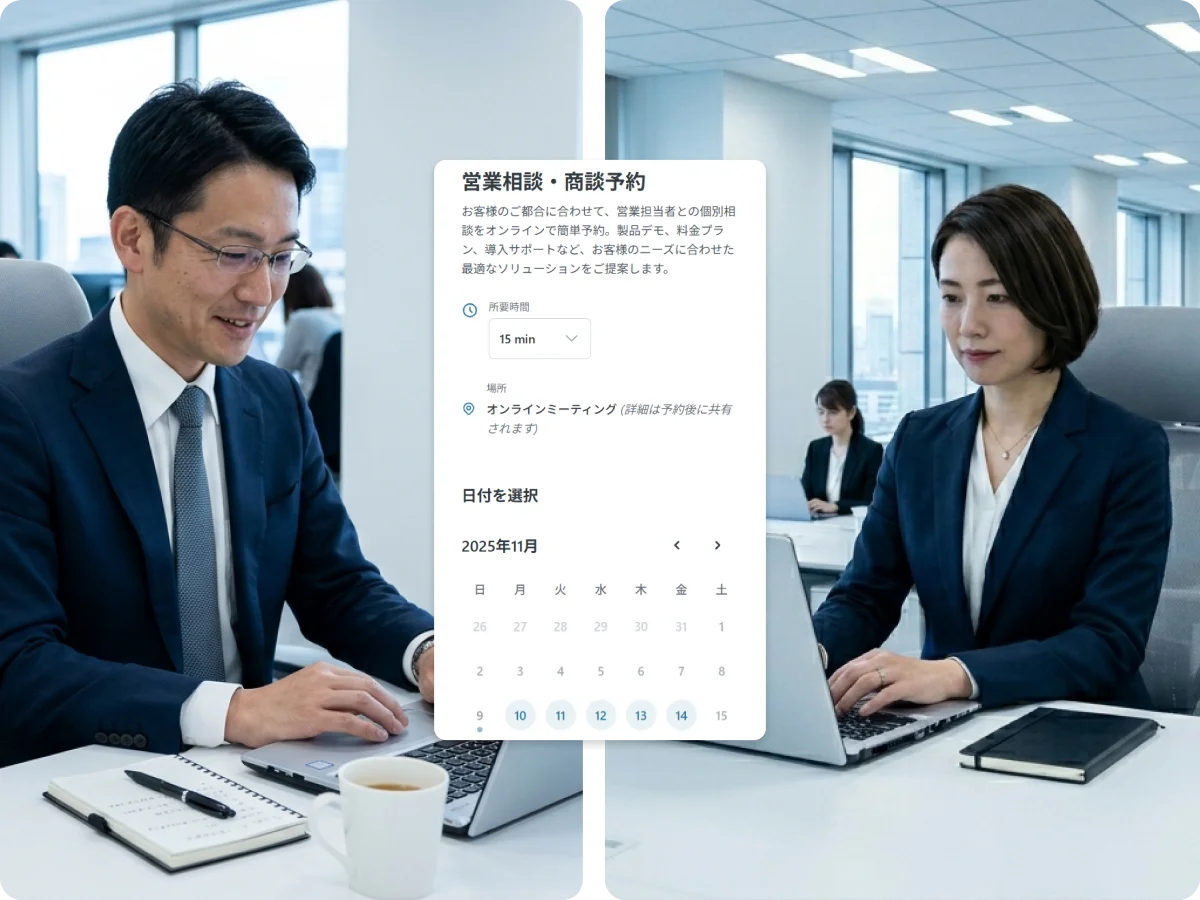
Interview scheduling: from days to minutes.
Check every interviewer's calendar, send three possible dates, wait for the reply, then go back to the panel because a slot has just been taken. That loop disappears — candidates book themselves, and only ever see times when the required interviewers are all genuinely free.
Is this what interview scheduling looks like for you?
You can't find a time when the whole panel is free
You finally find a slot where everyone overlaps — and while you're confirming it, someone's calendar fills up. The more interviewers sit in, the more often you start the search over.
It takes days to lock a date
Until the date is fixed, the process is stalled. Meanwhile another company's interview goes ahead — and sometimes their withdrawal email arrives first.
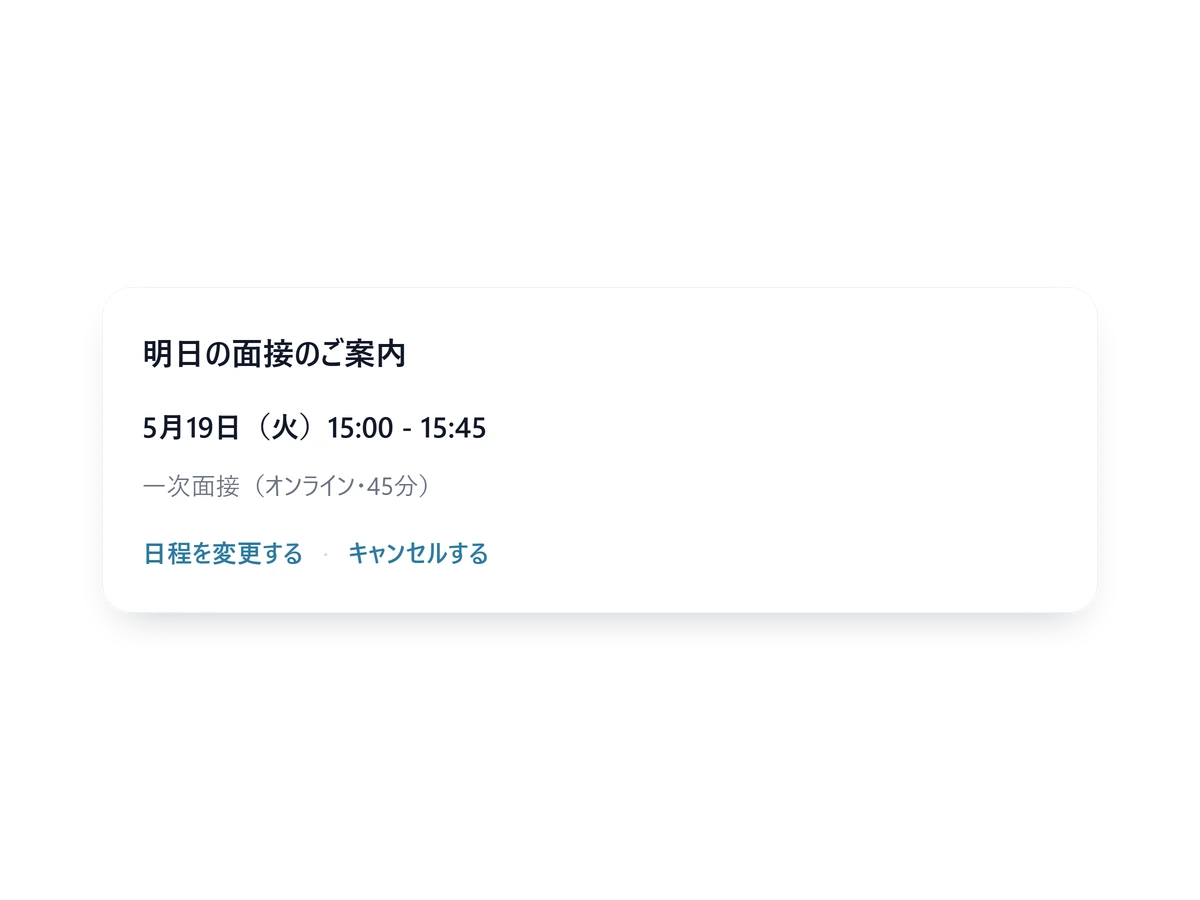
The candidate doesn't show up on the day
Between the booking and the day itself, interviews get forgotten and plans change. If nobody tells you, the interviewer time you blocked out is simply lost.
How SailLab solves all three
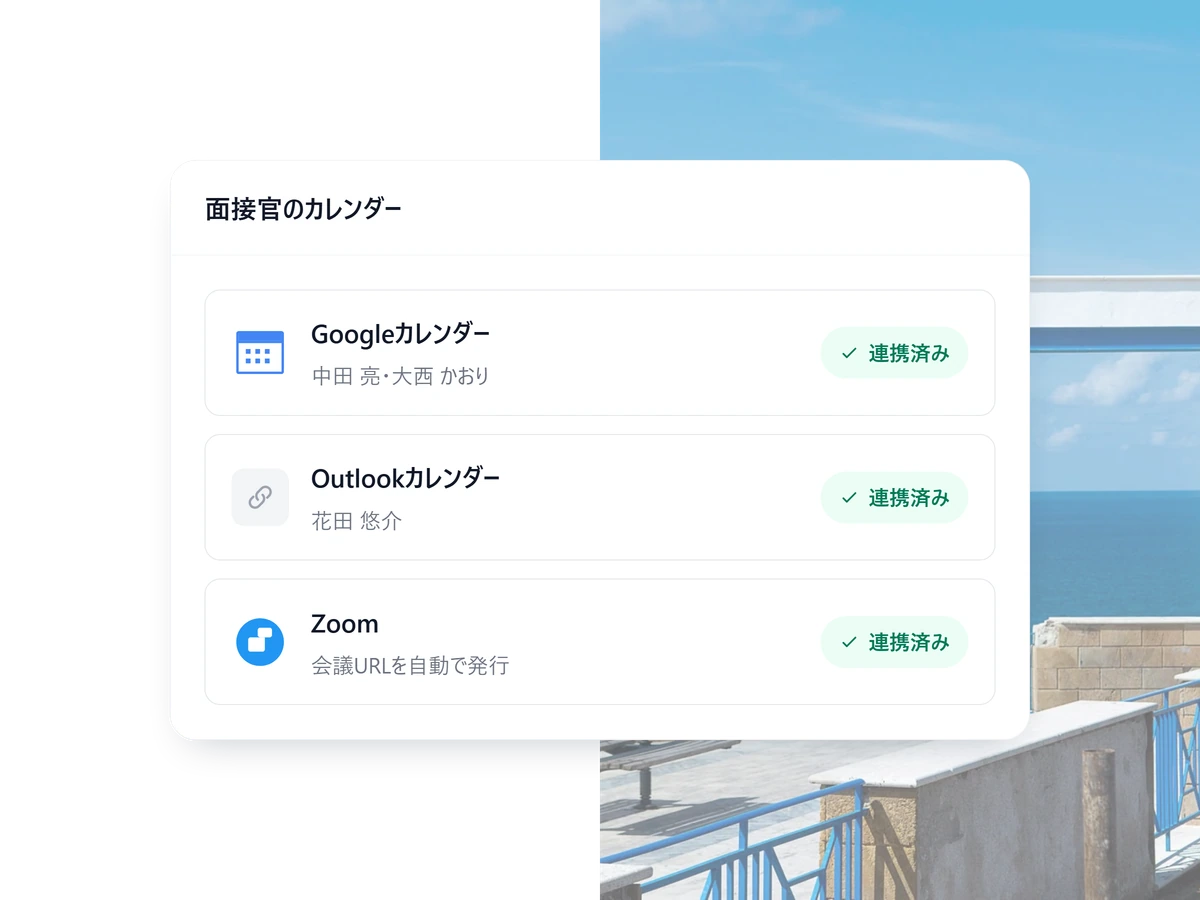
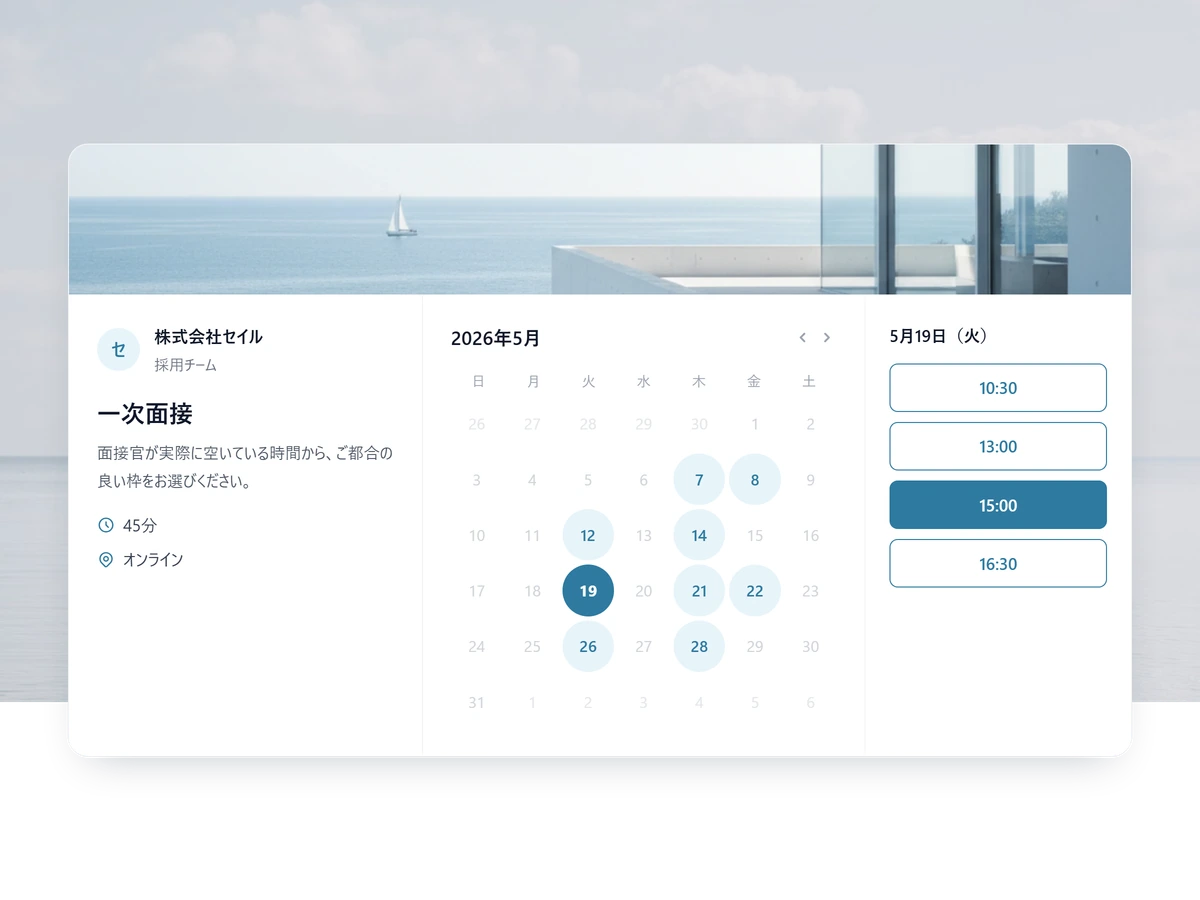
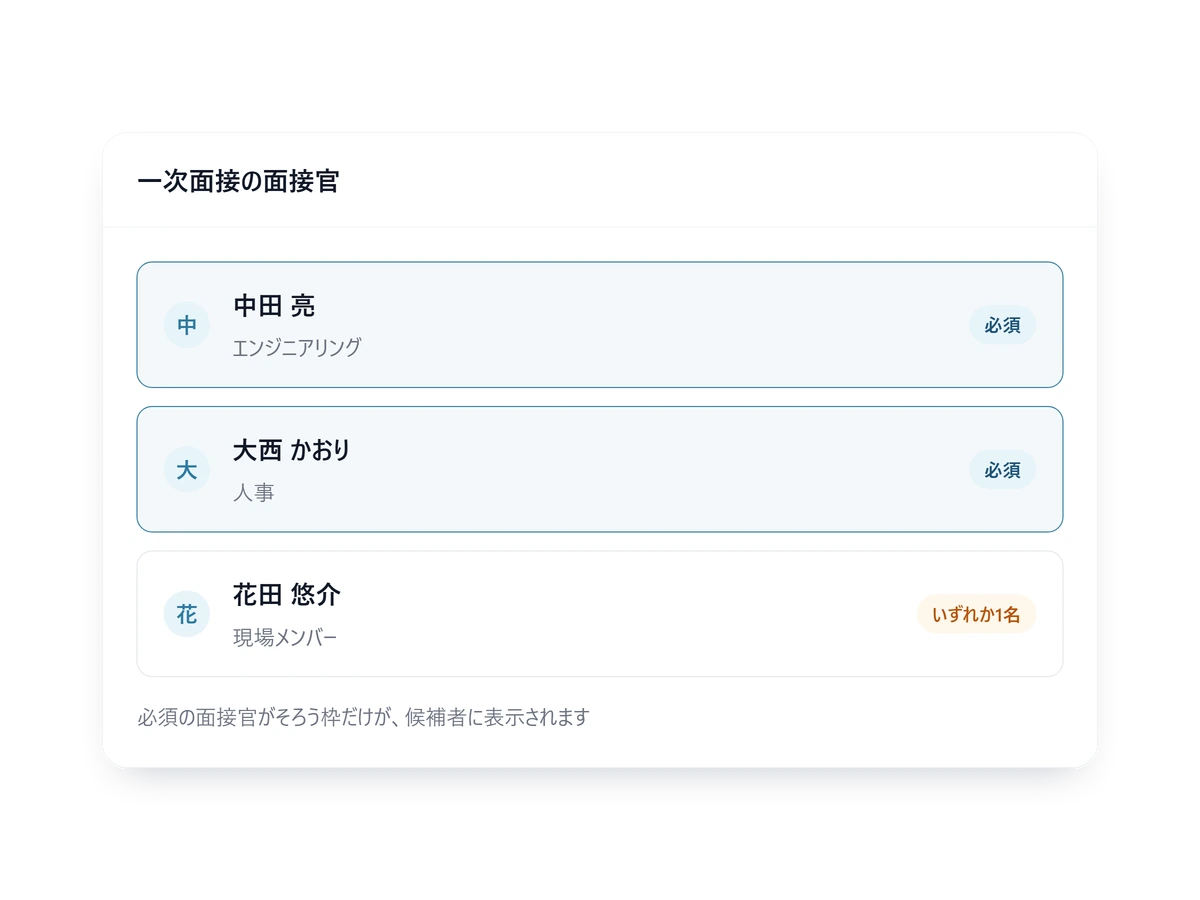
Only slots where the required panel is free
Mark each interviewer required, optional or one-of. Google and Outlook calendars are read together, whichever each person uses.
- A buffer either side of each interview
- Each interviewer keeps their own bookable hours
- Times shown in the candidate own timezone
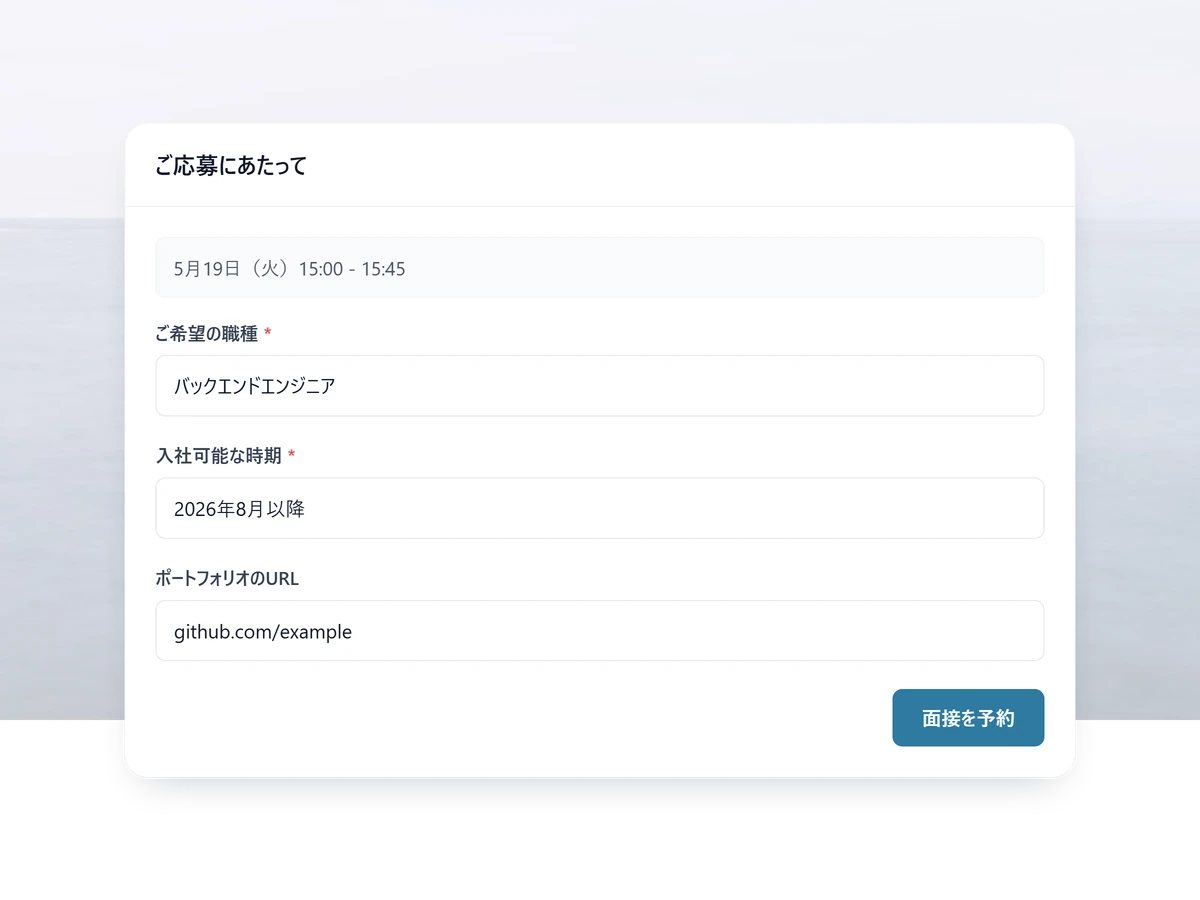
Ask what the role needs
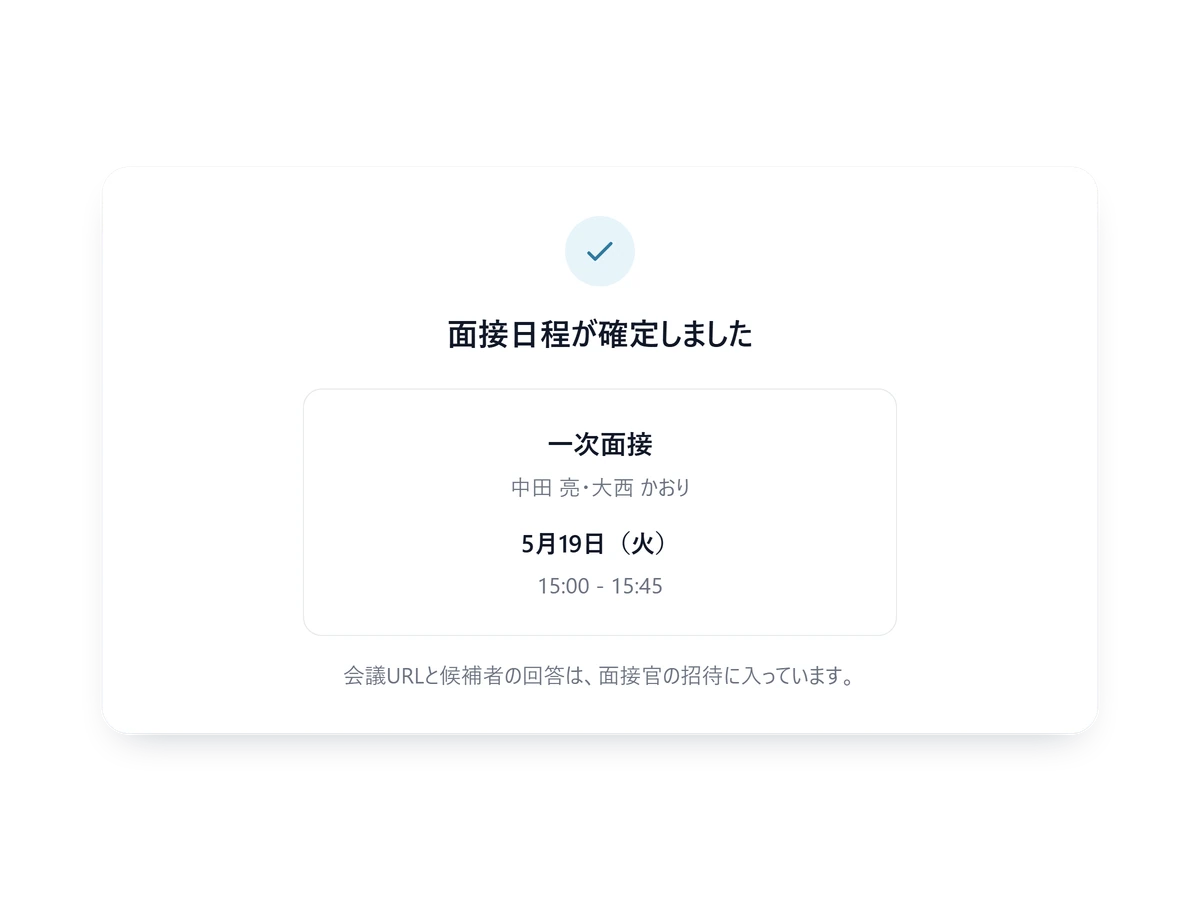
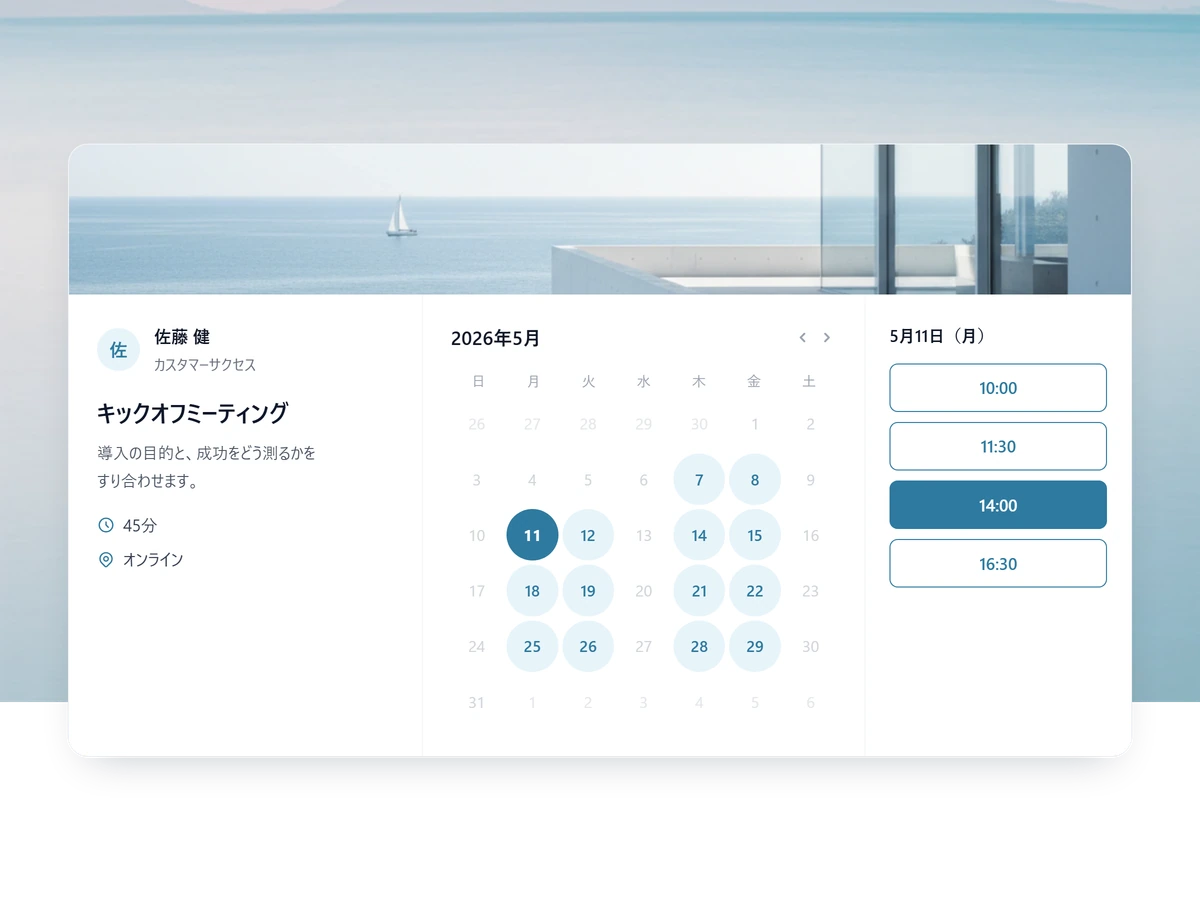
Paste the link into your reply. The interview is fixed the moment the candidate picks a slot, and their answers reach the panel with the invite.
- A different form per role
- Each field required or optional, as you choose
- Applicants are added to your contacts automatically
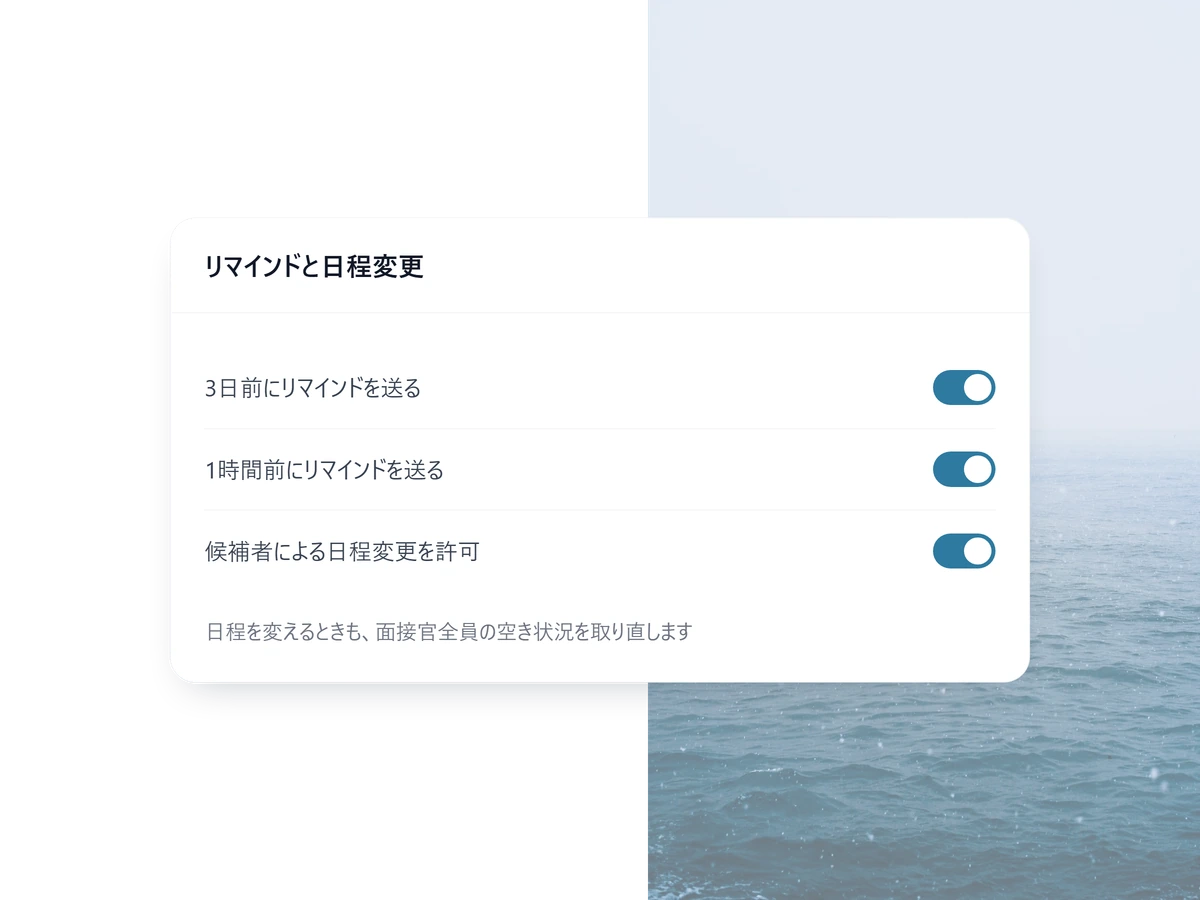
Reminders, and rescheduling they do themselves
Set when the reminder goes out. If the candidate moves the interview, everyone availability is recalculated for the new slot.
- The same mechanism sends a follow-up after the interview
- Candidates can cancel as well as reschedule
- Edit the reminder wording as a template, on Light and above
Set up your first interview booking page
Free to start. Multi-interviewer panels need Light or above; nothing is charged until you choose a paid plan.
Make the link, send the link
1 STEP 01
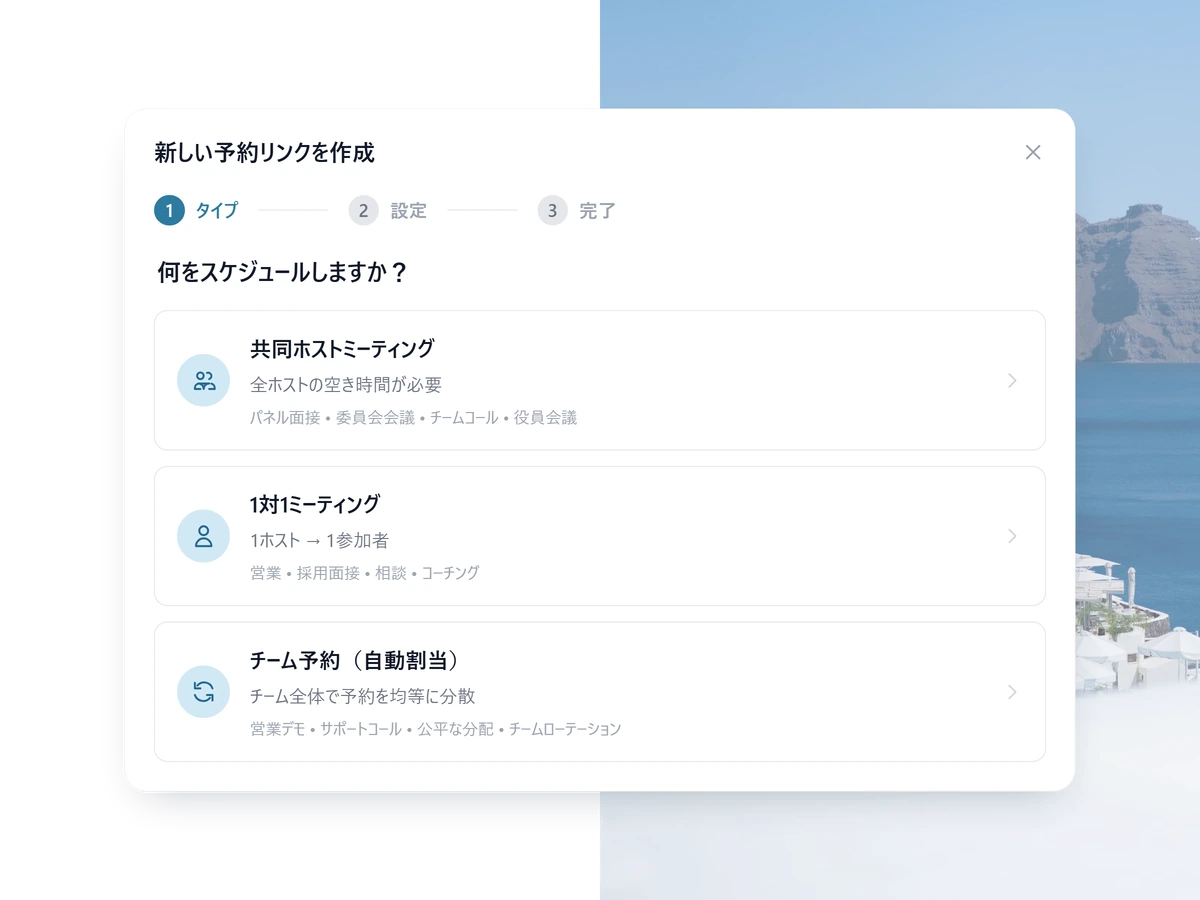
Build the interview page
Who sits in, how long it runs, what you want to ask. Three things.
2 STEP 02
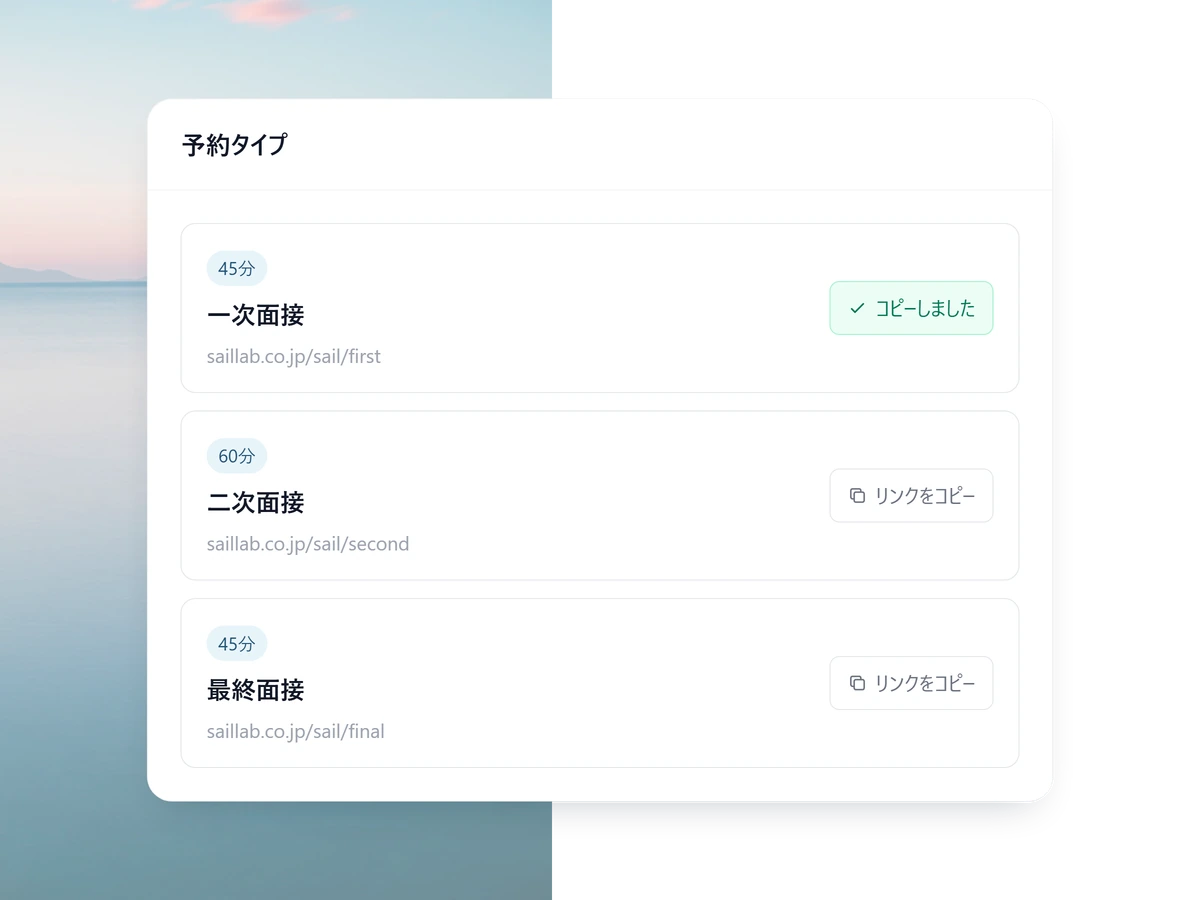
Send the link to the applicant
Paste the URL into your reply and the candidate picks from what the panel actually has free.
3 STEP 03
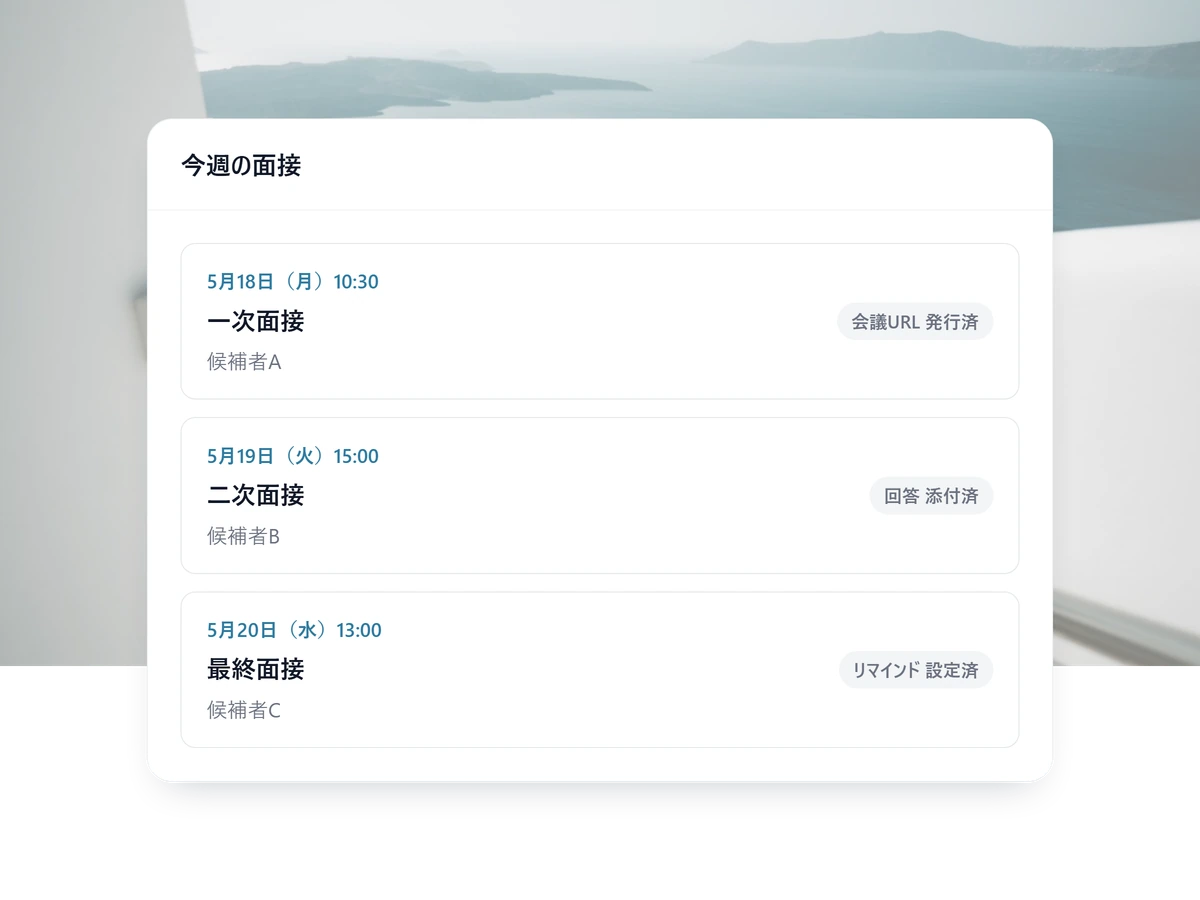
After that it runs itself
Calendar entries, the meeting URL, the confirmation and the reminder all happen without you.
Other ways teams use SailLab
Recruiting FAQ
Can SailLab coordinate panels across time zones?
Yes. Each interviewer's calendar is read in their own time zone, and candidates see slots translated into theirs. Confirmations and reminders also land in each recipient's local time — no 3 AM mistakes.
Does SailLab integrate with our ATS?
Not via a native ATS integration today. Bookings sync to each interviewer's Google or Outlook calendar in real time, so any ATS that reads from those calendars sees the interview. Native integrations for major ATSs (Greenhouse, Lever, Workday) are on our roadmap.
Can interviewers block out 'no interviews' time?
Yes. Each interviewer can set working hours, holidays, vacation, and one-off blocks (with optional weekly recurrence — e.g. 'no Friday afternoons'). SailLab also reads each interviewer's Google or Outlook calendar in real time, so any event added there blocks new bookings automatically.
What about confidential / executive hiring?
Booking pages can be set to 'private' visibility, which means only people with the direct link can access them — they don't appear in any public listing. Combine that with team-level visibility on bookings (so only the relevant interviewers see the data) to keep sensitive searches contained.

Ship offers faster.
Free to start. Set up your first interview booking page in under 10 minutes.