

Keep customers engaged at every milestone.
From the first onboarding call to the renewal conversation, SailLab makes sure every customer touchpoint actually happens — without your CSMs chasing calendars.
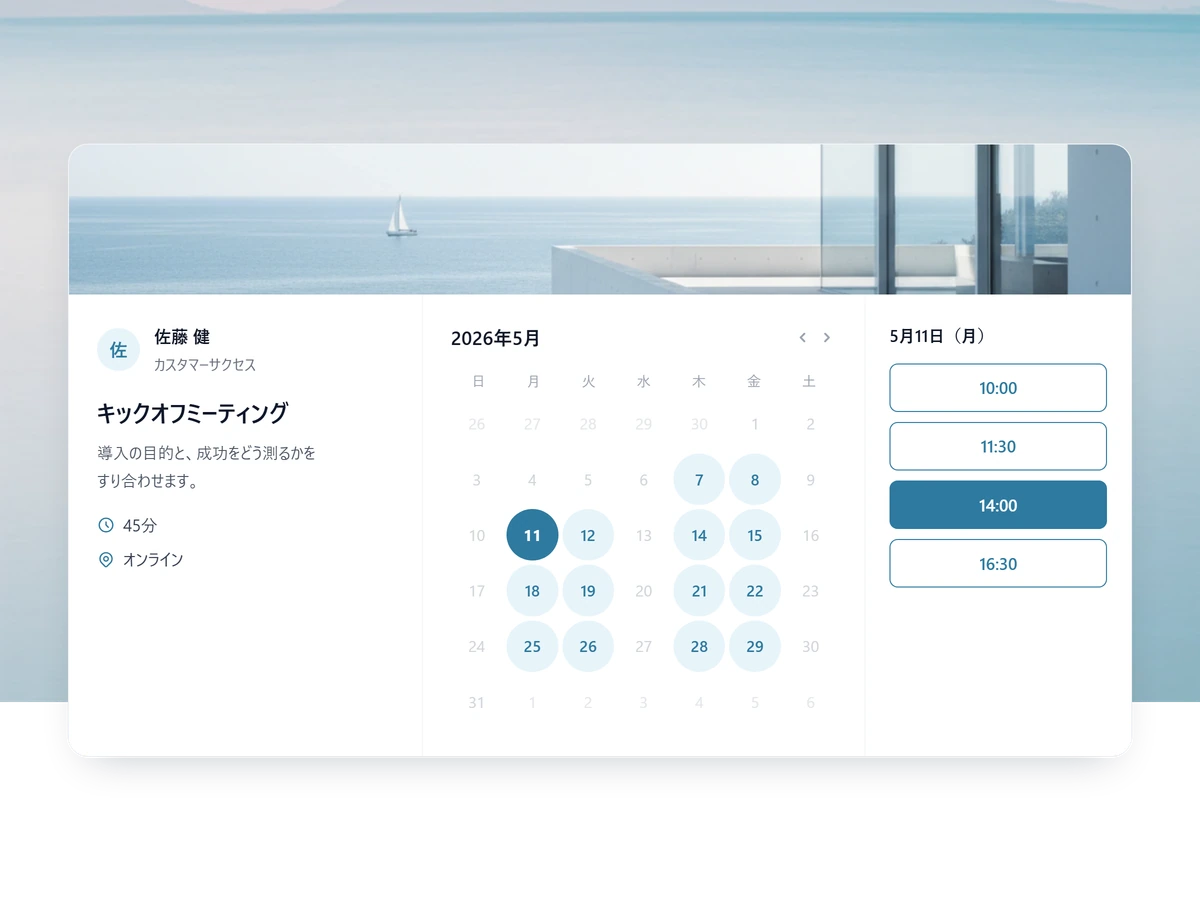
Never lose track of a customer milestone
From onboarding to the renewal conversation, nothing stalls on scheduling.
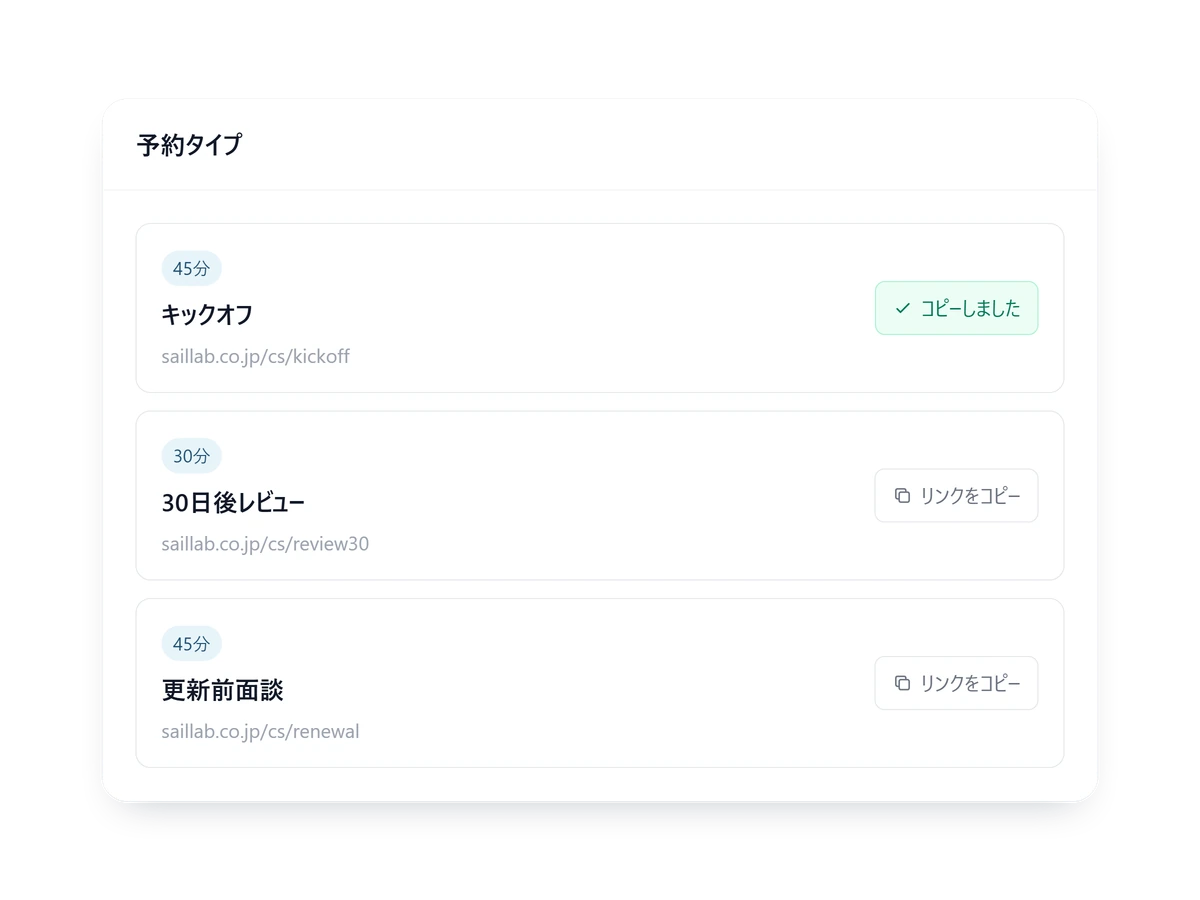
Kickoff starts with one link
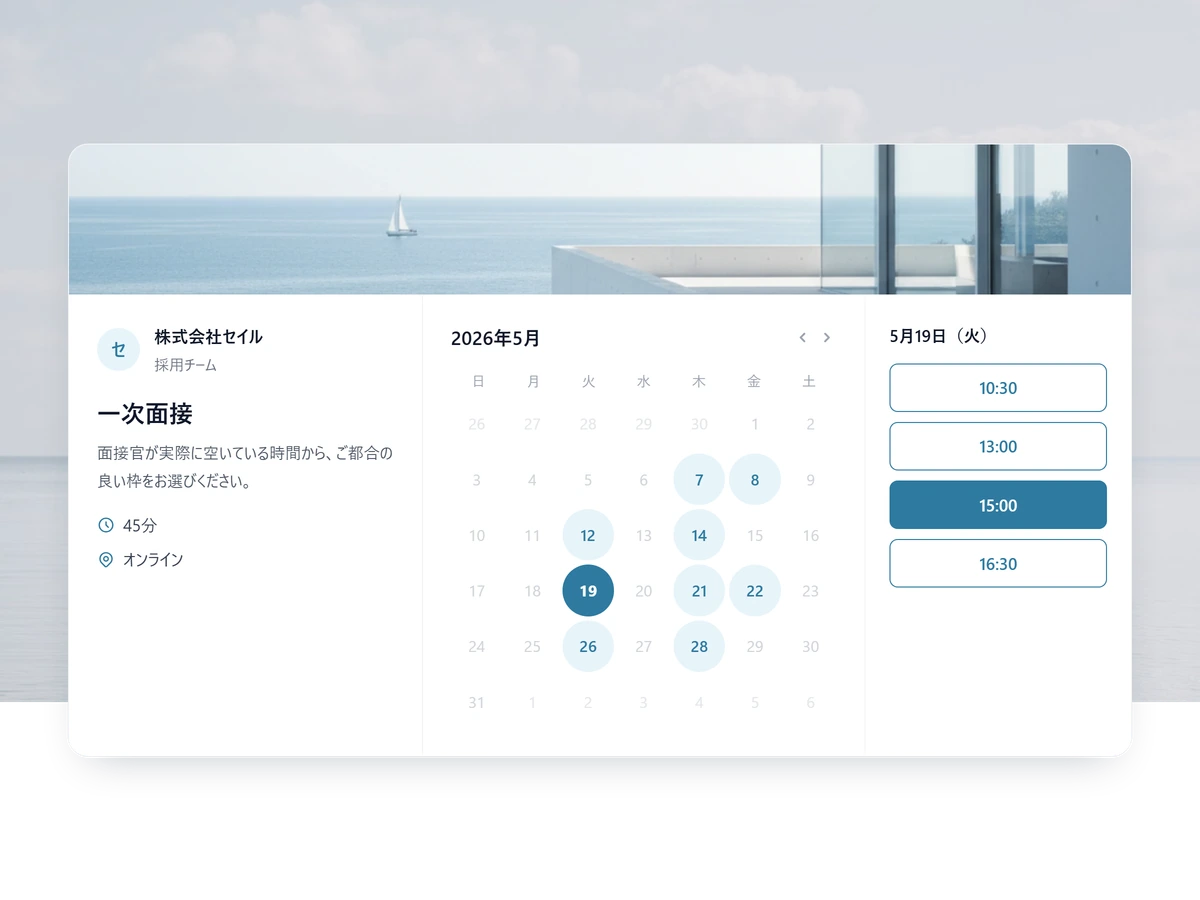
Put one link in the welcome email and the customer picks a time that suits them.
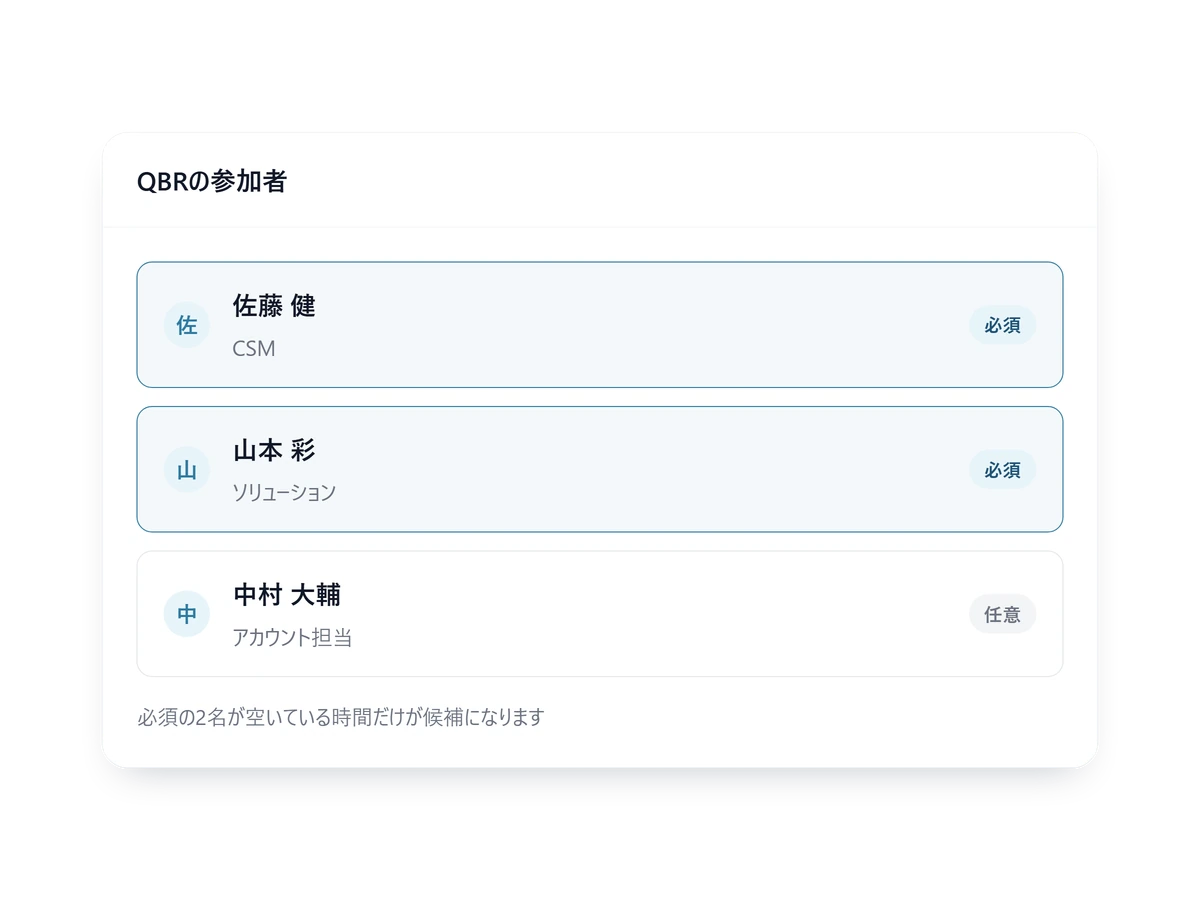
A three-person QBR still finds a slot
Mark who is required and who is optional, and only slots where everyone required is free are offered.
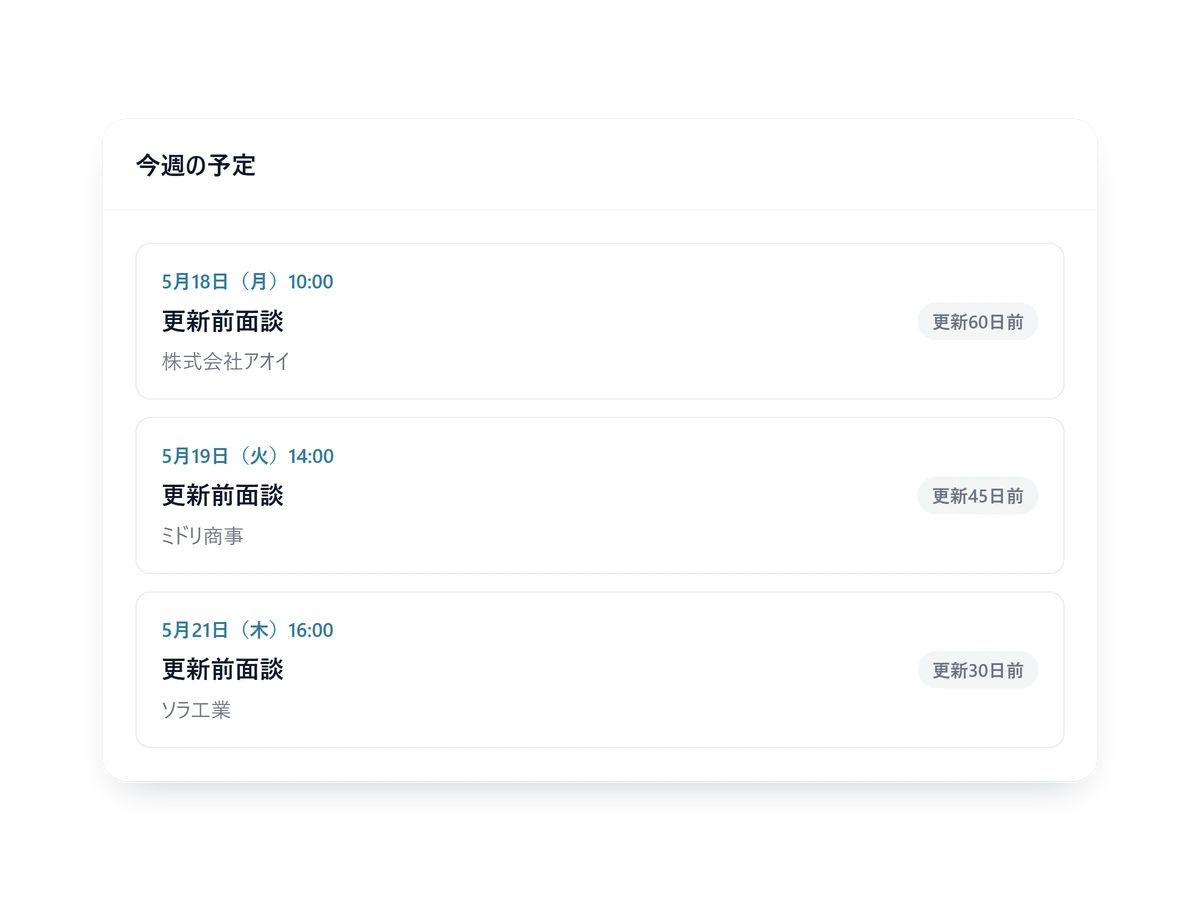
The renewal conversation, before it slips
Keep the link in your standard email and customers book the renewal conversation themselves.
Features that make renewals happen
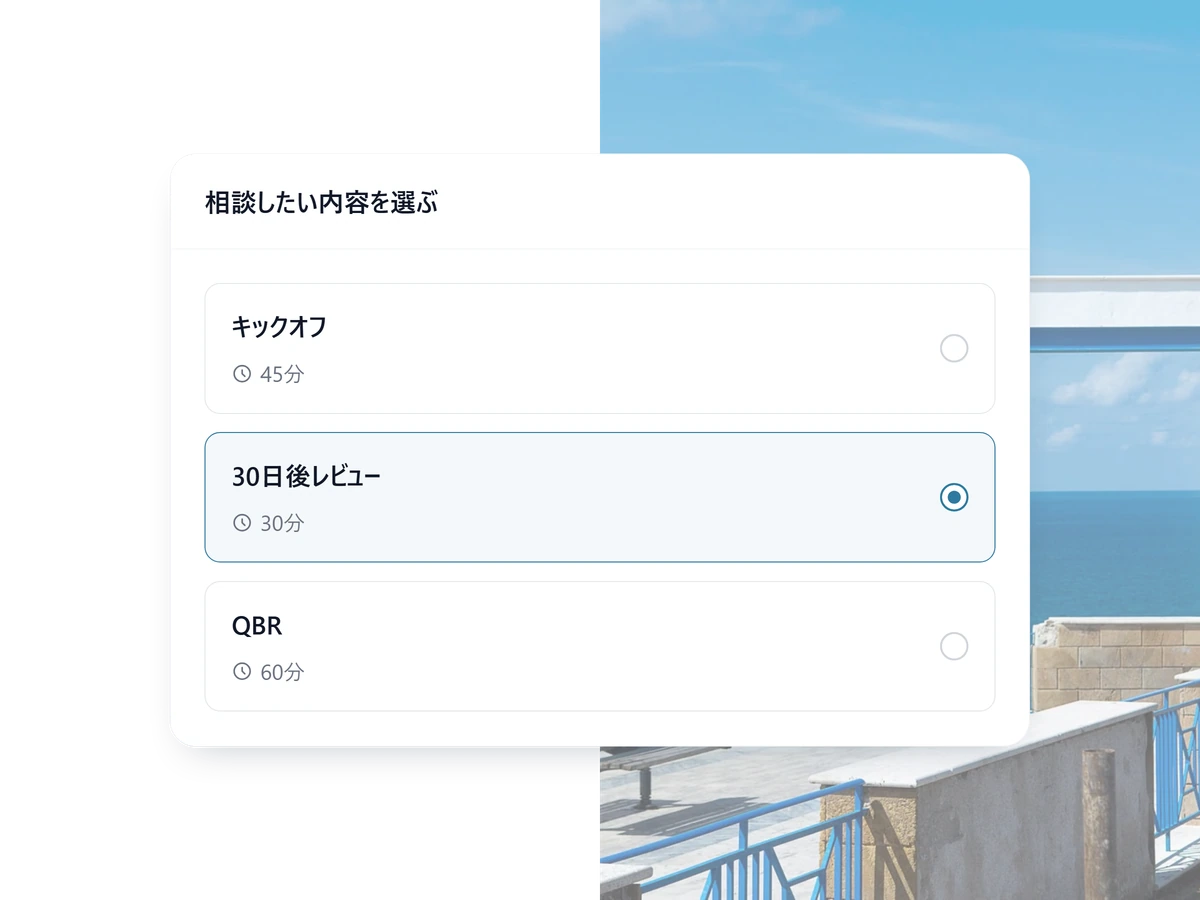
A page per touchpoint
Kickoff, the 30-day review, the QBR, the renewal conversation — each with its own length and questions, each linked from the email that mentions it.
- Assign owners per touchpoint
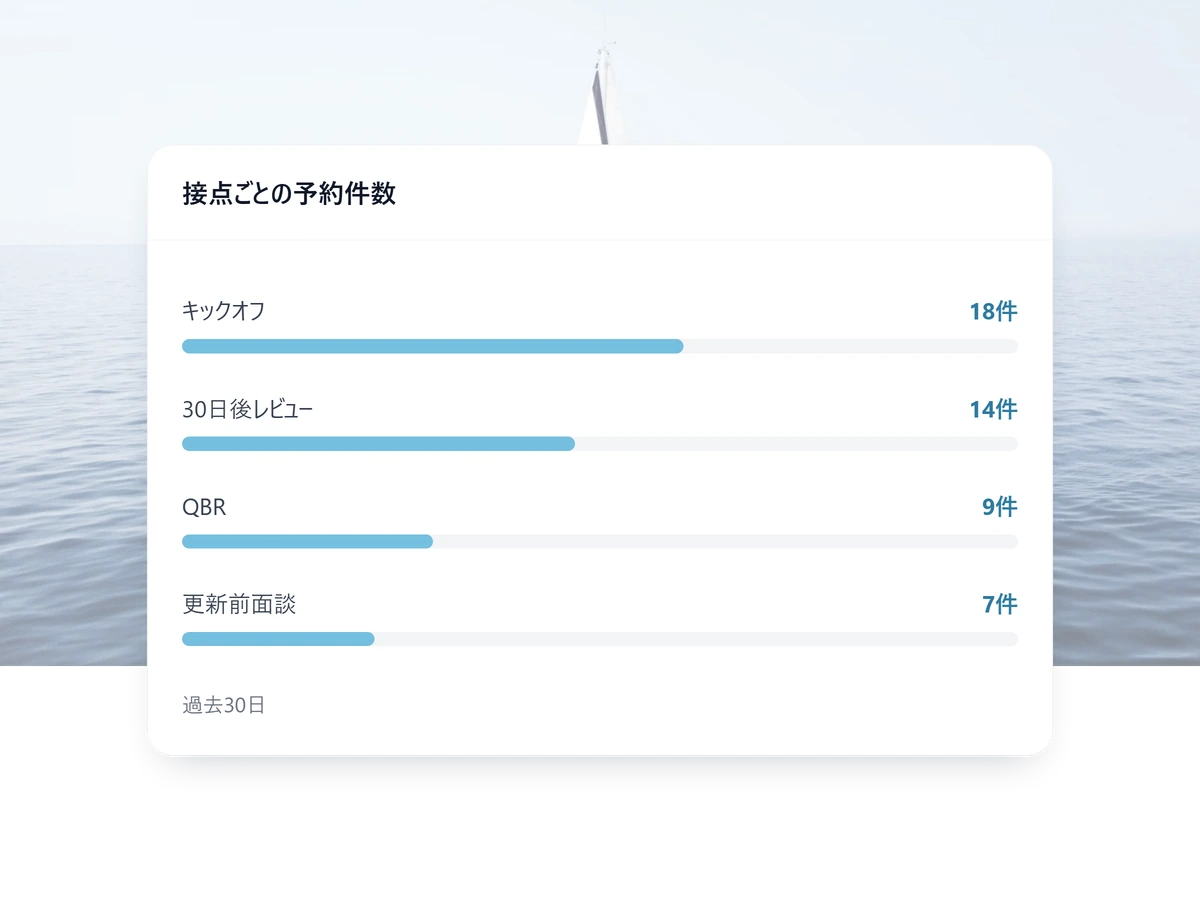
- Counts per touchpoint on Standard and above
- Send them to any URL afterwards — onboarding material, for instance
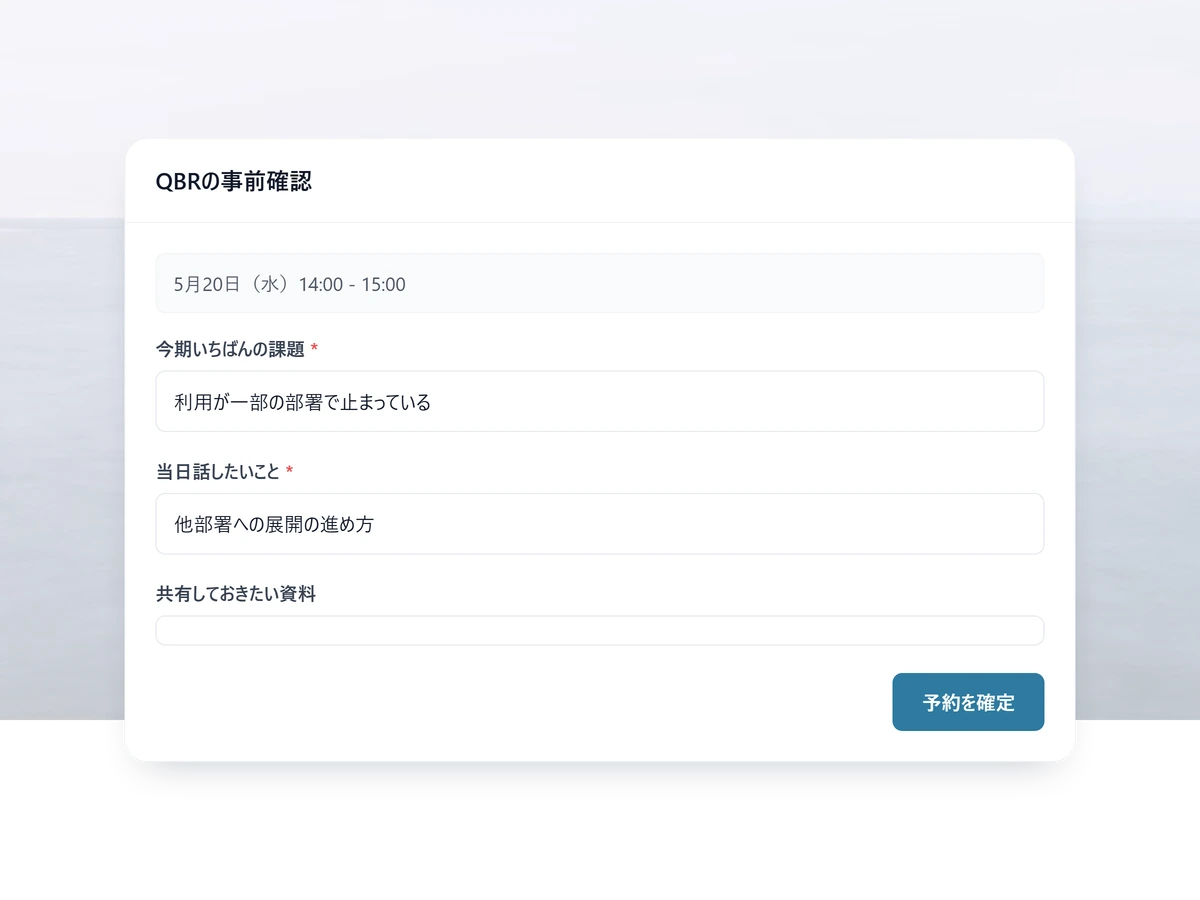
They tell you before the call
Different questions per touchpoint, with the answers attached to the calendar invite, so the call does not open with catching up.
- Each field required or optional, as you choose
- Whoever answers is added to your contacts automatically
- Reuse a form on another touchpoint
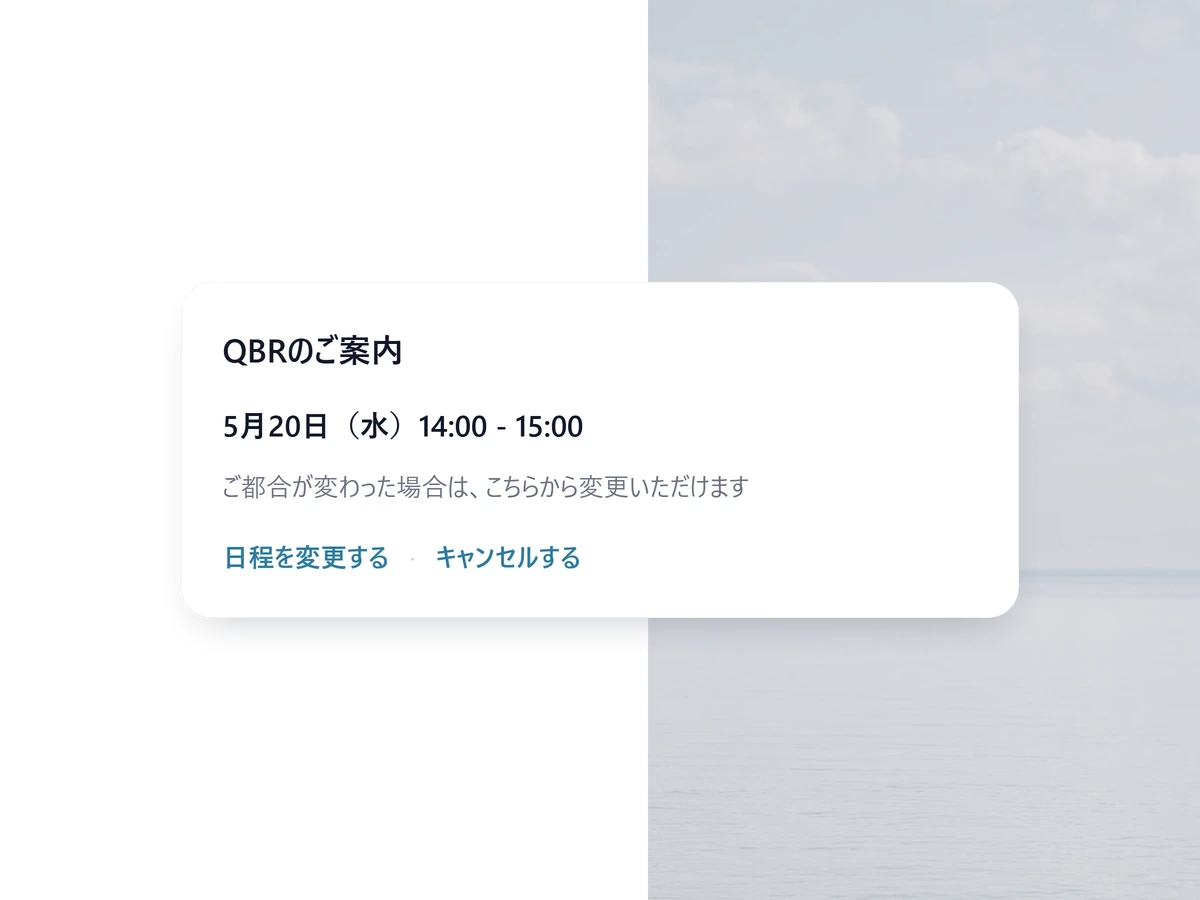
Rescheduling never reaches your inbox
The customer moves the meeting from their own confirmation email, without a thread landing on the CSM.
- Every change re-checks the whole attendee list
- Optionally collect a reason when they cancel
- Reminders at any number of days or hours before
Start with one touchpoint
Free to start. Sharing one page across several CSMs and the meeting analytics are on Standard.
Operationalize CS in 3 steps
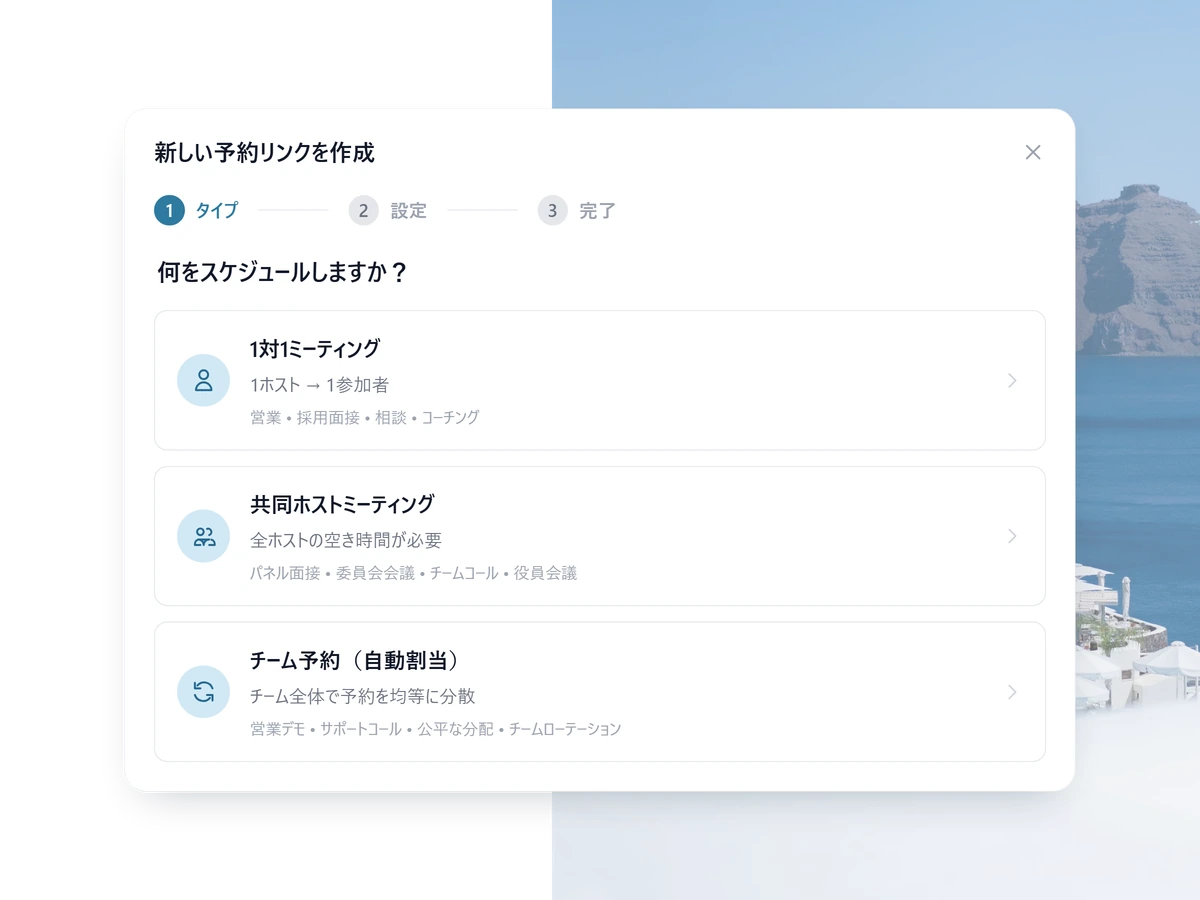
1 STEP 01
Decide the touchpoints
Onboarding, the 30/60/90-day reviews, the QBR, the renewal talk — decide which ones become a system.
2 STEP 02
Build the pages
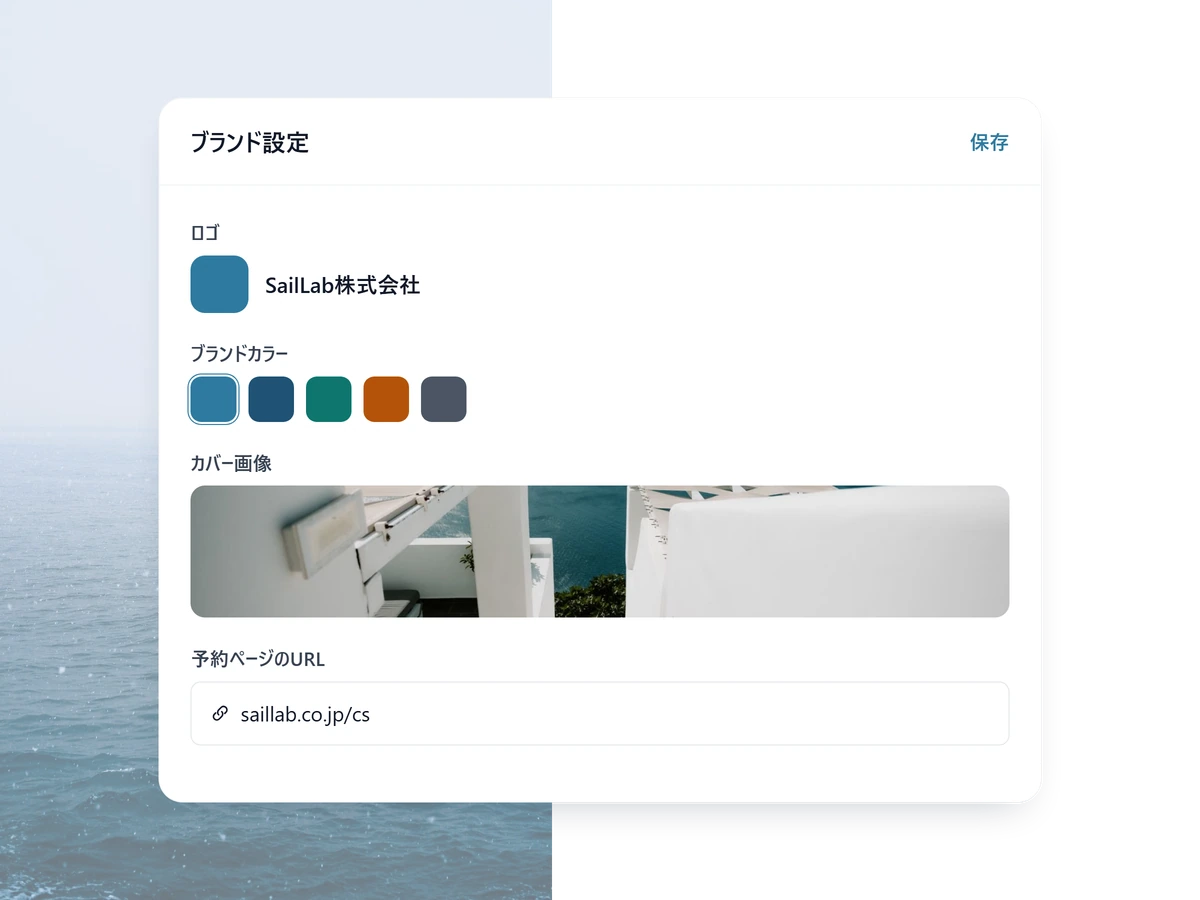
One page per touchpoint, each with its length, its attendees and its questions.
3 STEP 03
Then just link to them
Keep the links in your standard emails and the bookings come to you. Counts per touchpoint are visible on Standard and above.
Other ways teams use SailLab

Customer success FAQ
Can multiple CSMs share a single booking page?
Yes. Standard-plan round-robin distributes incoming bookings across your team — equal distribution, weighted (e.g. senior CSMs take more), or least-recently-booked. SailLab also supports multi-host meeting types where 2+ CSMs are required on the same call.
How do I send the right booking link at the right time?
Today the most reliable approach is to embed the right link in your standard CS email cadence — kickoff link in the welcome email, QBR link in the quarterly check-in, renewal-prep link in the 60-day-out email. Bookings sync to each CSM's calendar automatically.
Does SailLab integrate with our CS platform (Gainsight, Catalyst, HubSpot)?
Not via a native integration today. Bookings sync to each CSM's Google or Outlook calendar in real time, so any CS platform that reads from those calendars sees the meeting. Native integrations are on our roadmap.
Can I see how many bookings each CSM is taking?
Yes. The Standard plan includes meeting analytics — booking volume per host, per meeting type, and over time. Combined with round-robin's maxMeetingGap setting, you can keep load balanced across the team.

Stop chasing customers. Start meeting them.
Free to start. Add team round-robin and analytics on Standard.