
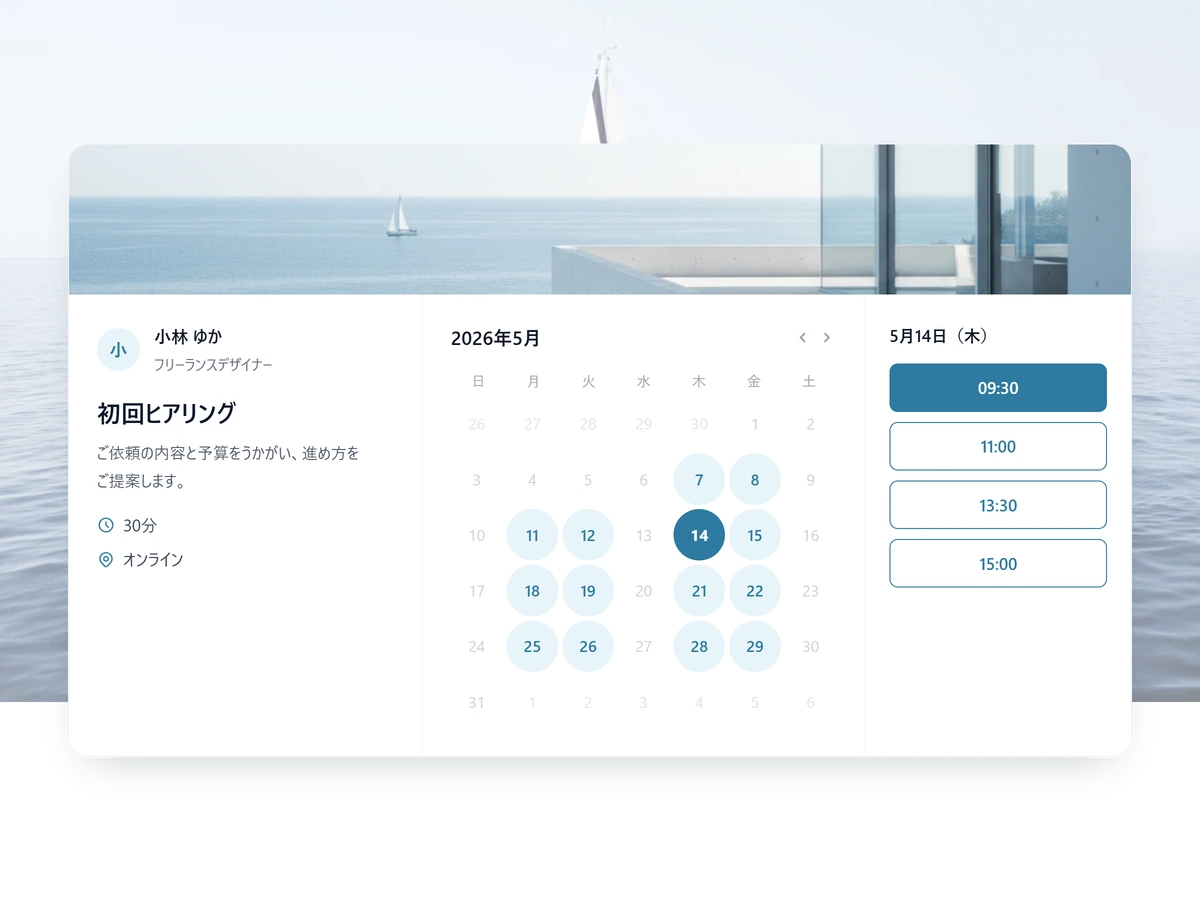
Put your coaching bookings behind one link.
A booking page that looks like your brand, a calendar that's always accurate, and reminders that keep clients showing up — so you can focus on the actual coaching.
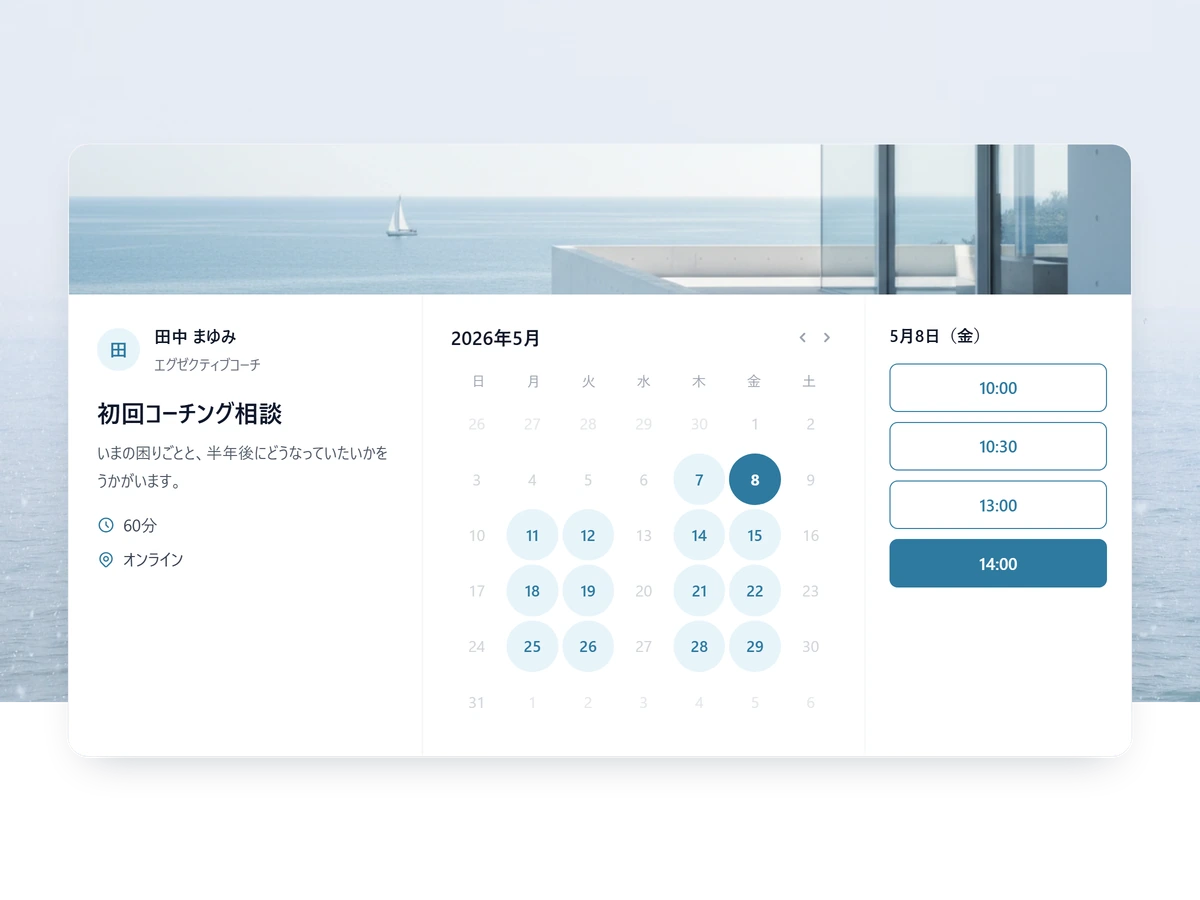
Stop carrying the scheduling yourself
Bring the whole intake down to one link.
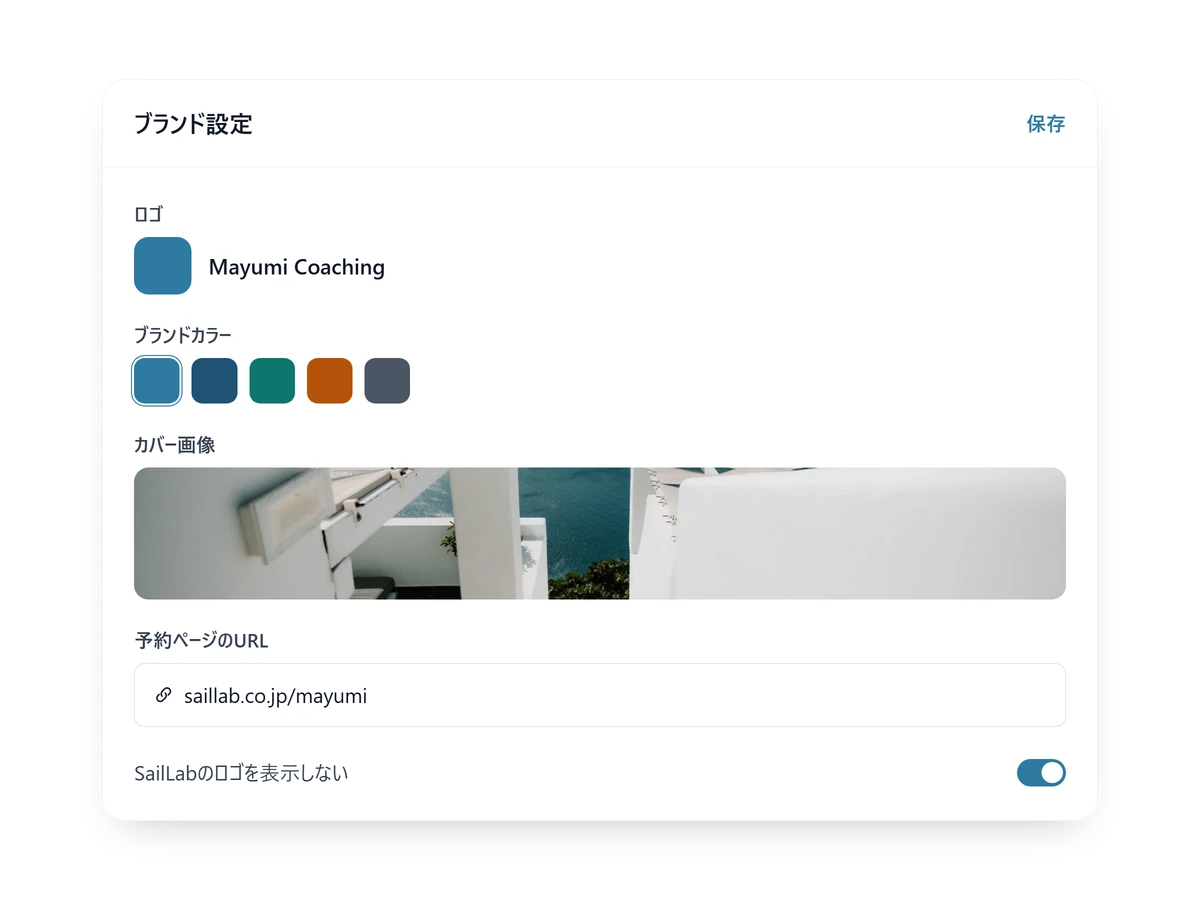
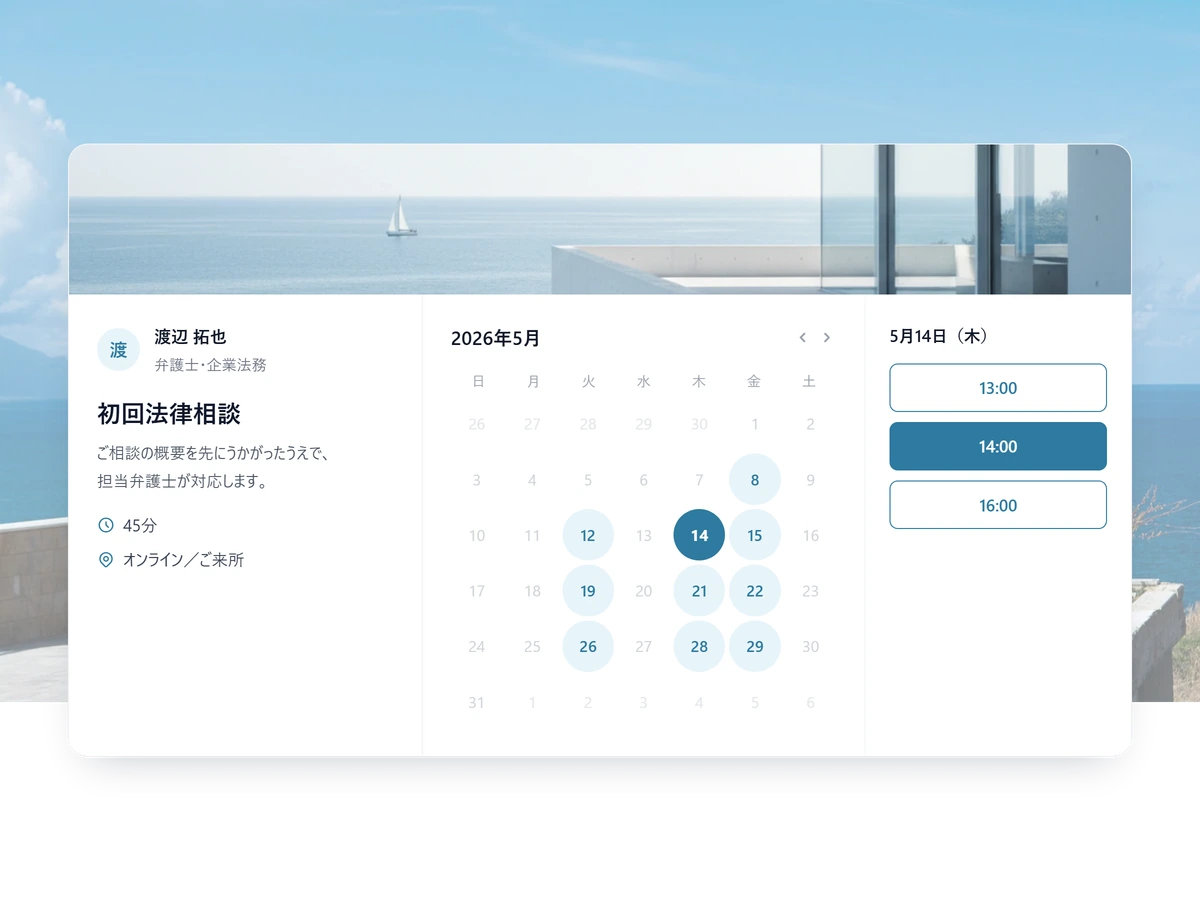
Your name and your logo on the page
Swap in your logo, colours and cover image, and the booking page reads as part of your own site.
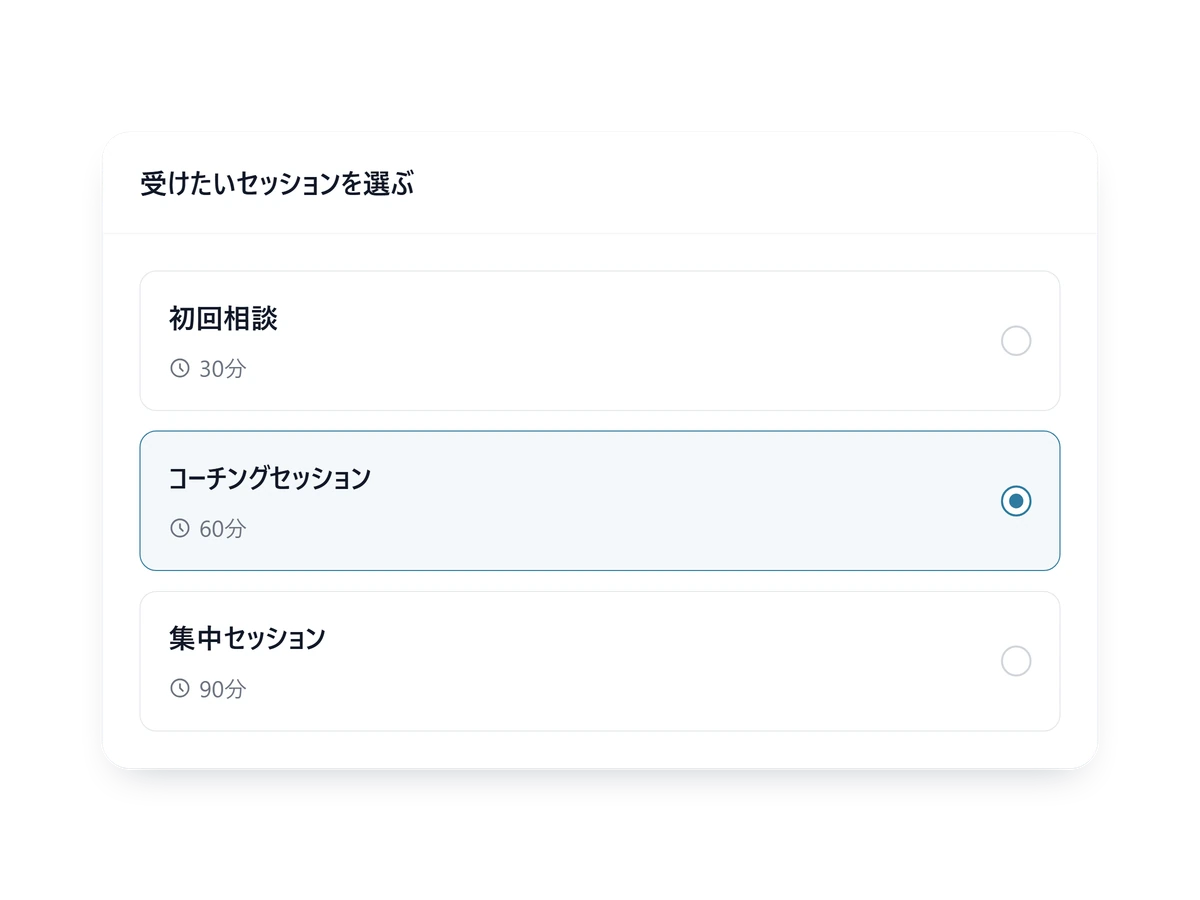
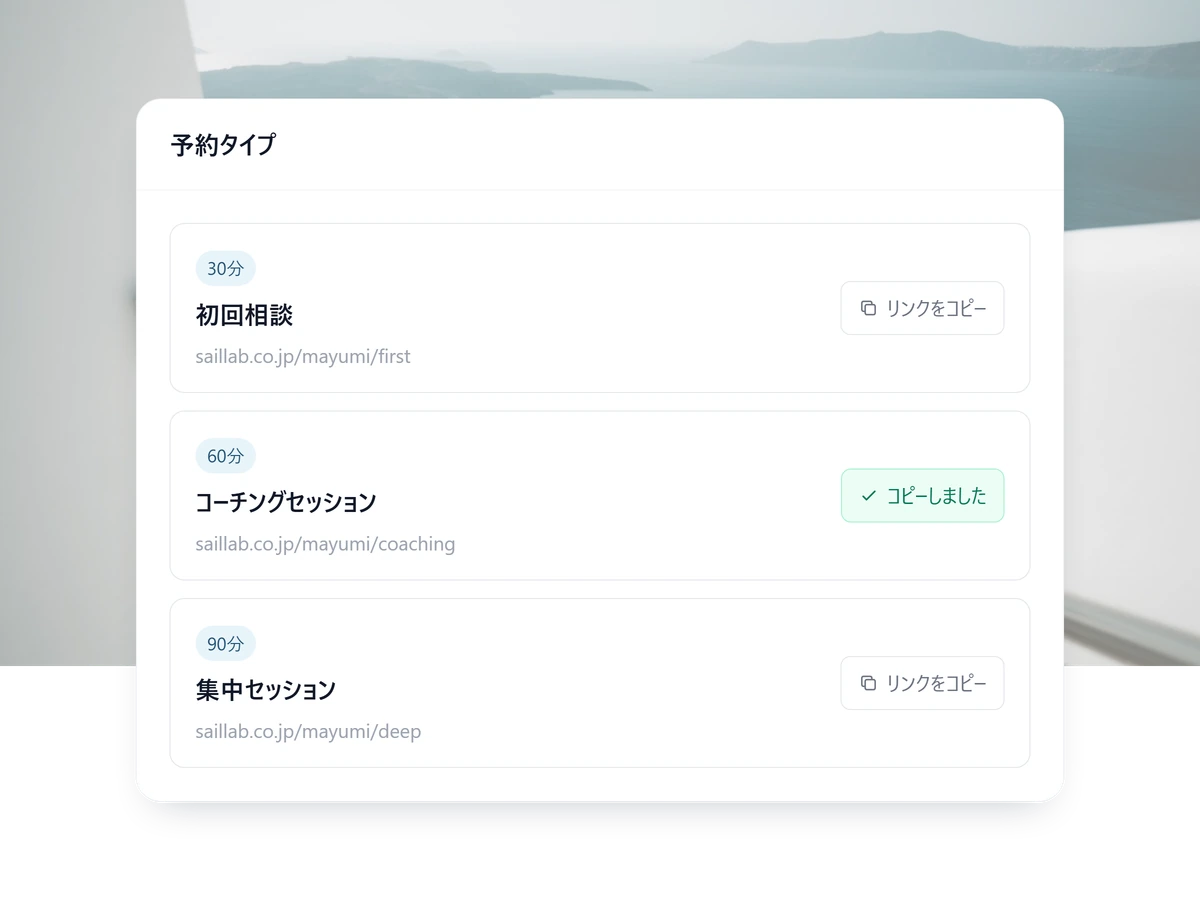
One link, whether it is 30 minutes or 90
However many session types you add, you still hand out one link — the client picks the one they came for.
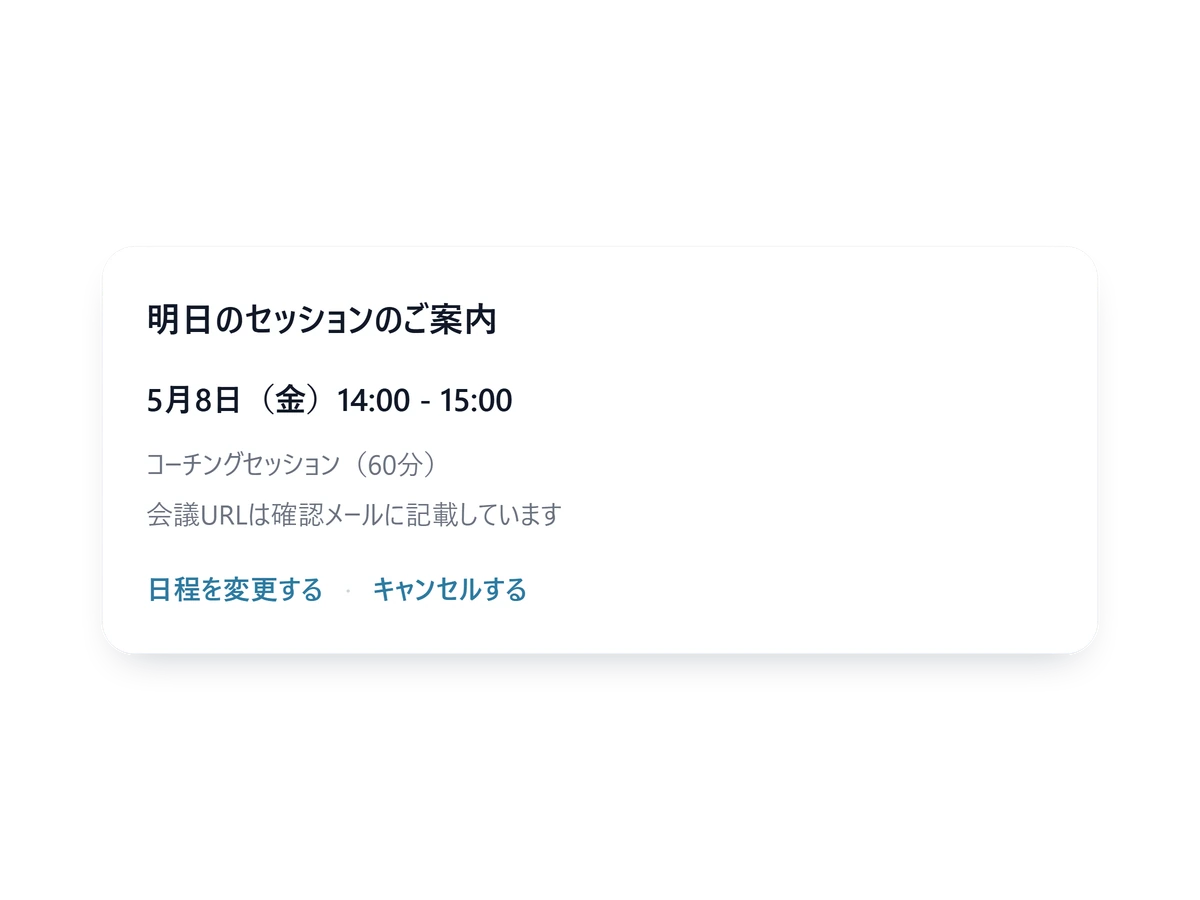
Reminders and reschedules handle themselves
The reminder goes out on its own, and if plans change the client reschedules from their confirmation email.
What a coaching booking page needs
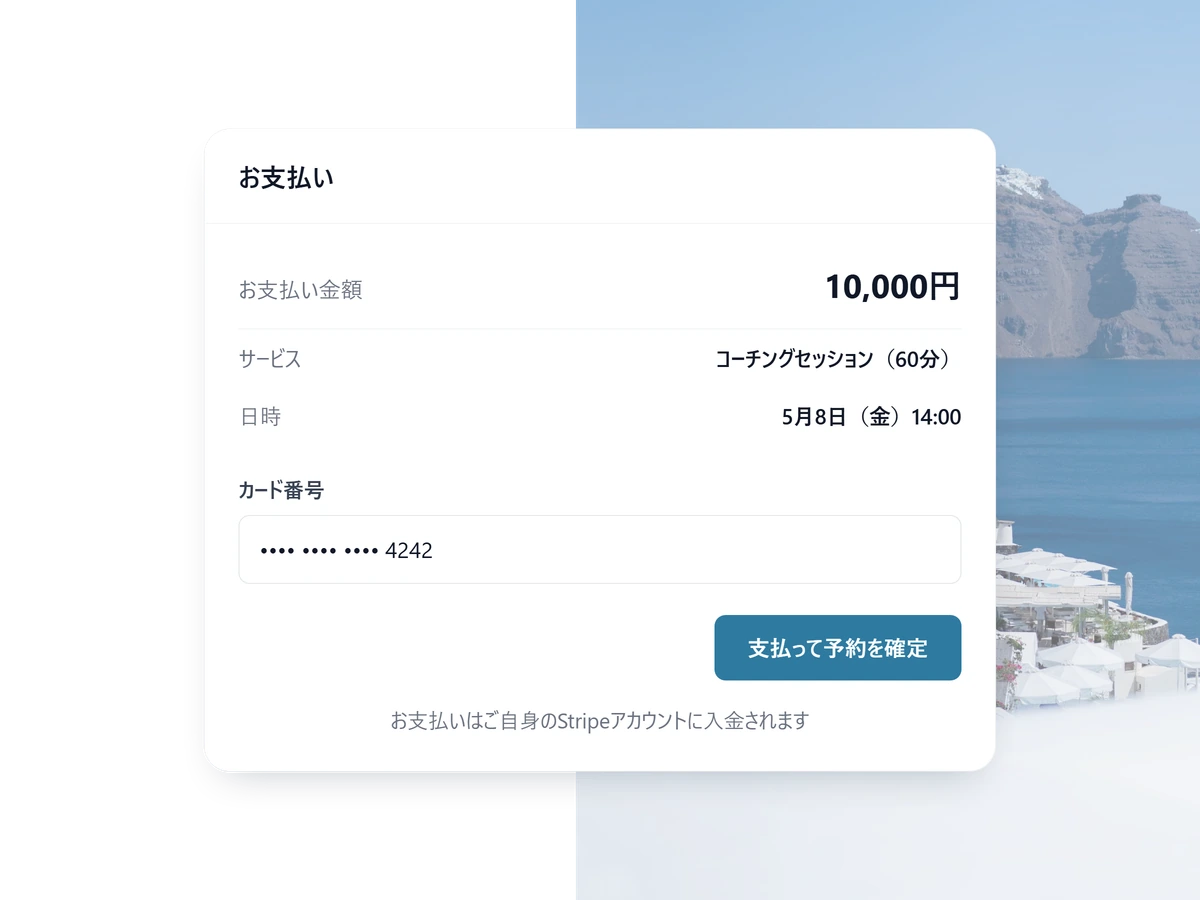
Paid when the session is booked
Take the card at the moment of booking. A slot already paid for rarely vanishes on the day, and there is no invoice to chase. Available on Standard and above.
- Switch a service to invoice-afterwards instead
- Price and currency set per service
- SailLab takes 3% on Standard, 0% on Professional (plus Stripe processing fees)
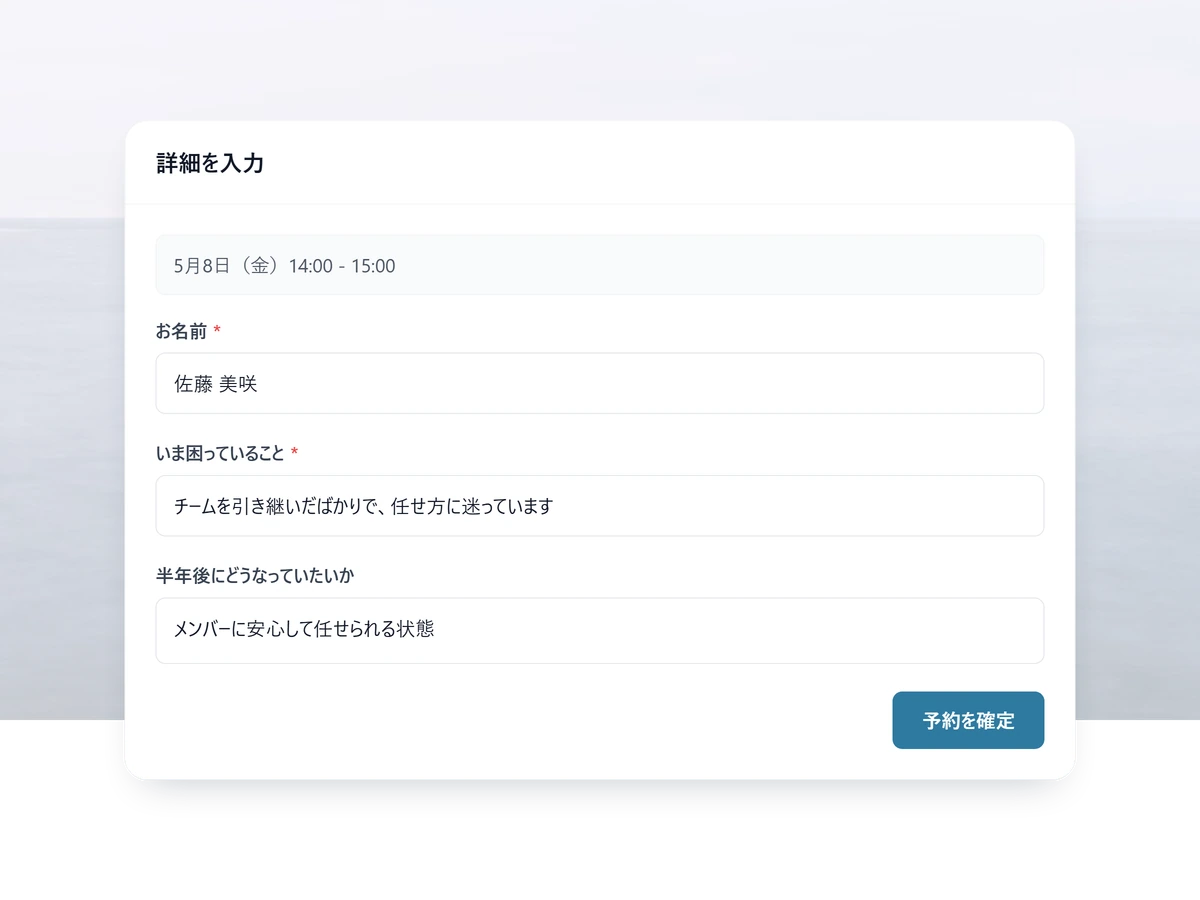
You read it before you meet
Ask different questions per service. The answers arrive attached to the calendar invite, so even a first session starts prepared.
- Each field required or optional, as you choose
- Reuse a form you built on another service
- Answers stay with the booking, to re-read later
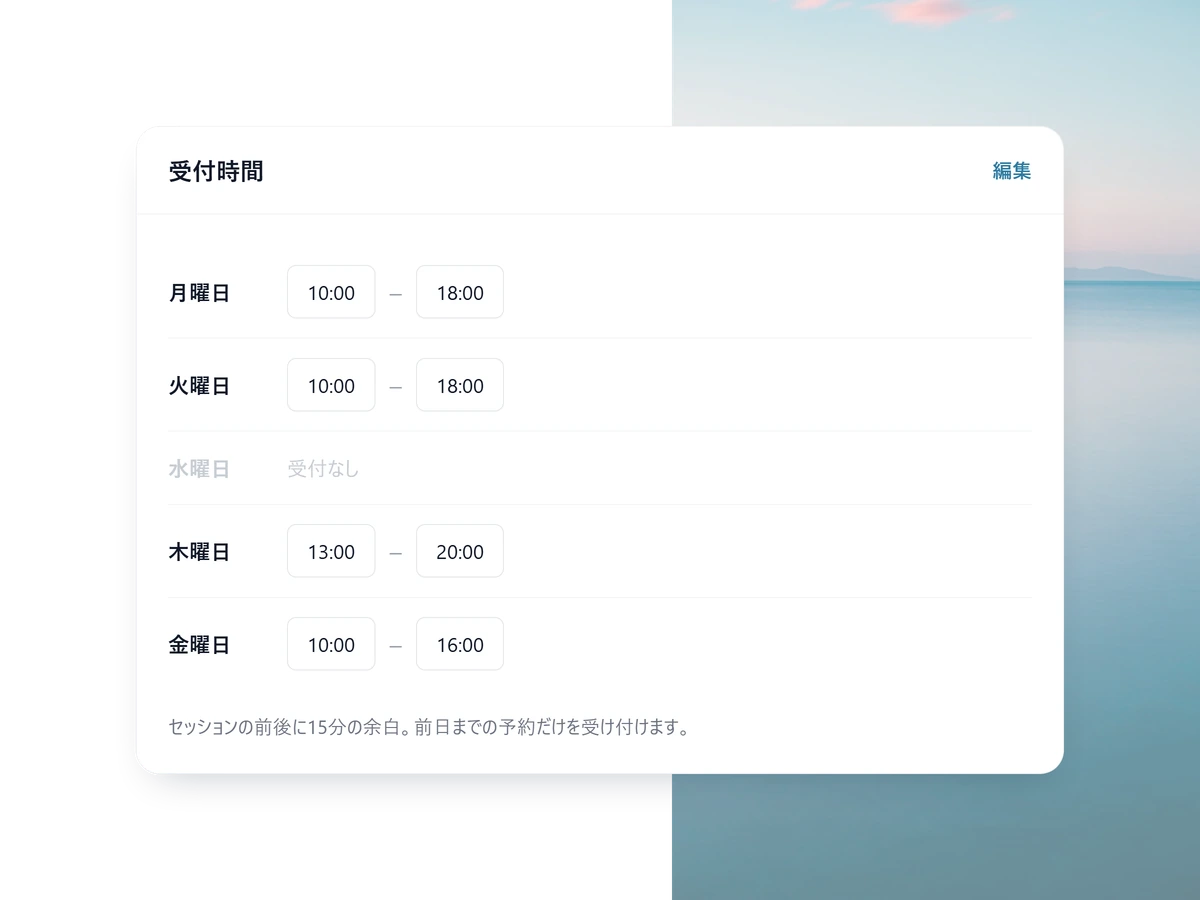
Rules that keep the week survivable
Leave a gap around each session, refuse same-day bookings, close the days you keep for admin. Set it once per weekday and it holds itself.
- Keep several patterns — weekday evenings only, say
- Japanese public holidays block themselves
- Add a one-off day off by picking the date
Take your first booking this week
Free to start. Your own branding and custom URL are on Light; taking payment on the booking page is on Standard.
From signup to first booking, in an evening
1 STEP 01
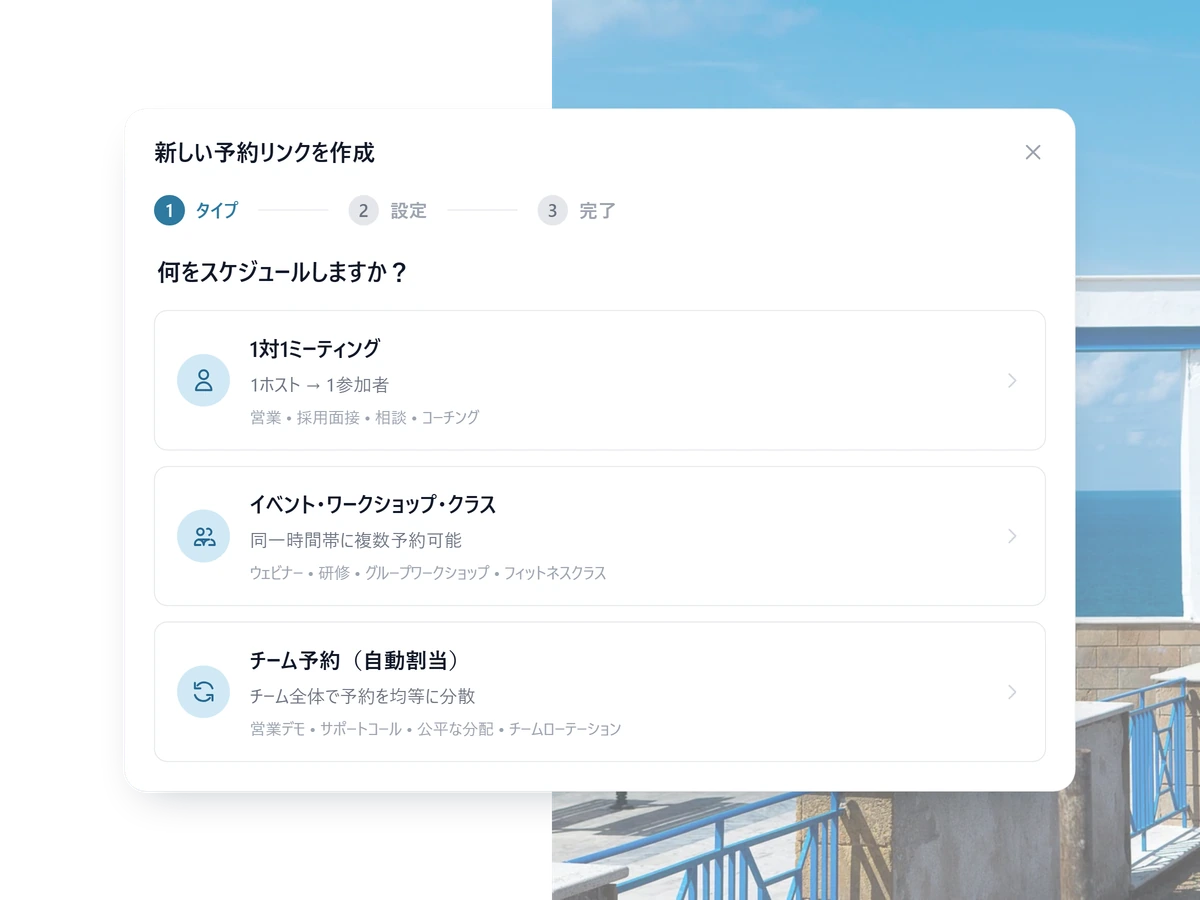
Add your services
A first consultation, a regular session, a longer one — each with its own length and its own questions.
2 STEP 02
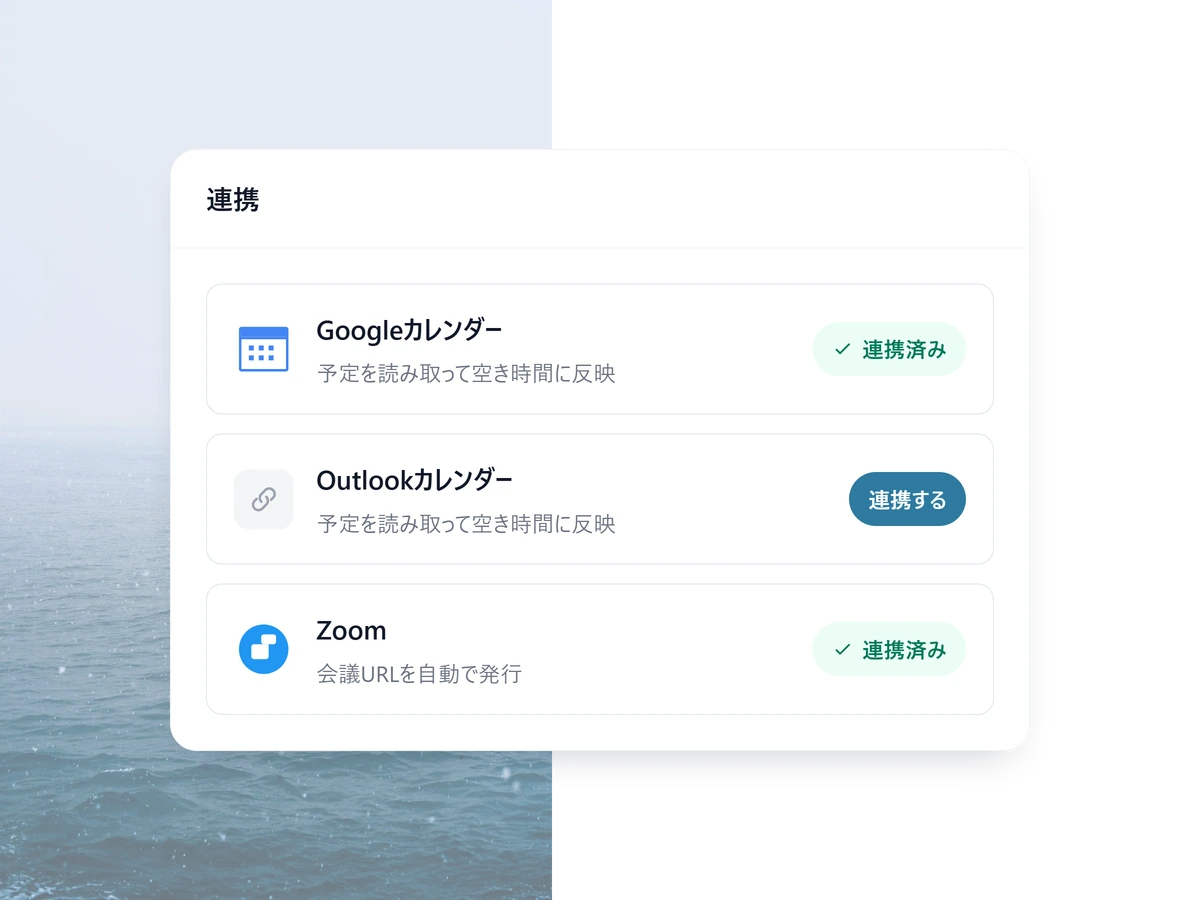
Connect your calendar
Connect Google or Outlook and anything already in your calendar stops being bookable.
3 STEP 03
Share the link
Put it in your profile or your email signature. A booking lands in your calendar and their inbox at the same moment.
Other ways people use SailLab

Coaching FAQ
Can I take payment on the booking page?
Yes. Connect your own Stripe and turn on Pay Now so the client pays to confirm the session, or Pay Later to send a Stripe invoice after. You set the price and currency. Payments go straight to your Stripe account. SailLab's commission is 3% on Standard and 0% on Professional, plus Stripe's standard processing fee. Available on the Standard plan and above.
Can I run a multi-coach practice where clients pick their coach?
Yes. Each coach has their own booking page (with their own bio, photo, and calendar), or you can set up a team page that lets the client pick. Round-robin is also available on Standard if you'd rather assign automatically by load.
What if a client cancels last-minute?
The slot reopens automatically and you can configure a minimum cancellation notice (e.g. 'no cancels within 12h'). Cancellation reason is captured optionally so you can spot patterns. If you collected payment, you can issue a full or partial refund directly from SailLab.
Do clients need to install anything?
Nothing. They click your booking link, pick a time, and get a calendar invite with the video conference URL (Zoom, Google Meet, or Microsoft Teams — auto-generated). No app, no signup, no friction.

Spend more time coaching, less time scheduling.
Free to start, no credit card. Add branding when you're ready.