
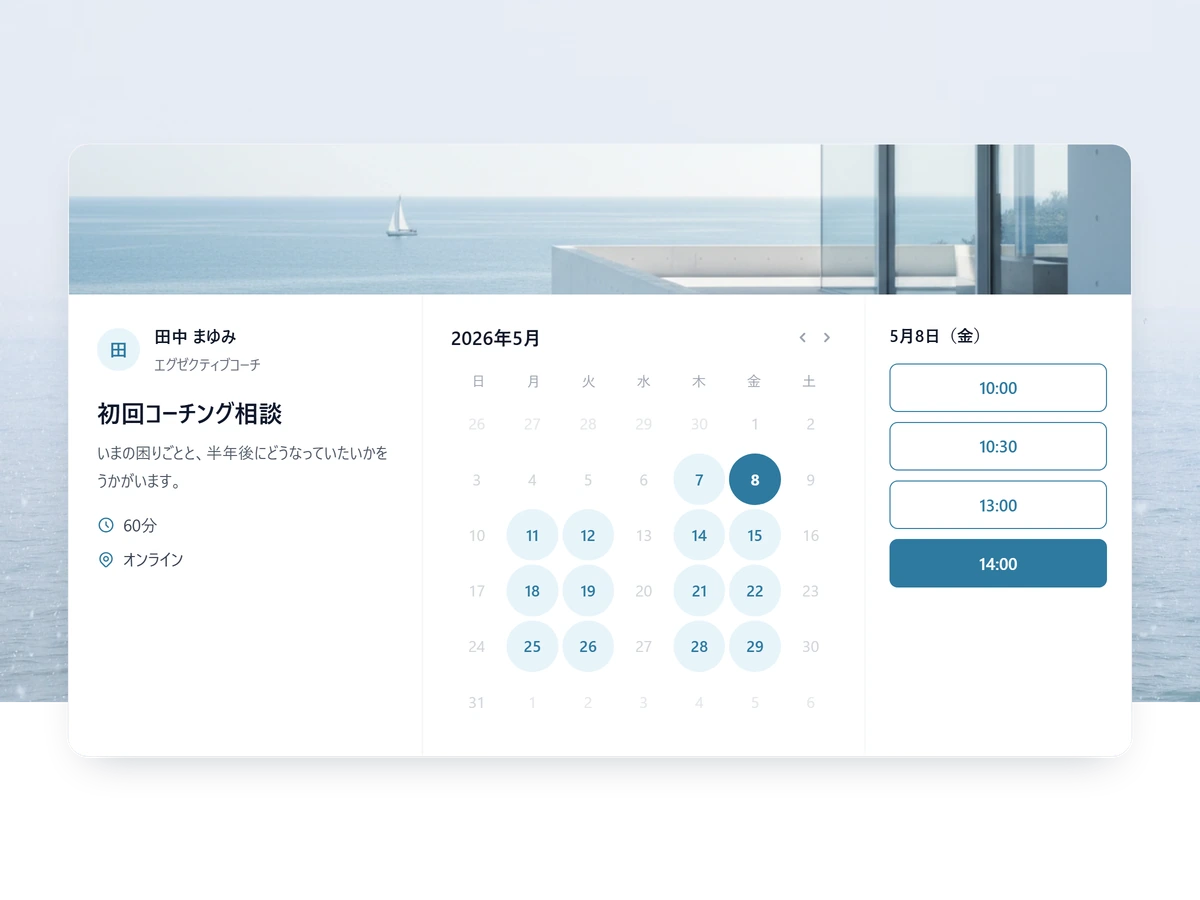
Client intake, designed for law firms.
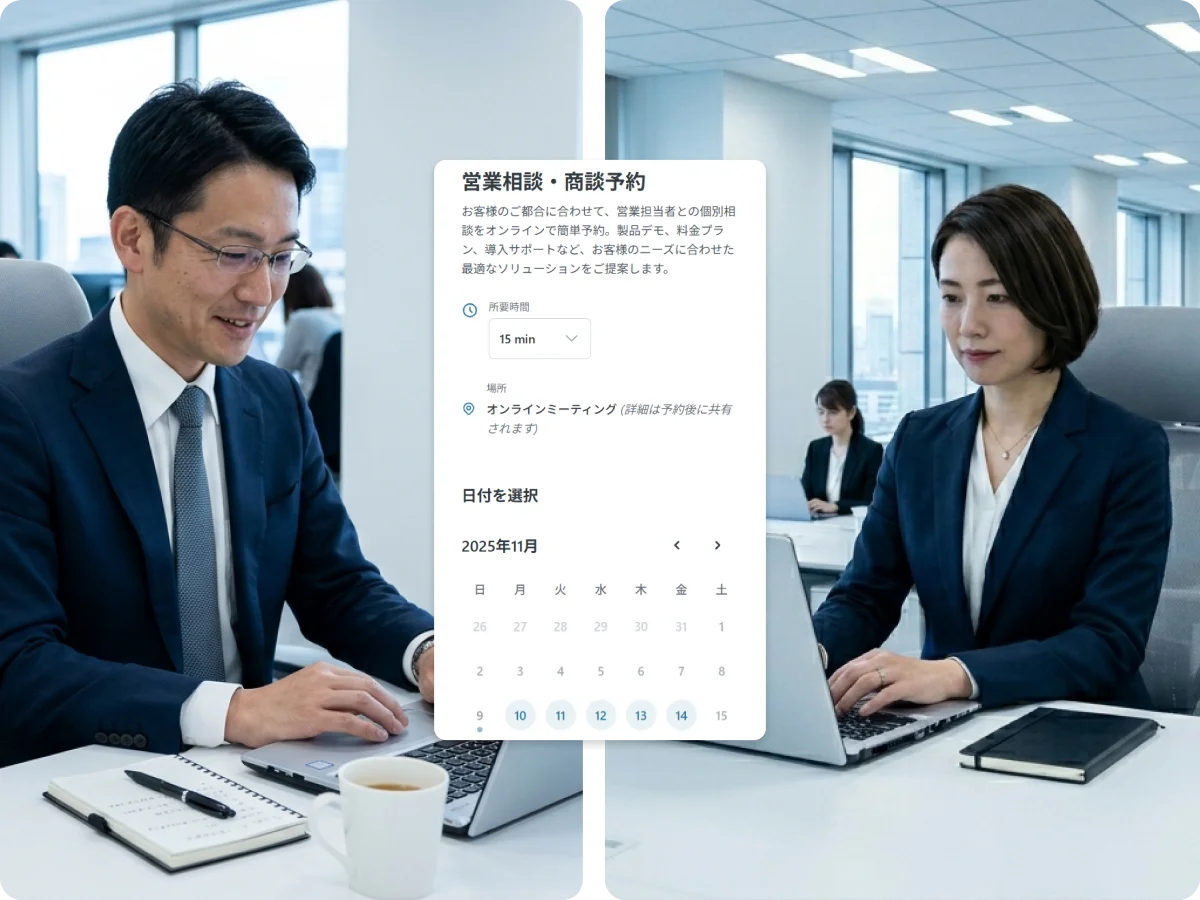
Branded booking pages per practice area, custom intake forms, multi-attorney coordination, and bilingual JP/EN client support — so attorneys spend their time on cases, not coordination.
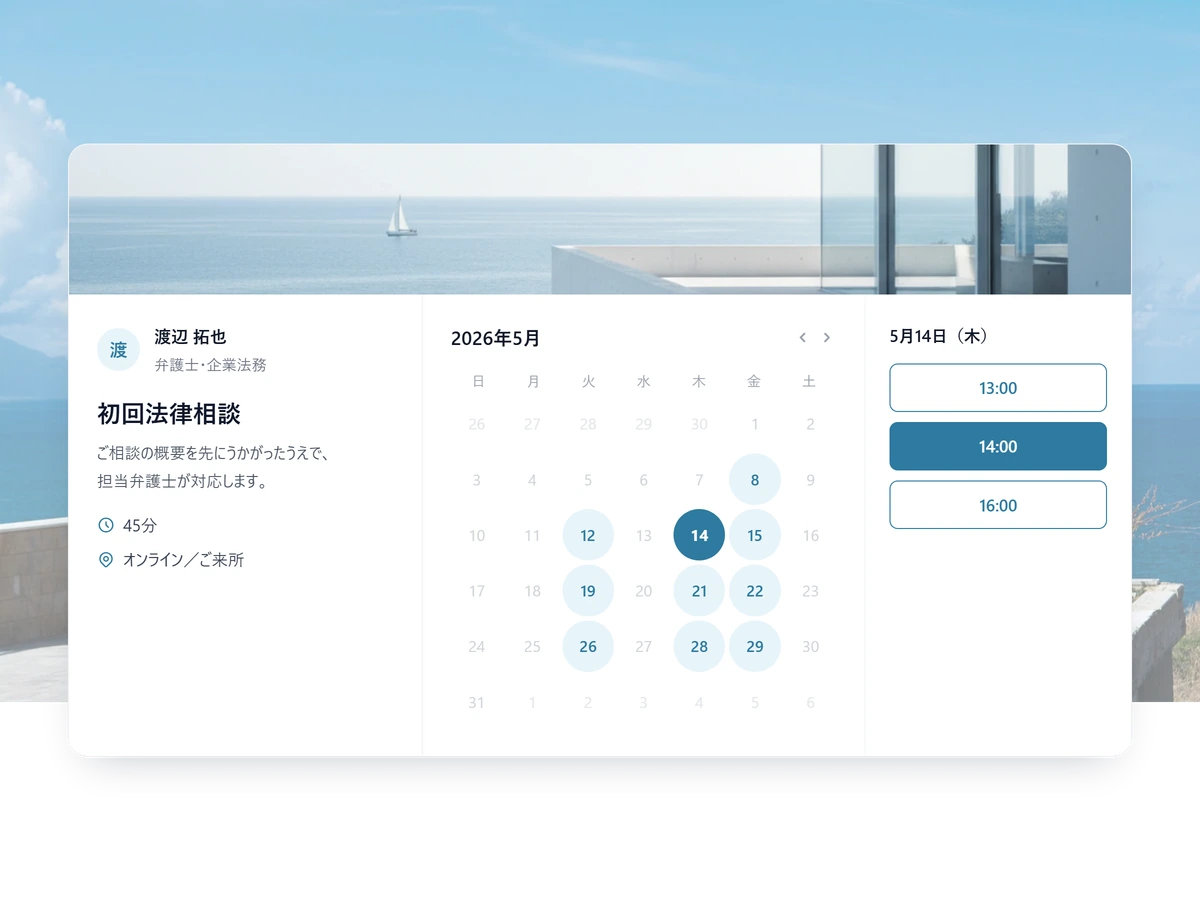
It fits how the firm actually works
Automate the intake without giving up confidentiality.
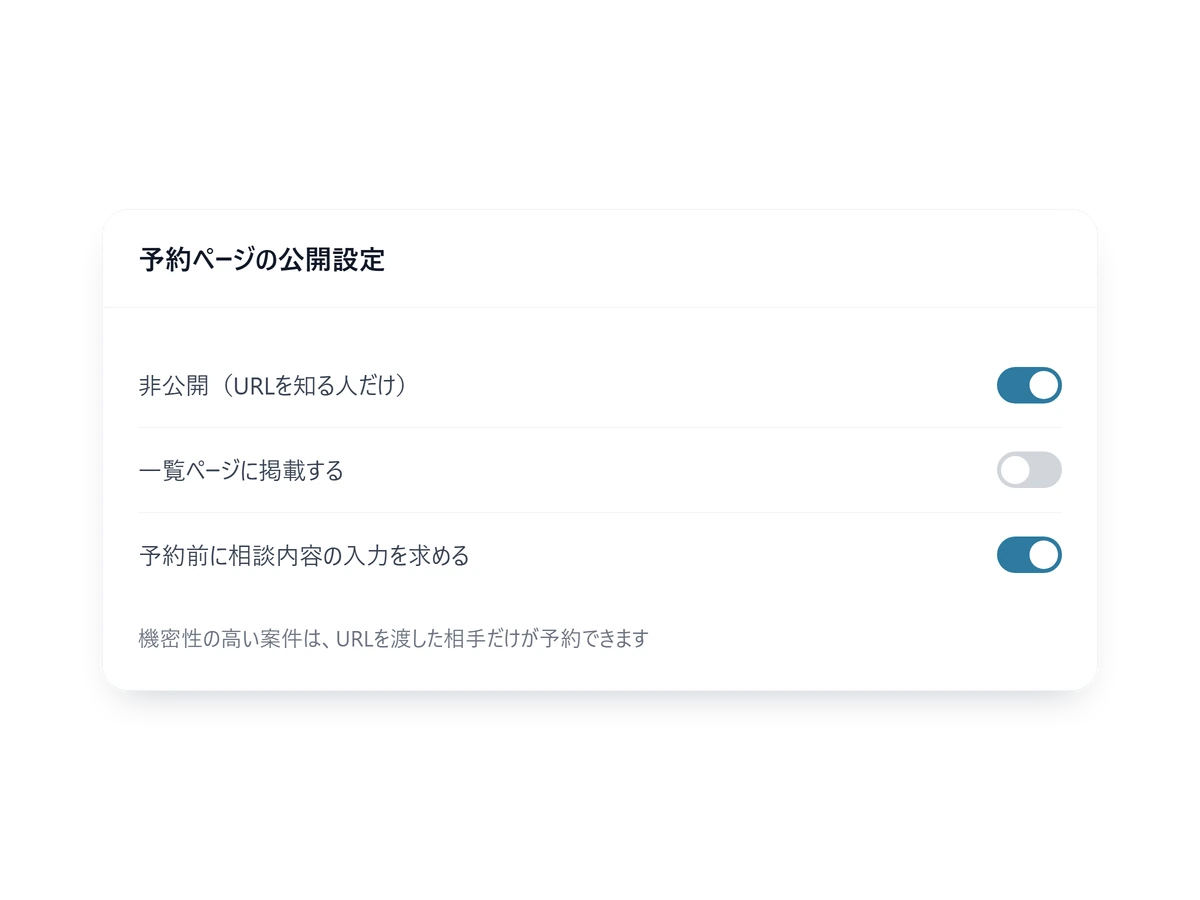
Only the person you sent the URL to can book
A booking page can be unlisted and stays out of any index — only the person you sent the URL to can book.
Overseas clients stay in English
Each booking page has its own language, and confirmations and reminders follow it.
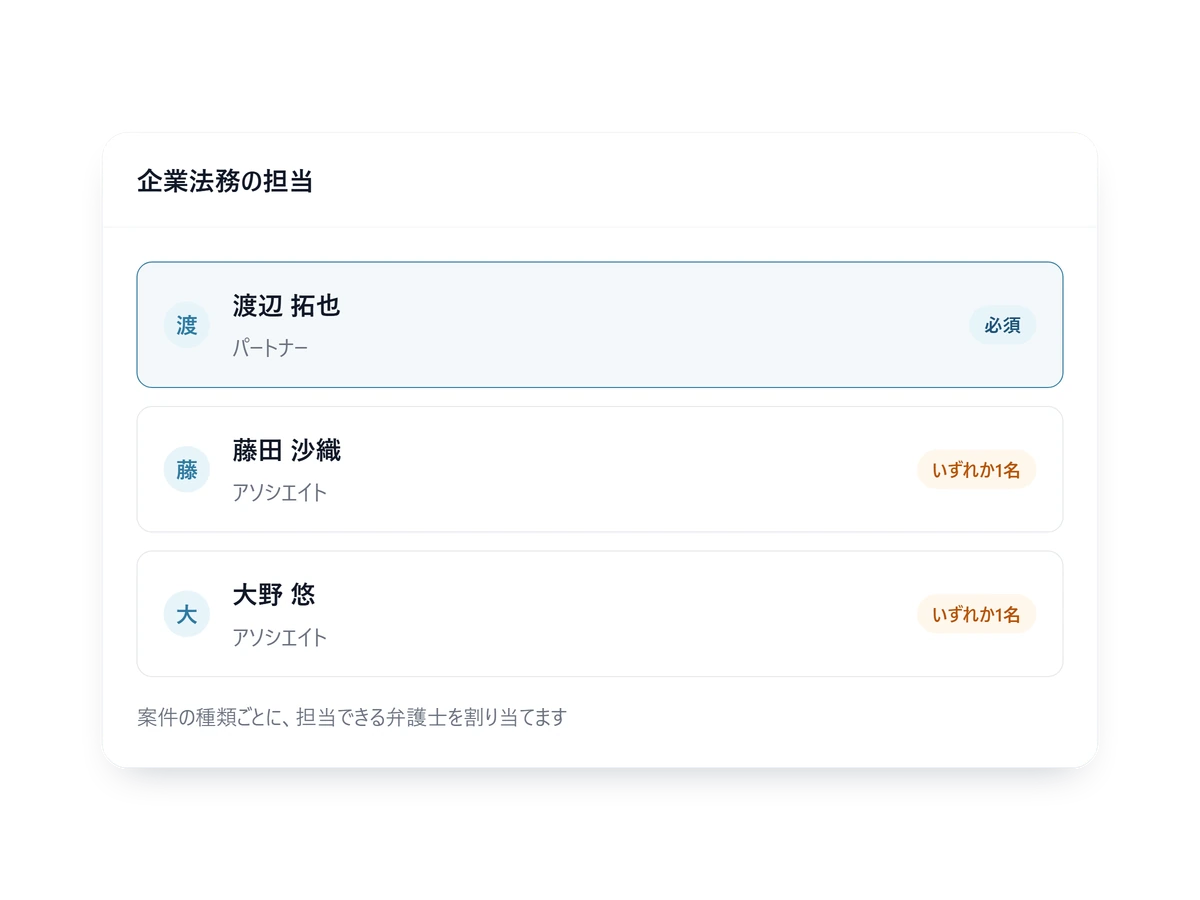
The right lawyer is picked for you
Assign who covers which kind of matter and bookings land with the right lawyer.
Built for legal intake
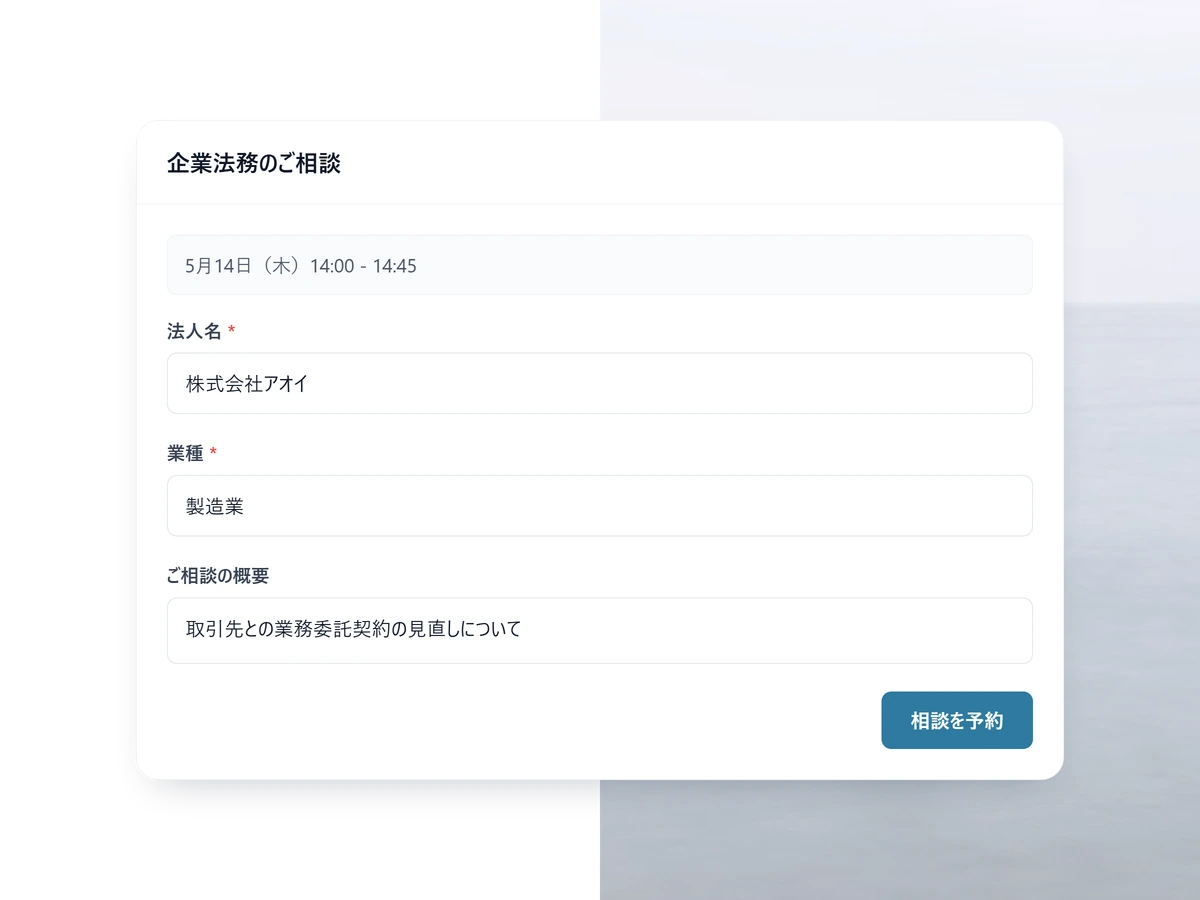
Different questions per practice area
Company name and the outline for a corporate matter; type and urgency for a family one. The answers reach the lawyer attached to the calendar invite.
- Each field required or optional, as you choose
- Reuse a form on another practice area
- Answers stay with the booking, to re-read later
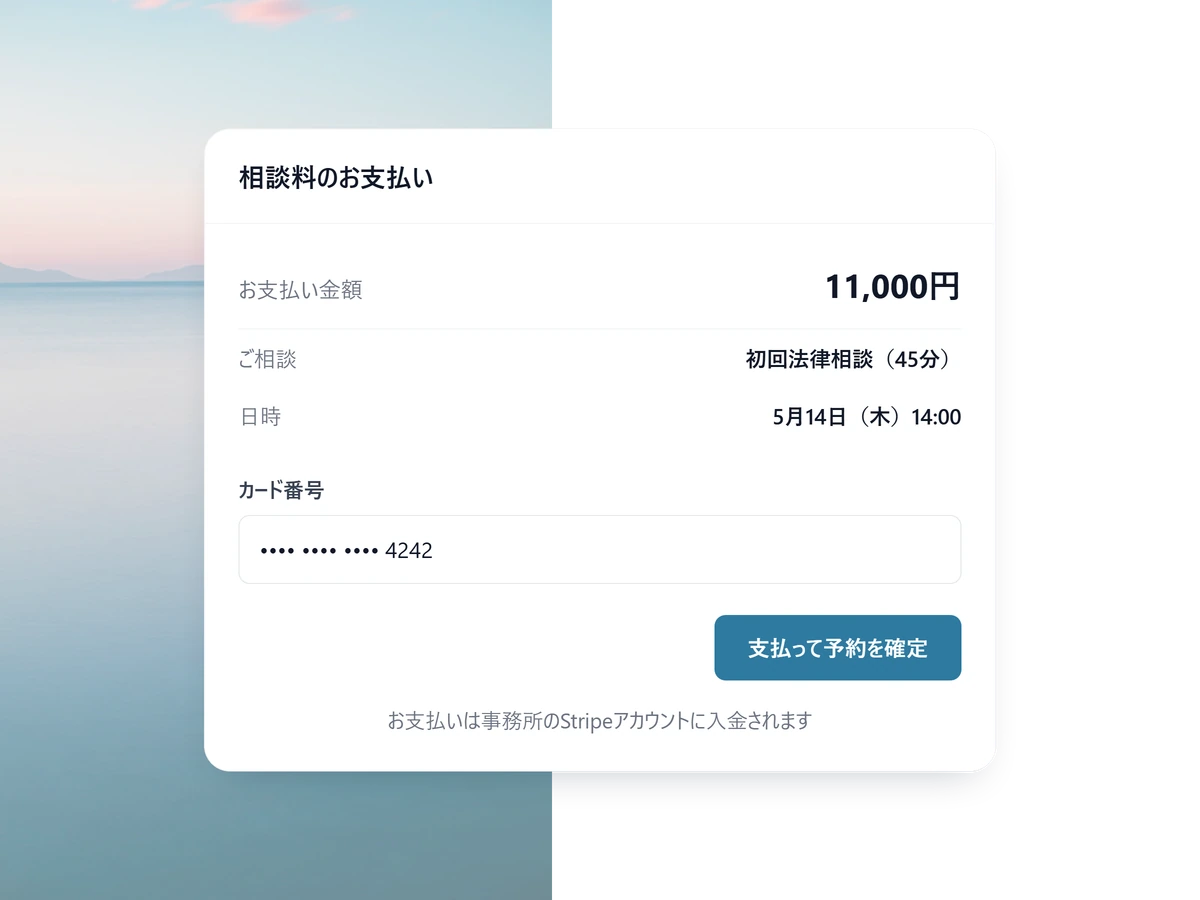
The consultation fee, taken at booking
For paid consultations the card is taken as the booking is made, and the money lands in your own Stripe account. Available on Standard and above.
- Switch to invoice-afterwards instead
- Refund in full or in part from SailLab itself
- SailLab takes 3% on Standard, 0% on Professional (plus Stripe processing fees)
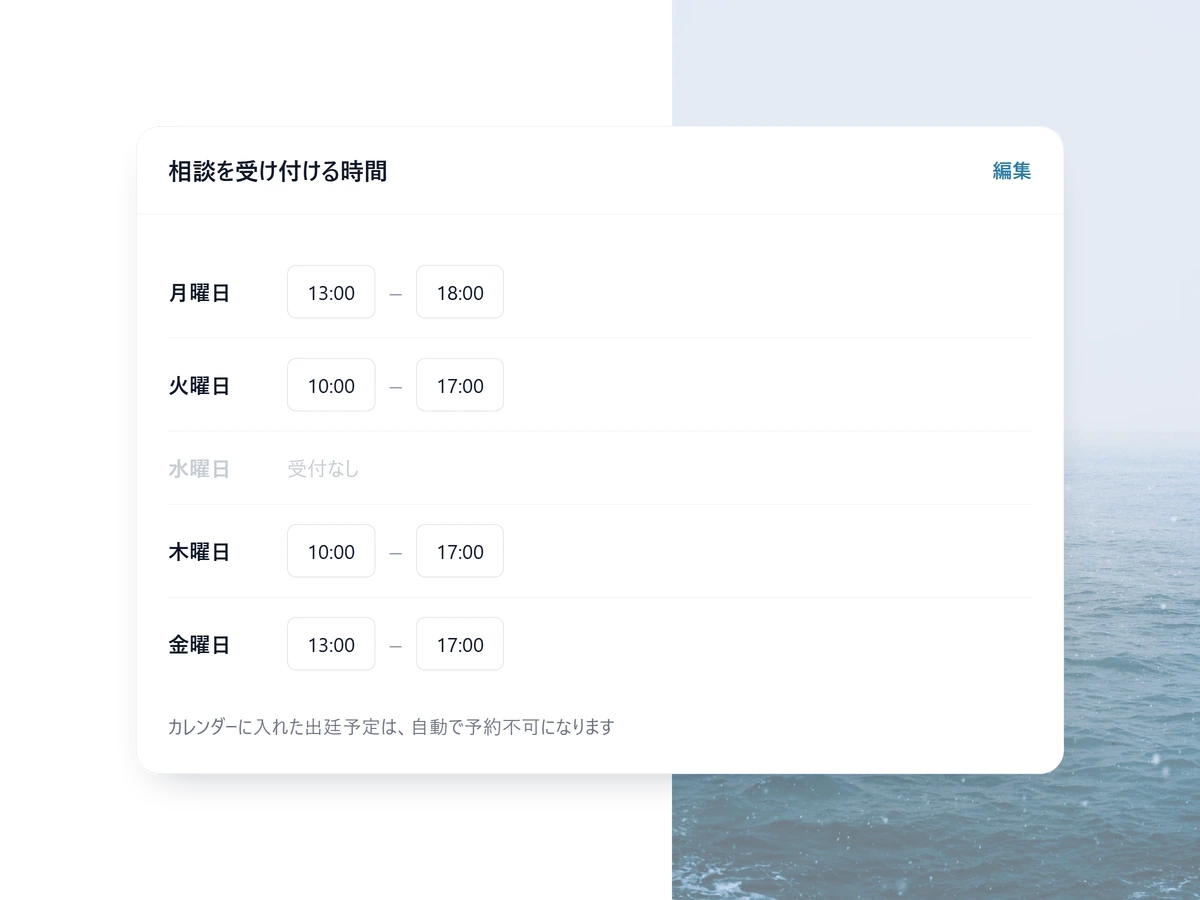
Court dates close themselves off
Anything in your calendar, including private entries, stops being bookable — alongside per-weekday hours and recurring closures.
- Block a court date by hand if it is not in the calendar
- Recurring rules such as no Friday afternoons
- Japanese public holidays block themselves
Open one intake page for one practice area
Free to start. Unlisted booking pages and per-page language settings are on Light; multi-lawyer routing is on Standard.
Set up firm-grade intake in 3 steps
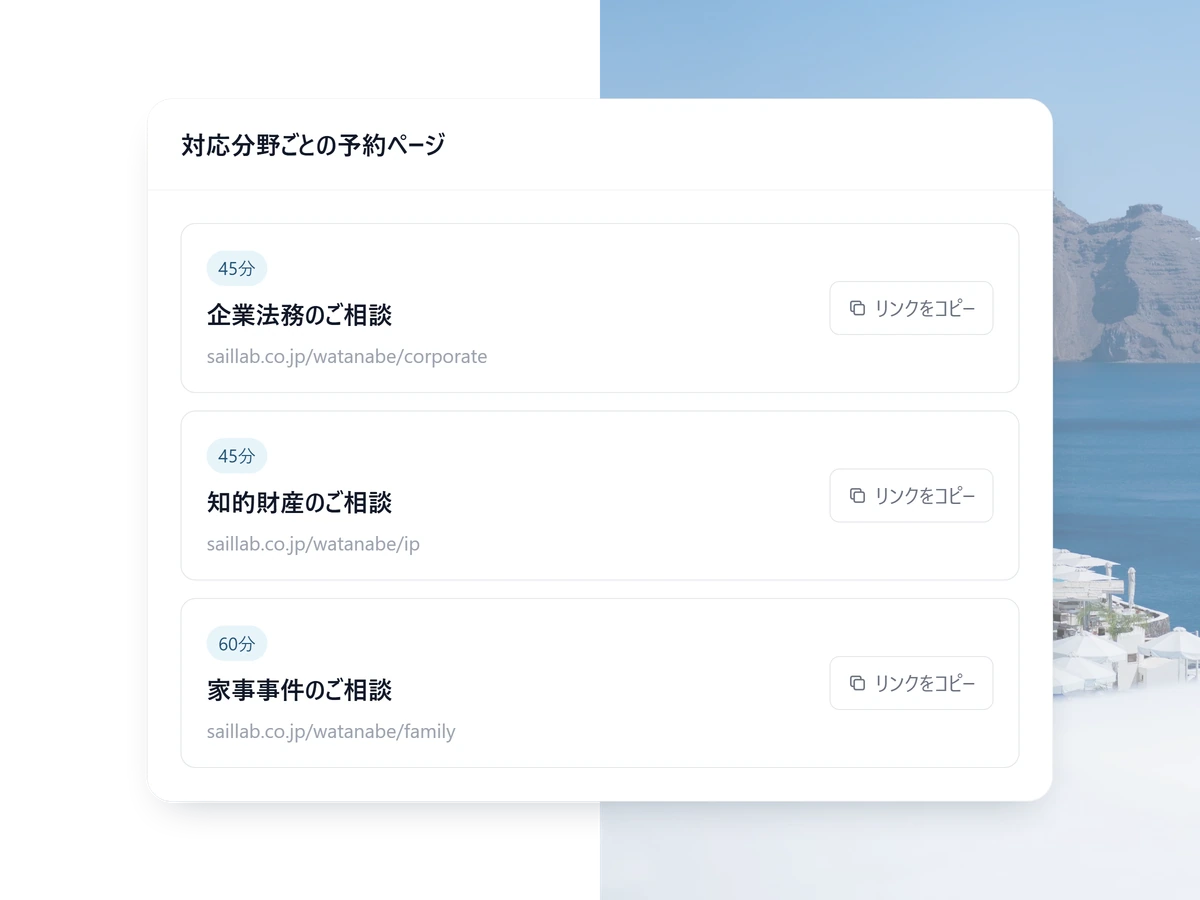
1 STEP 01
A page per practice area
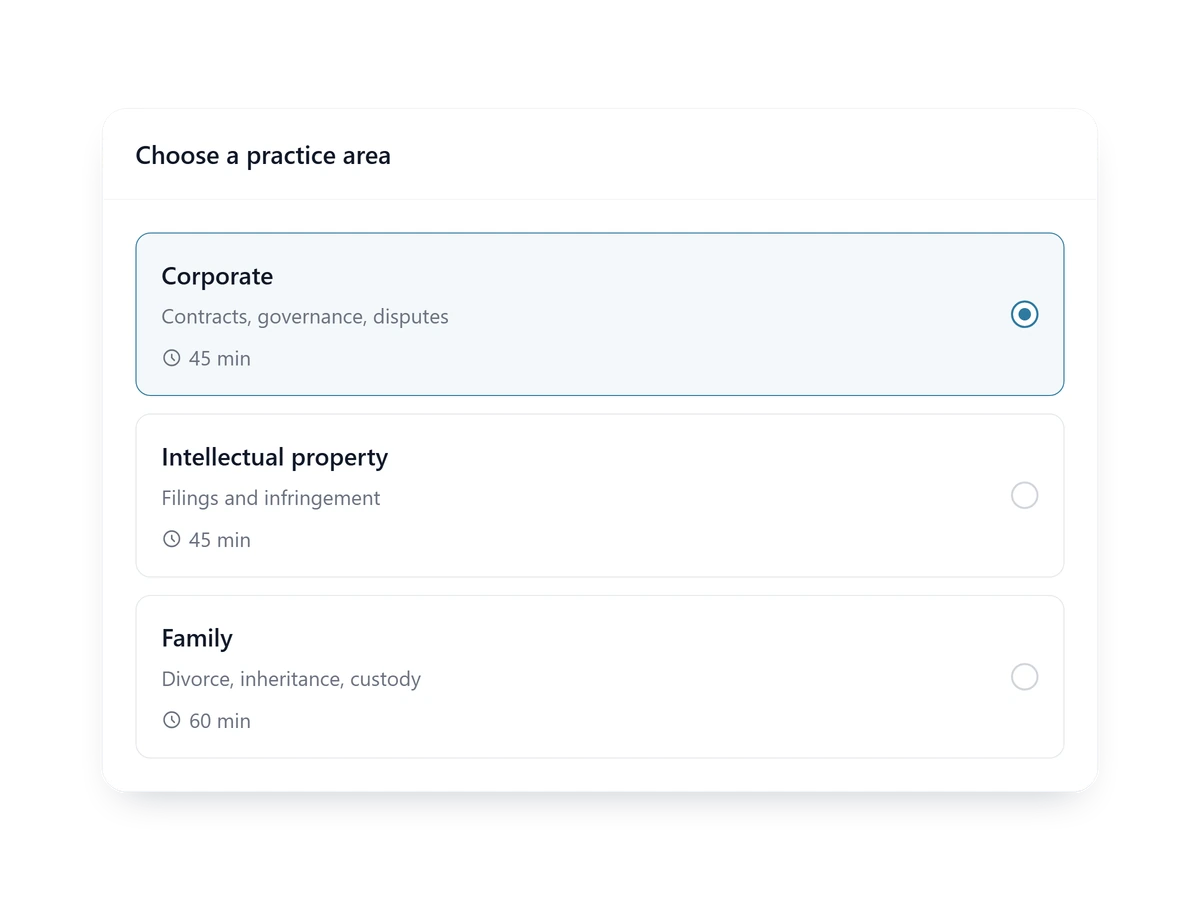
Corporate, intellectual property, family. Each gets its lawyers and its questions.
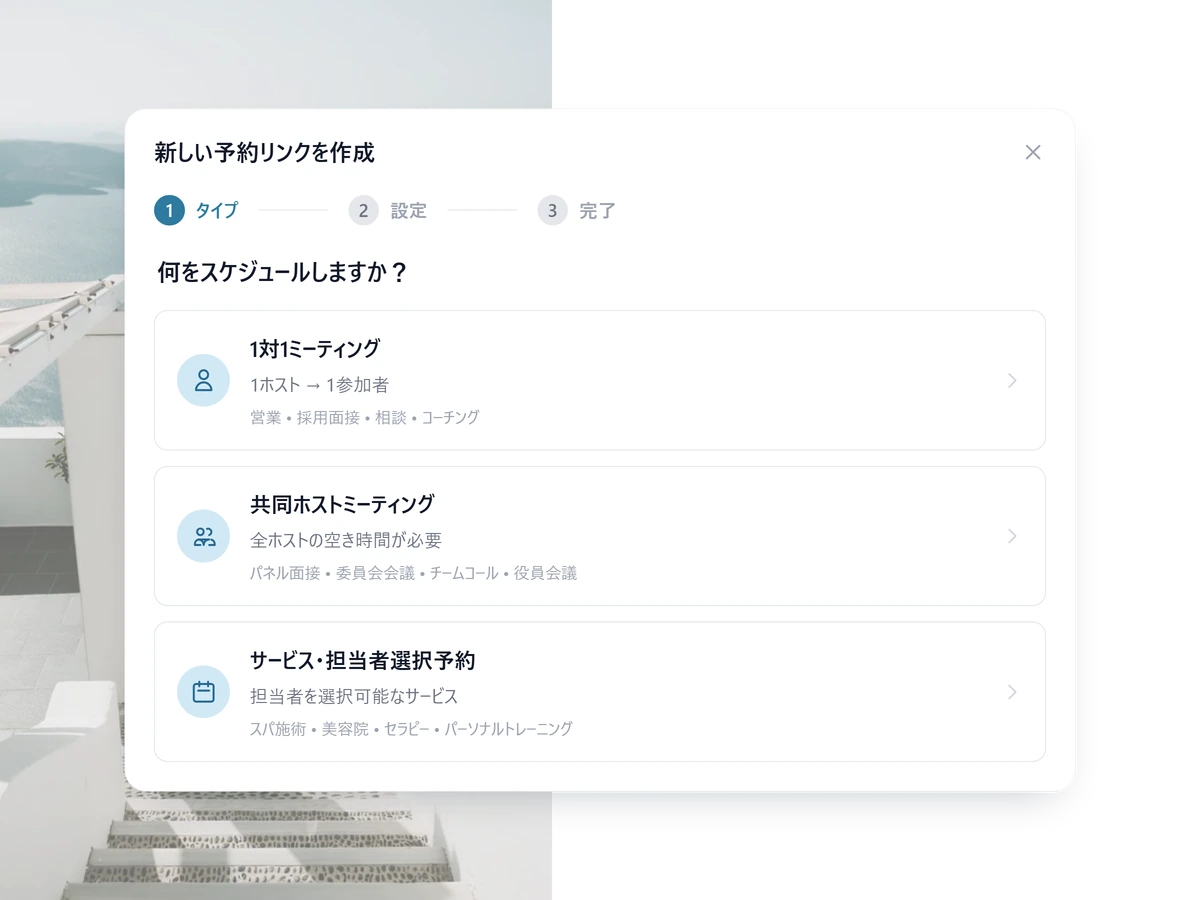
2 STEP 02
Publish it, or just hand over the URL
General enquiries public, sensitive matters unlisted — chosen page by page.
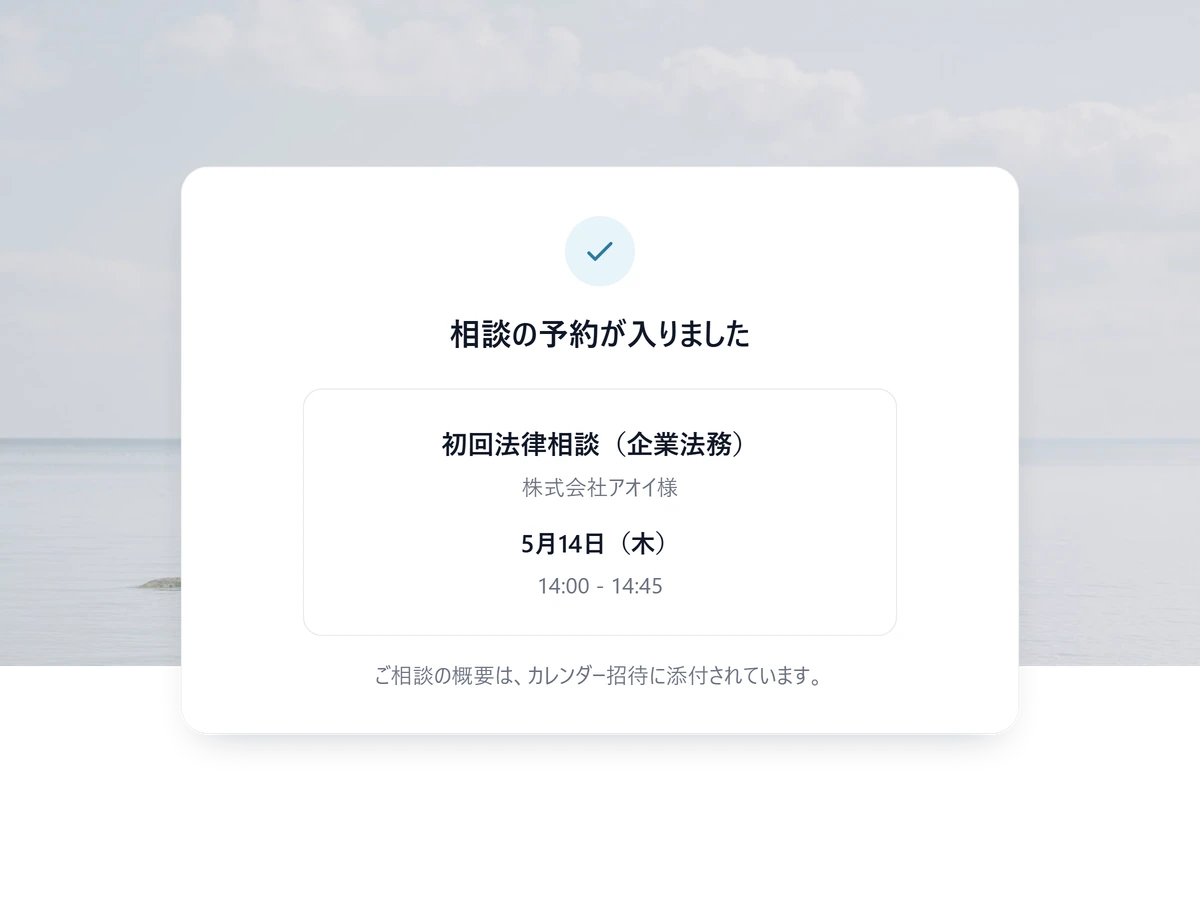
3 STEP 03
The firm takes bookings
When a booking lands, the matter and the contact details reach the lawyer before the meeting.
Other ways teams use SailLab
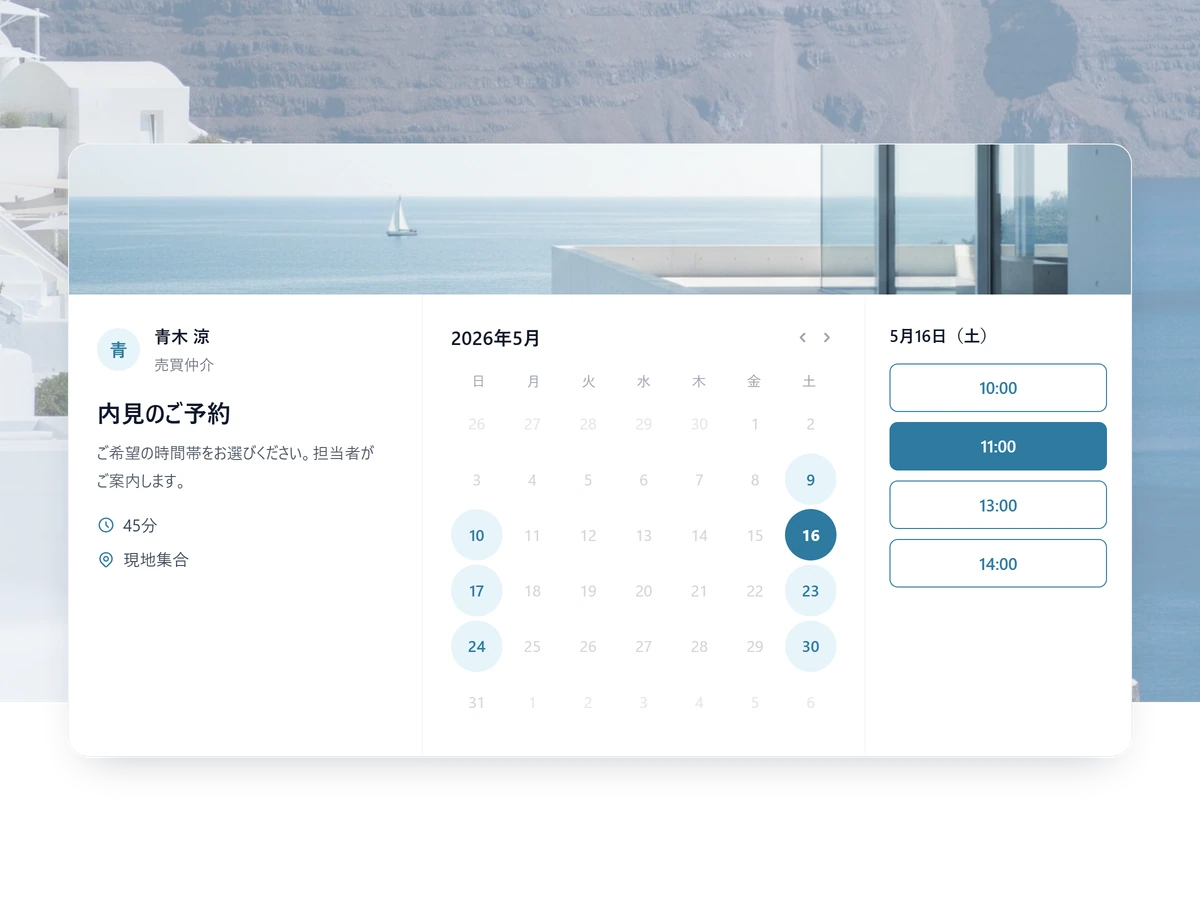
Law firm FAQ
How is client data protected?
A booking page can be set to unlisted, so only the person you sent the URL to can book and it never appears in a public index. All traffic runs over HTTPS/TLS, calendar access tokens are stored encrypted with AES-256-GCM, card details are handled by Stripe and never held by SailLab, and administrative actions are written to an immutable audit log.
Can each practice area have its own booking flow?
Yes. Create a separate booking page per practice area — each with its own intake form, attorney assignment, duration, and visibility setting. Clients see only the flow that fits their matter.
Can attorneys block out specific case-related times?
Yes. Each attorney can block court dates, depositions, and prep time individually — manually or by adding them to their Google or Outlook calendar (SailLab reads those calendars in real time). Recurring blocks are also supported (e.g. 'no Friday afternoons').
Can we run JP and EN booking pages for the same service?
Yes. Each booking page has a display-language setting (JA or EN), and confirmation/reminder emails follow the same language. For firms serving foreign clients, this means a clear, on-brand experience in either language without manual translation work.

More billable time. Less front-desk work.
Free to start. Add multi-attorney scheduling on Light or Standard.