
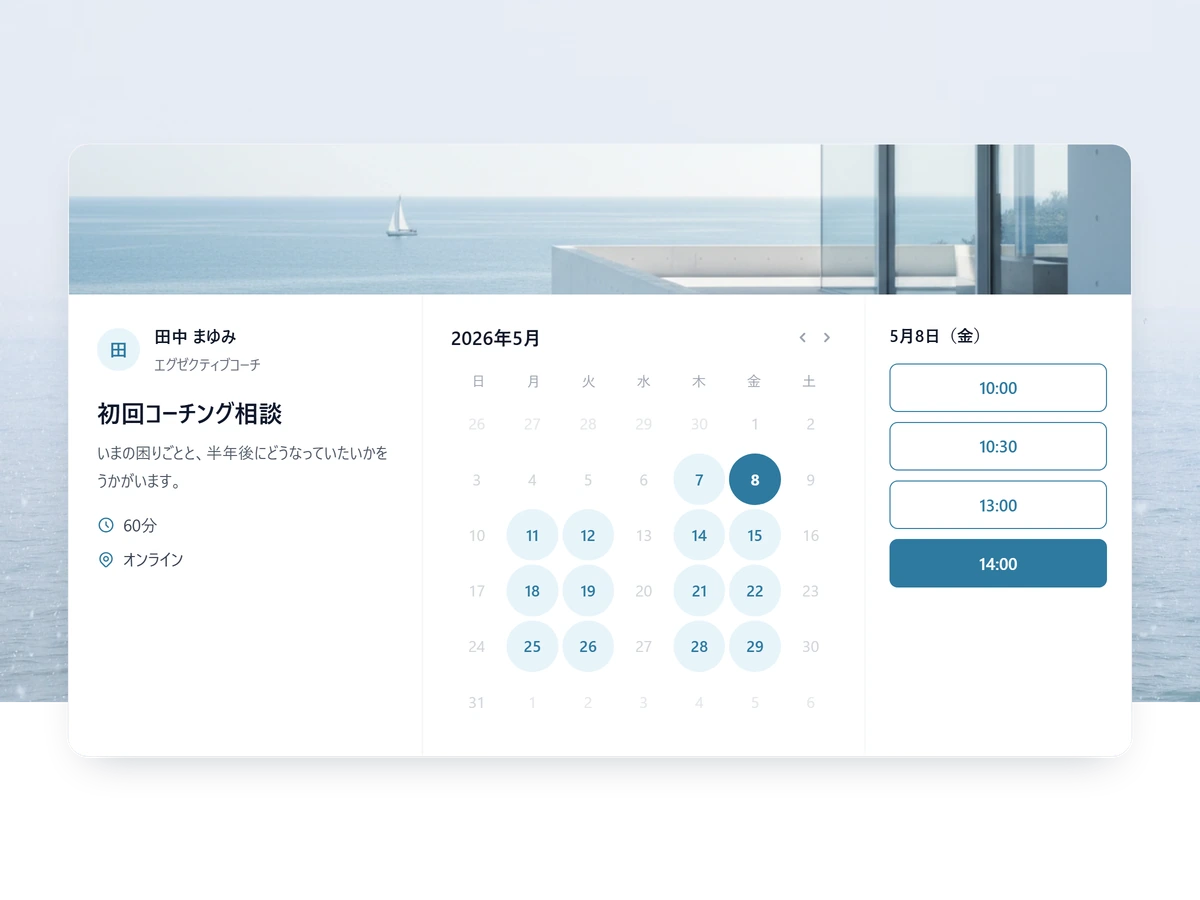
Let students book and pay for lessons — in one link.
Whether you teach languages, tutor for exams, or run group classes online, SailLab gives you one page where students pick a time, tell you what you need to know, and pay. Our commission is 3% on Standard and 0% on Professional. Share the link on your website, your Instagram bio, or LINE.

Built for teachers who'd rather teach
Three reasons online teachers and tutors run their schedule on SailLab.
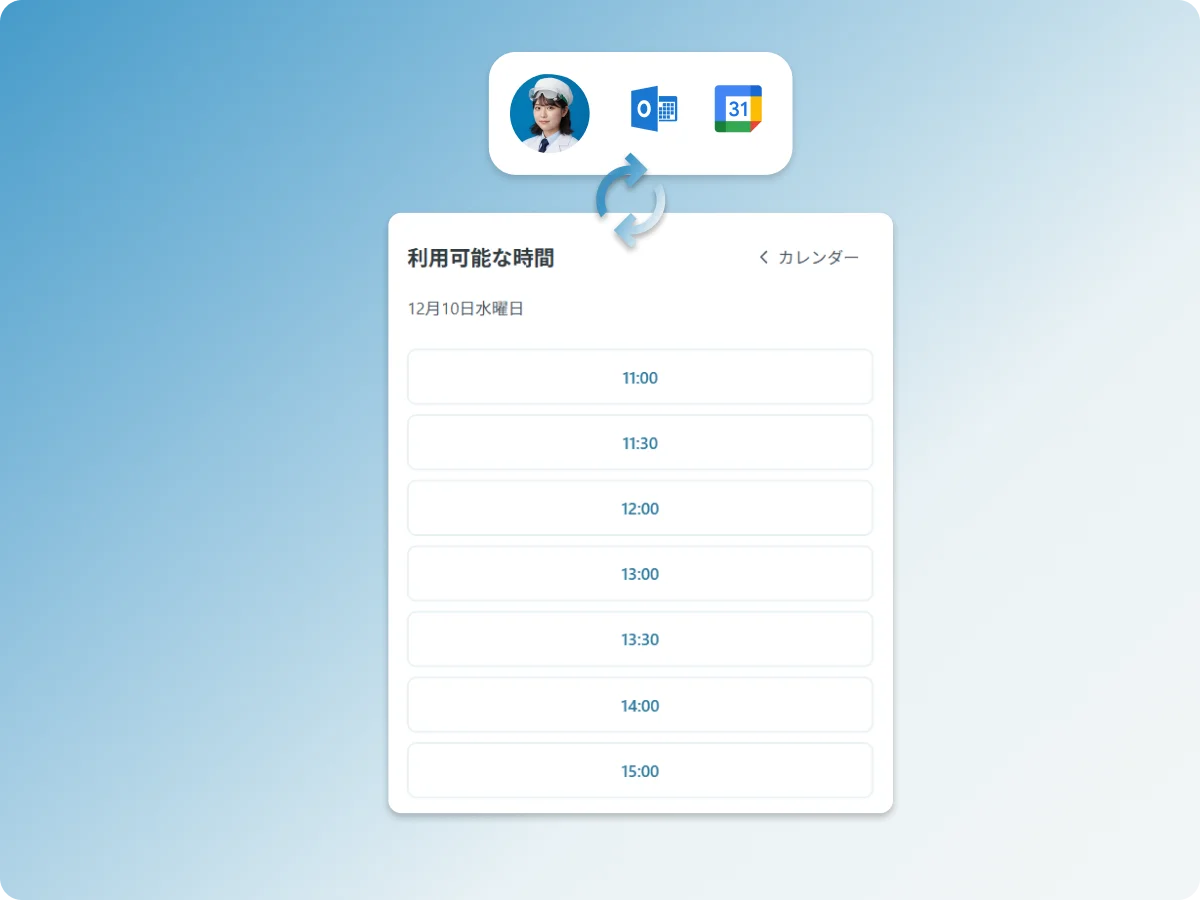
Availability straight from your calendar
SailLab reads your free/busy from Google Calendar or Microsoft Outlook, so students only ever see times you're genuinely free — no double-bookings, no updating a spreadsheet. Timezone-aware for overseas students.

Get paid the moment they book
Connect your own Stripe and collect the lesson fee the moment a student books. SailLab’s commission is 3% on Standard and 0% on Professional, plus Stripe's standard processing fee.
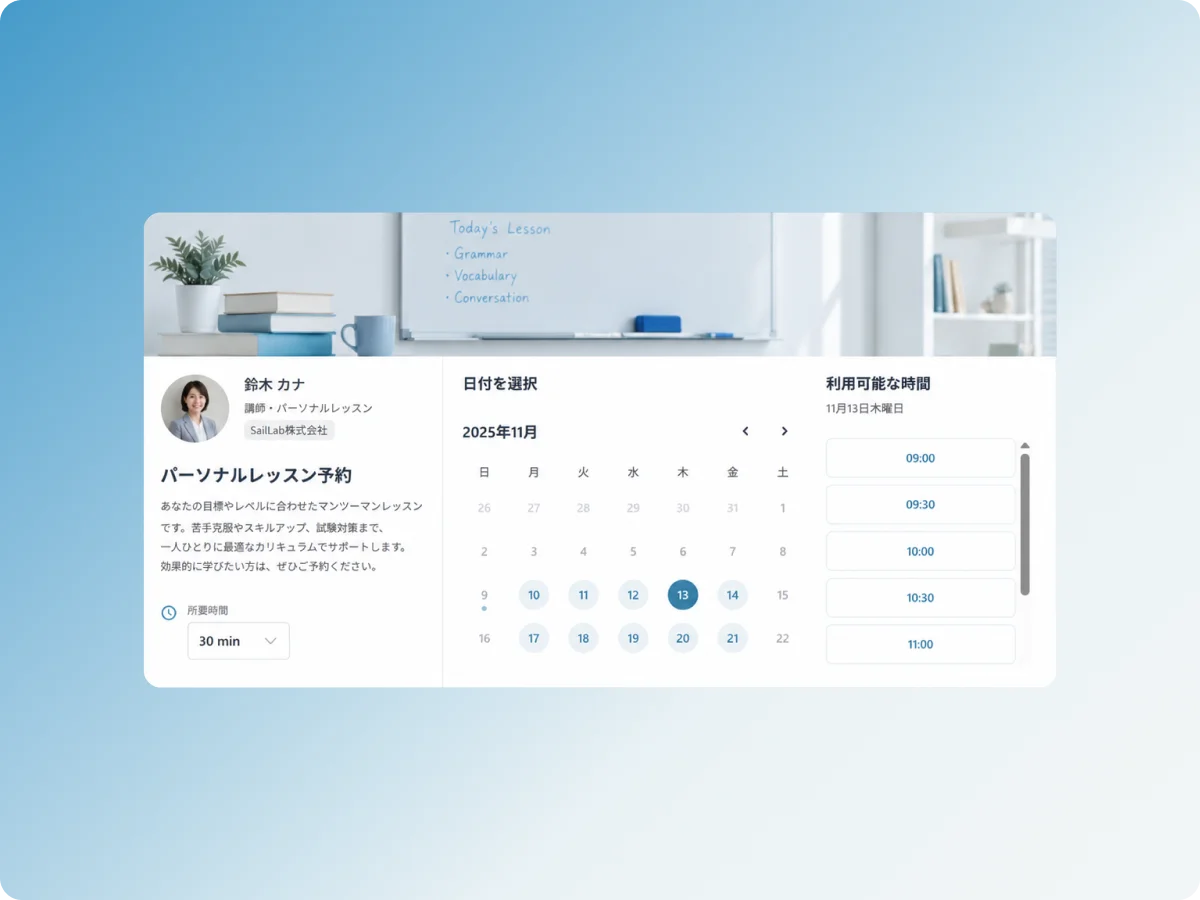
A page that looks like you
Your logo, your colors, your cover image, and your own custom URL — a booking page that's entirely yours.
Everything an online teacher needs
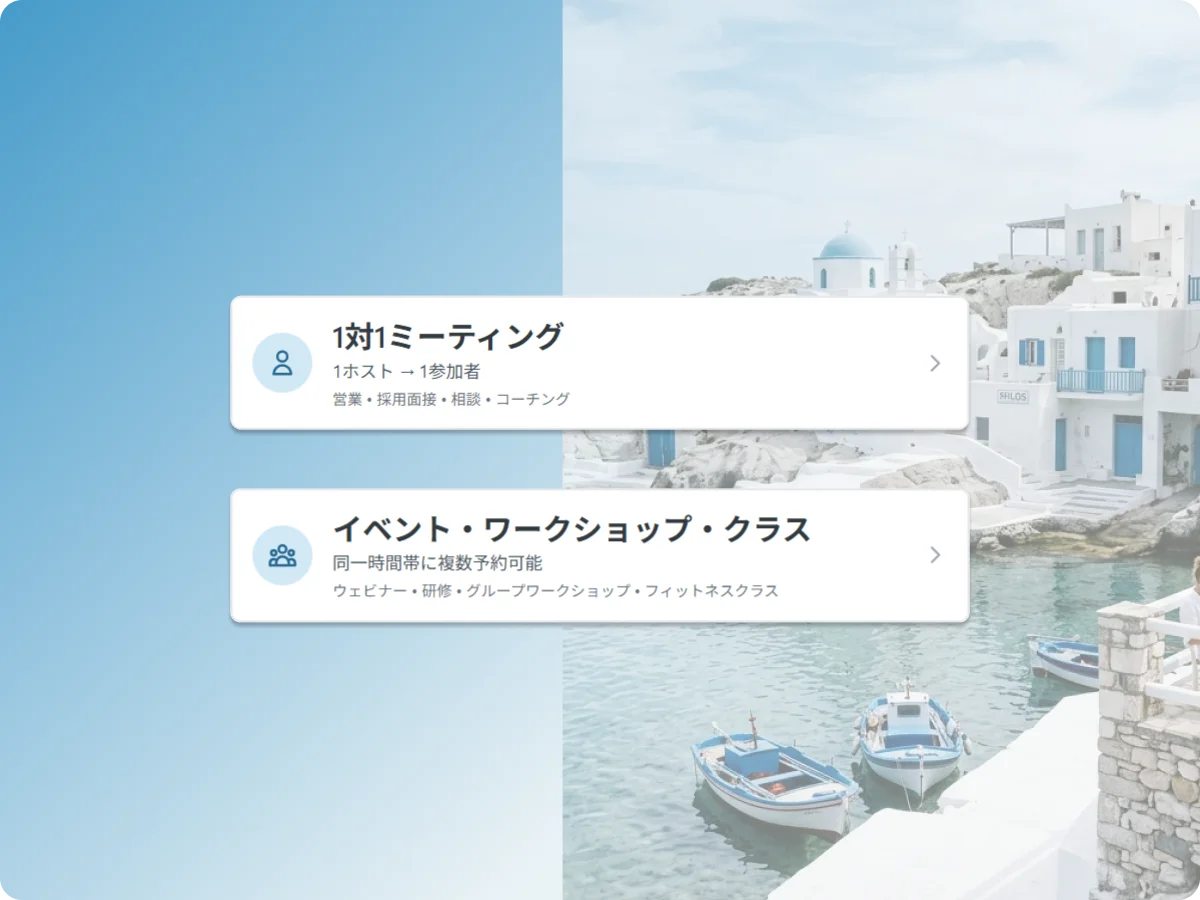
Private lessons and group classes
Run 1-on-1 lessons, or open a group class with a set capacity — SailLab stops taking bookings when the class is full. Same tool, both formats.
- Reads your Google / Microsoft Outlook calendar automatically
- 1:1 lessons and group classes with per-class capacity
- Online (auto Zoom · Meet · Teams link) or in-person
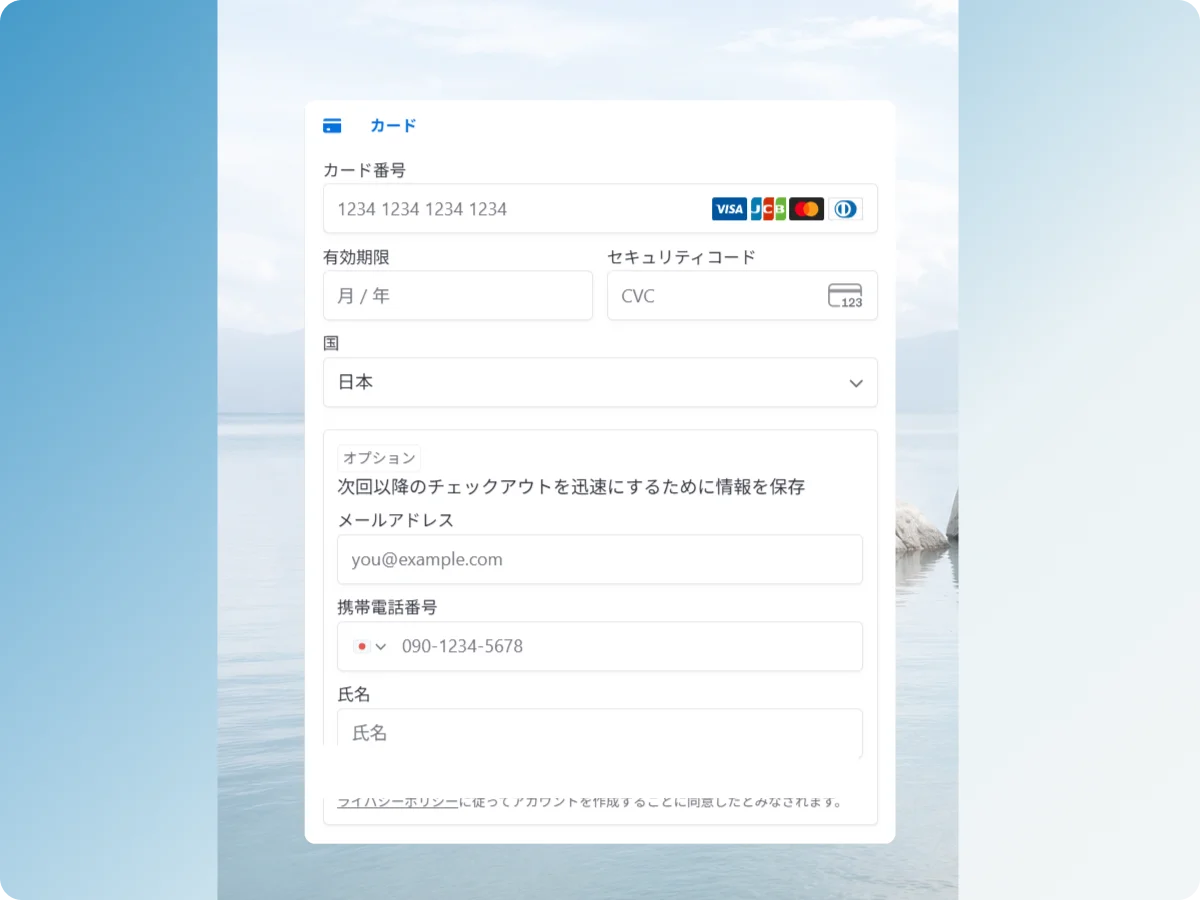
Take payment when they book
Students pay by card at the moment they book, straight into your own Stripe account. Set your lesson price and keep it, less SailLab's commission (3% on Standard, 0% on Professional) and Stripe's processing fee.
- Your own Stripe, paid directly
- 0% SailLab commission on Professional
- Custom intake form attached to every booking
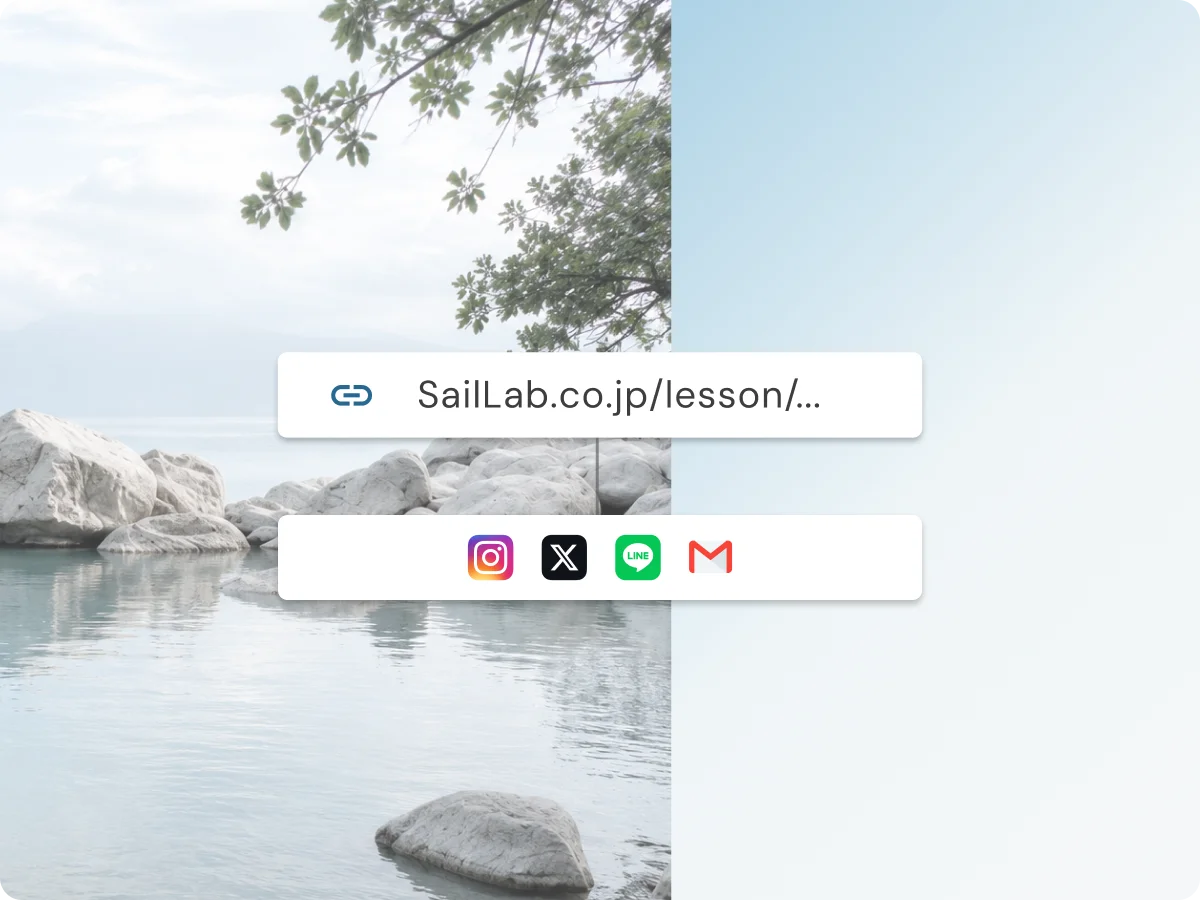
Share one link — anywhere
Put your booking link in your Instagram bio, send it on LINE, add it to your website, or hand out the QR code. One link, always up to date — students always see your latest availability.
- Shareable link + QR code
- Instagram & LINE icons on your page
- Always shows live availability
Publish your first lesson today
Free to start. Taking lesson fees at the time of booking is on Standard (3% SailLab commission) or Professional (0%).
From signup to your first paid lesson
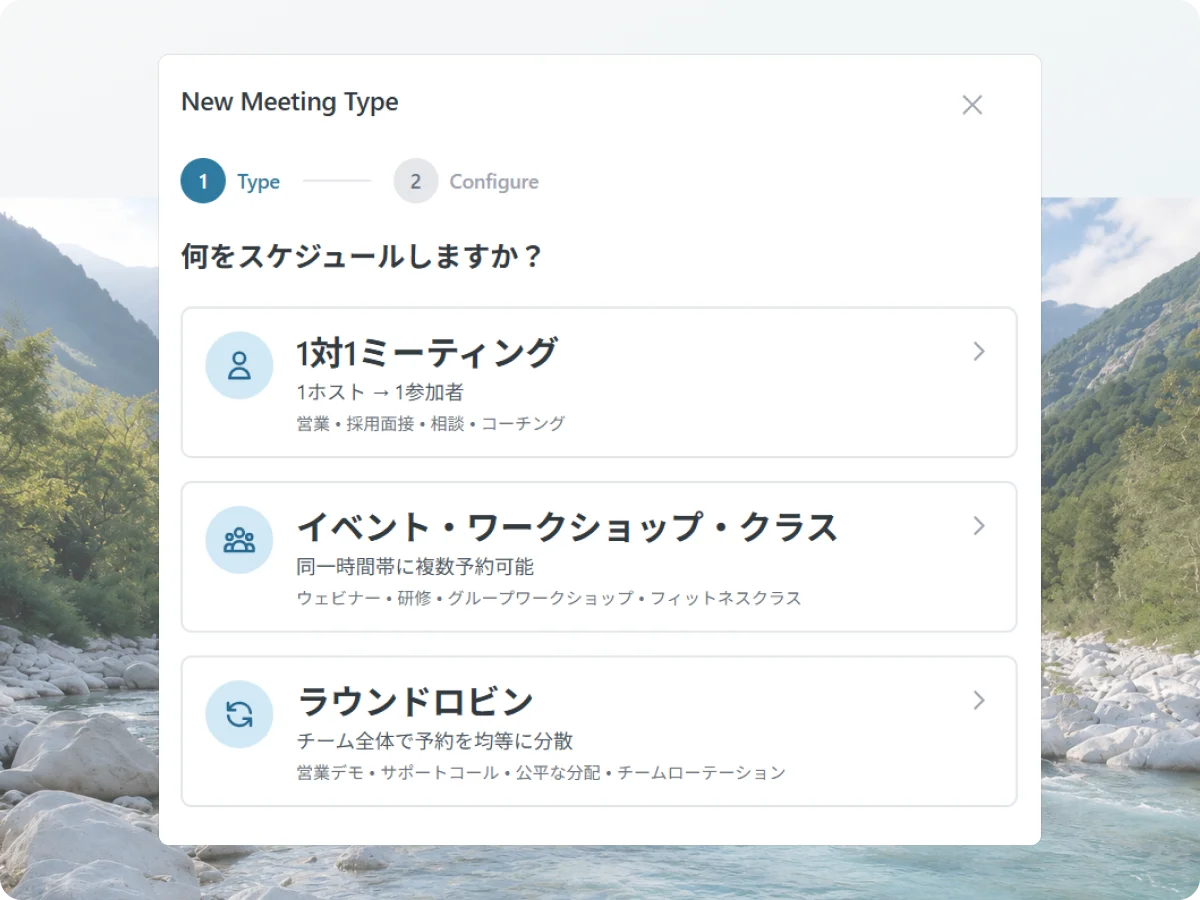
1 STEP 01
Set up your lessons
Add each lesson (60-min conversation, exam prep, group class), and set the duration, price, and what to ask students at signup.
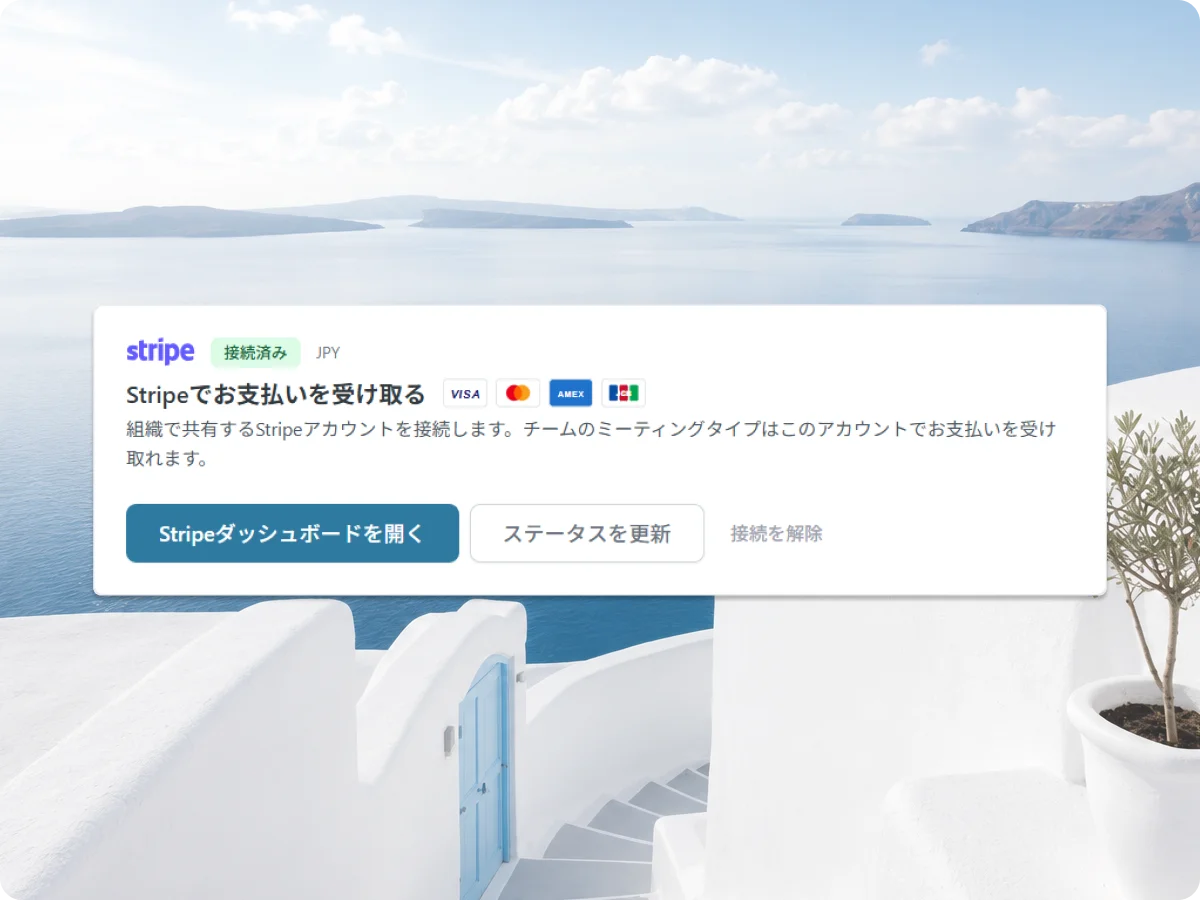
2 STEP 02
Connect your calendar & Stripe
Connect Google or Microsoft Outlook so your availability builds itself, then connect Stripe so payments land directly with you. Add your logo and colors while you’re there.
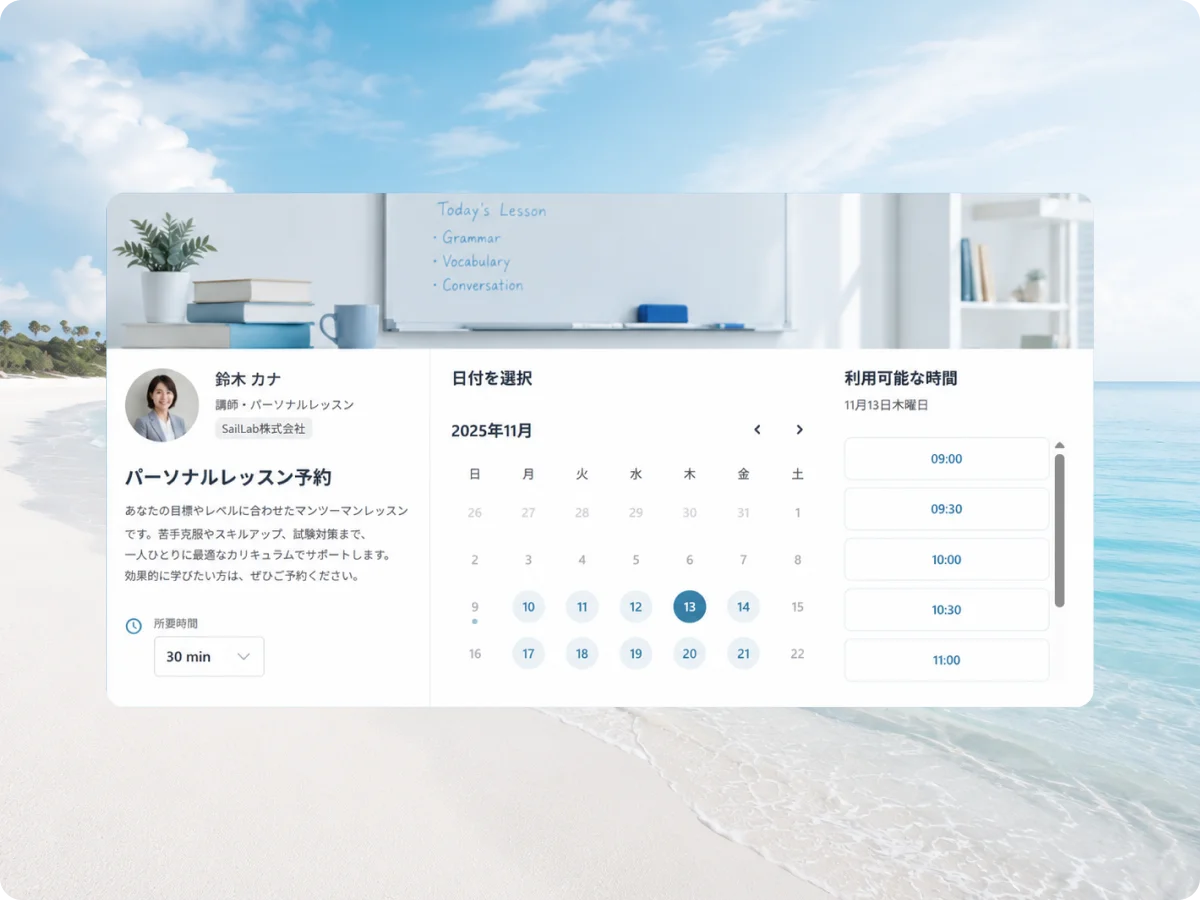
3 STEP 03
Share your link & teach
Drop the link in your Instagram bio, LINE, or website. Students book and pay; you get a calendar invite and a clean roster.
Other ways people use SailLab
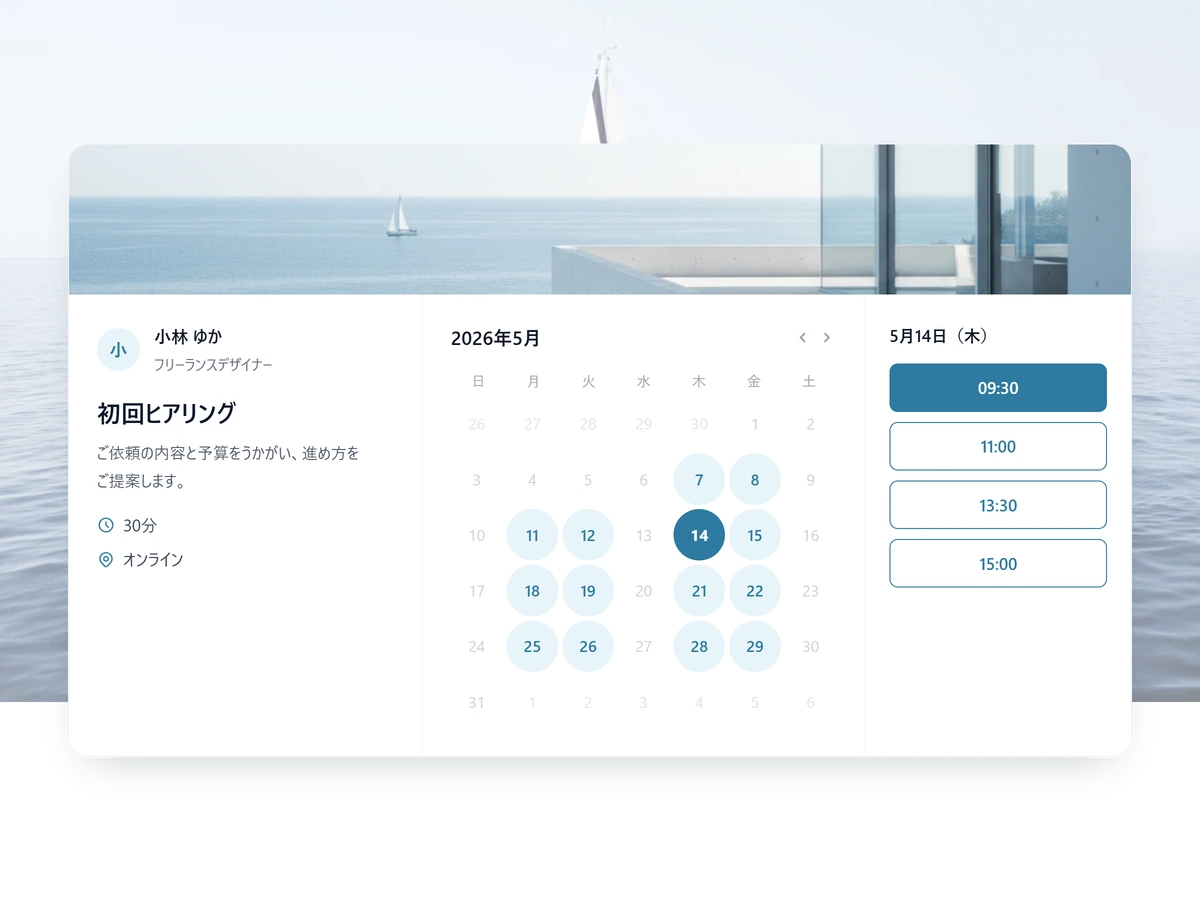
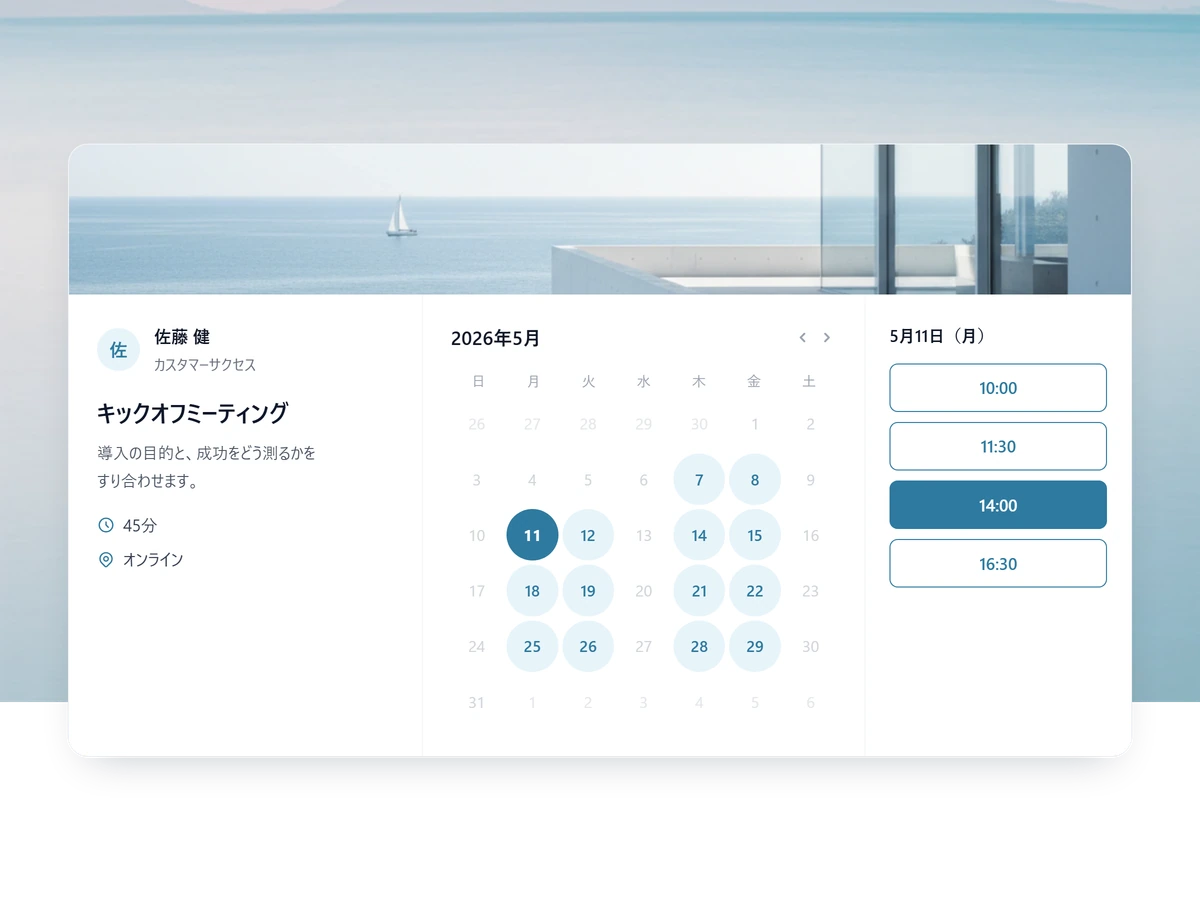
Online teaching FAQ
Do you take a cut of my lesson fees?
SailLab's commission is 3% on the Standard plan and 0% on Professional. Payments go straight to your own Stripe account; the only other deduction is Stripe's standard card-processing fee.
Where does my availability come from?
From your own calendar. SailLab syncs with Google Calendar and Microsoft Outlook and only offers students the times you're actually free, so you never get double-booked across your personal and teaching schedules.
Can students book and pay in one go?
Yes. With your Stripe connected, students pay by card at the moment they book — no invoices to chase.
Can I run both private lessons and group classes?
Yes. 1-on-1 lessons and group classes with a capacity limit both work from the same account.
Where can I share my booking page?
Anywhere a link goes: your Instagram bio, LINE, your website, your email signature, or a printed QR code. It always shows your live availability.
Can I make it match my own brand?
Yes. Set your logo, brand color, and cover image, and run it on your own custom URL — your booking page can match your brand completely.

Start teaching, get paid, today.
Free to start. Set up your first lesson in under 15 minutes.