
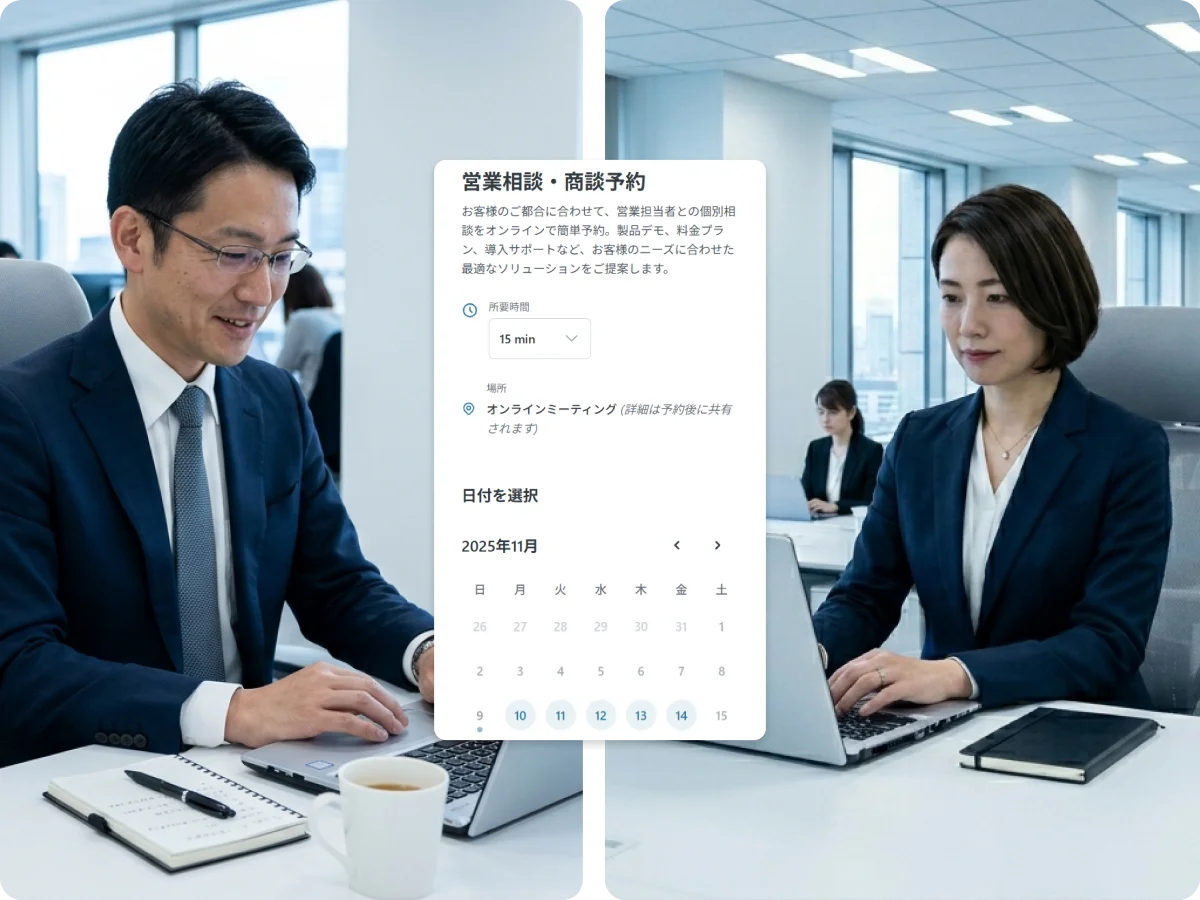
Sales teams
Reply to an enquiry with a booking link instead of three suggested times, and let SailLab assign the next free rep.
The booking page is the same one for everybody. What differs is how you set it up — who gets assigned, what you ask before the meeting, whether money changes hands. Start with whichever of these is closest to your work.
Reply to an enquiry with a booking link instead of three suggested times, and let SailLab assign the next free rep.
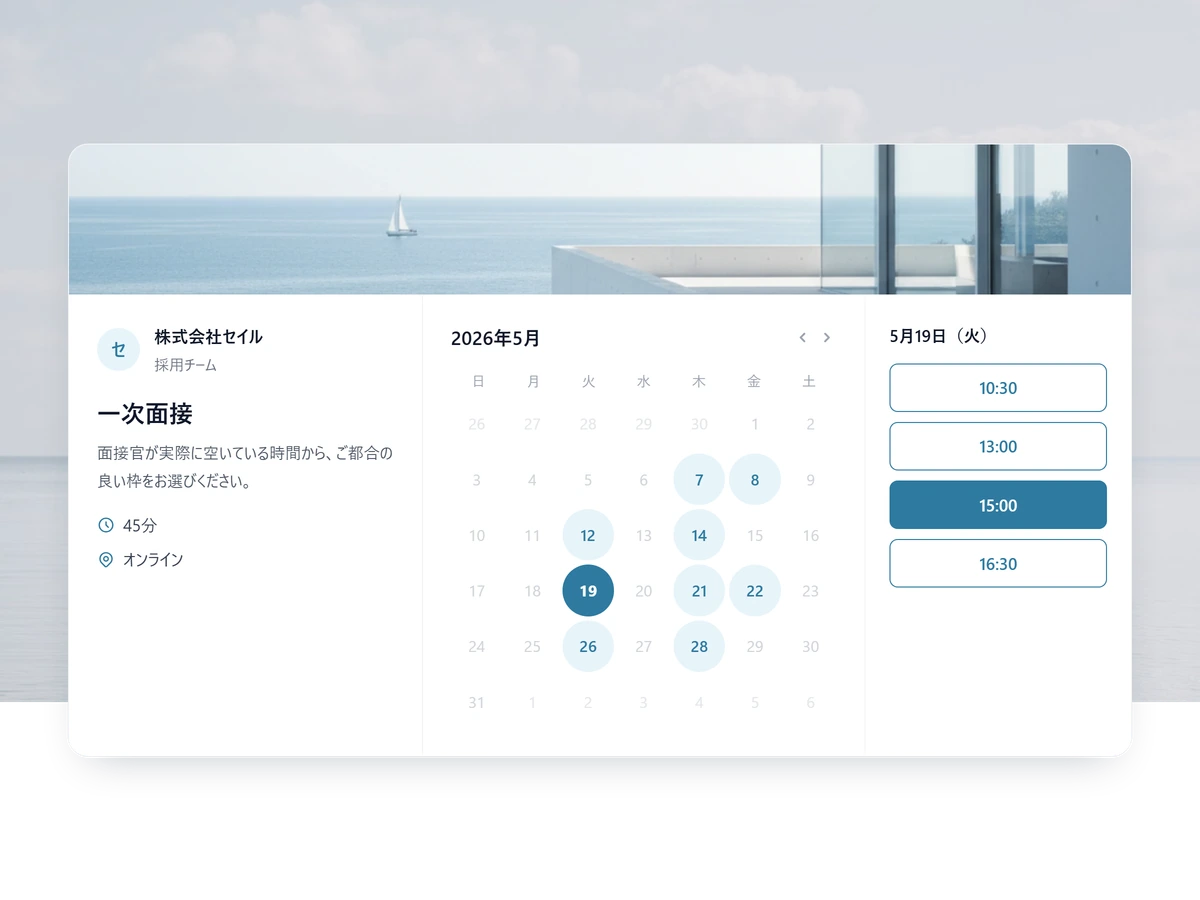
Candidates pick from slots where every required interviewer is genuinely free, so a panel stops taking days to book.
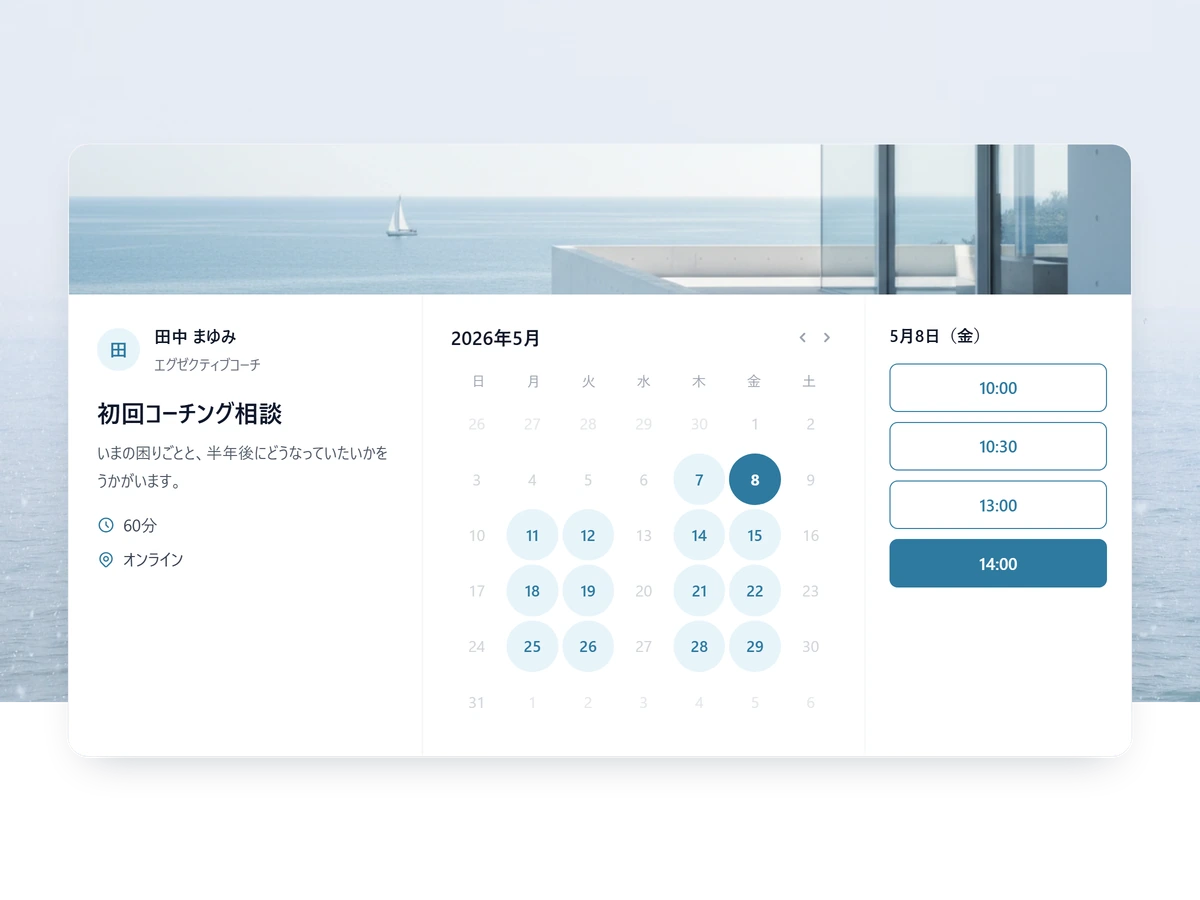
One branded page carrying every session format you offer, with a different intake form per service.
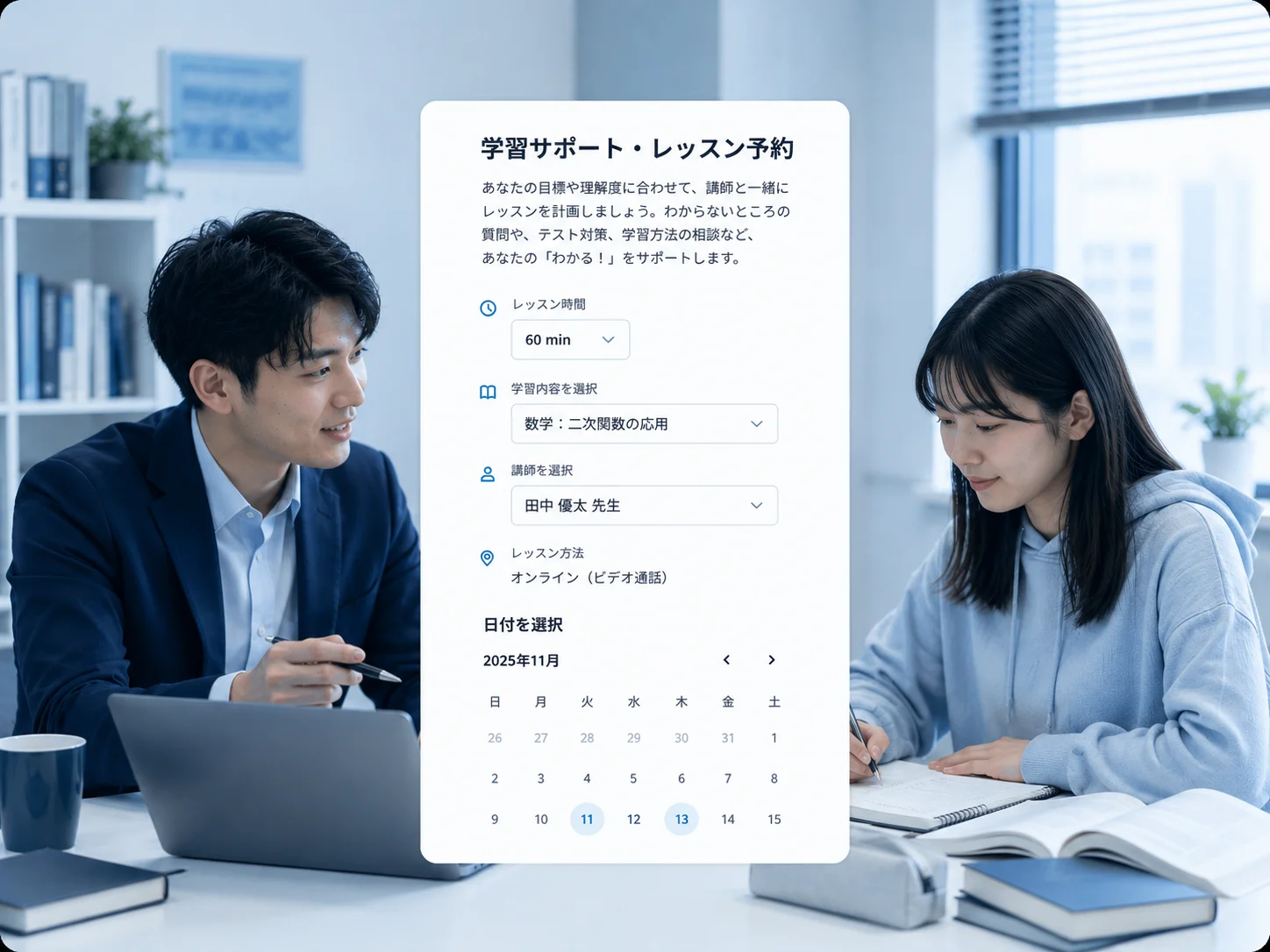
One-to-one lessons and capped group classes from the same account, with the lesson fee collected at booking.
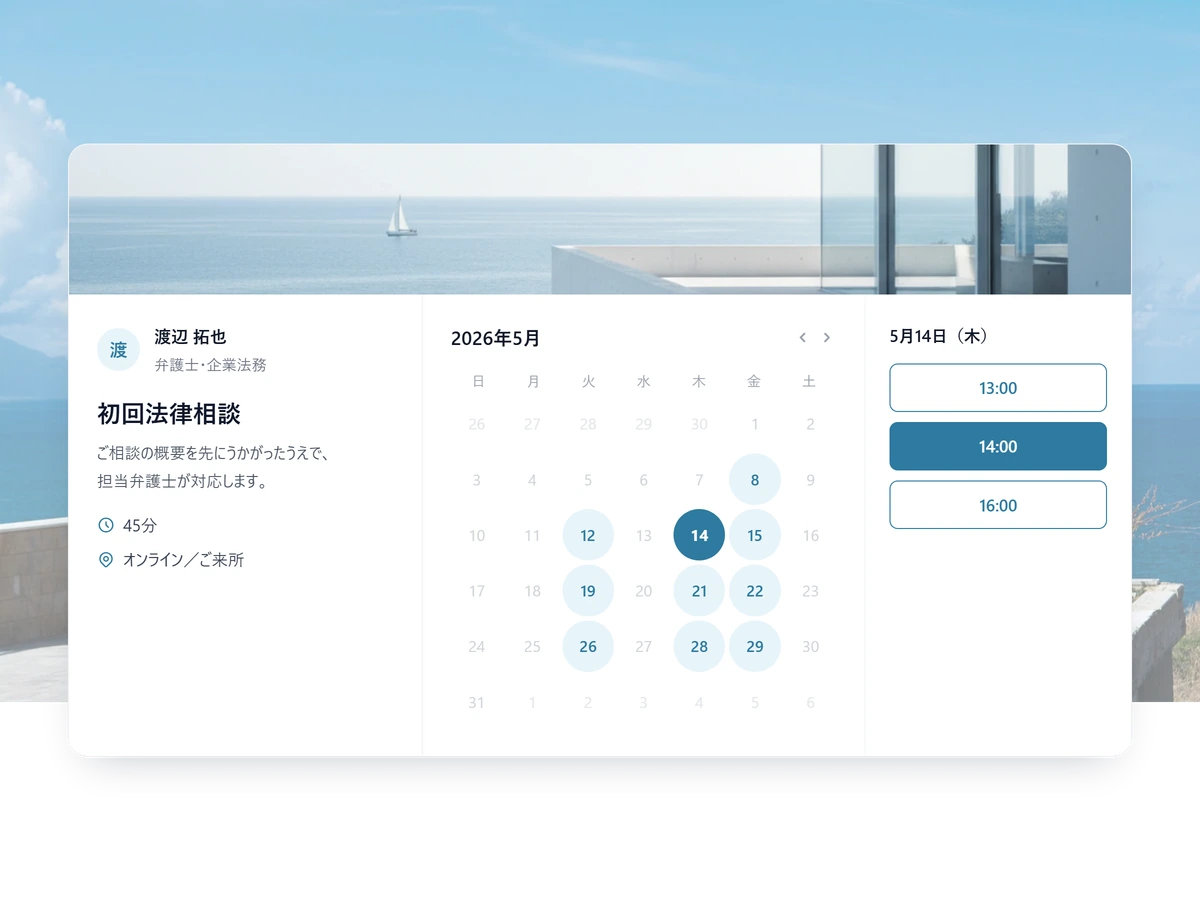
A separate intake page per practice area, unlisted where the matter is sensitive, in Japanese or English.
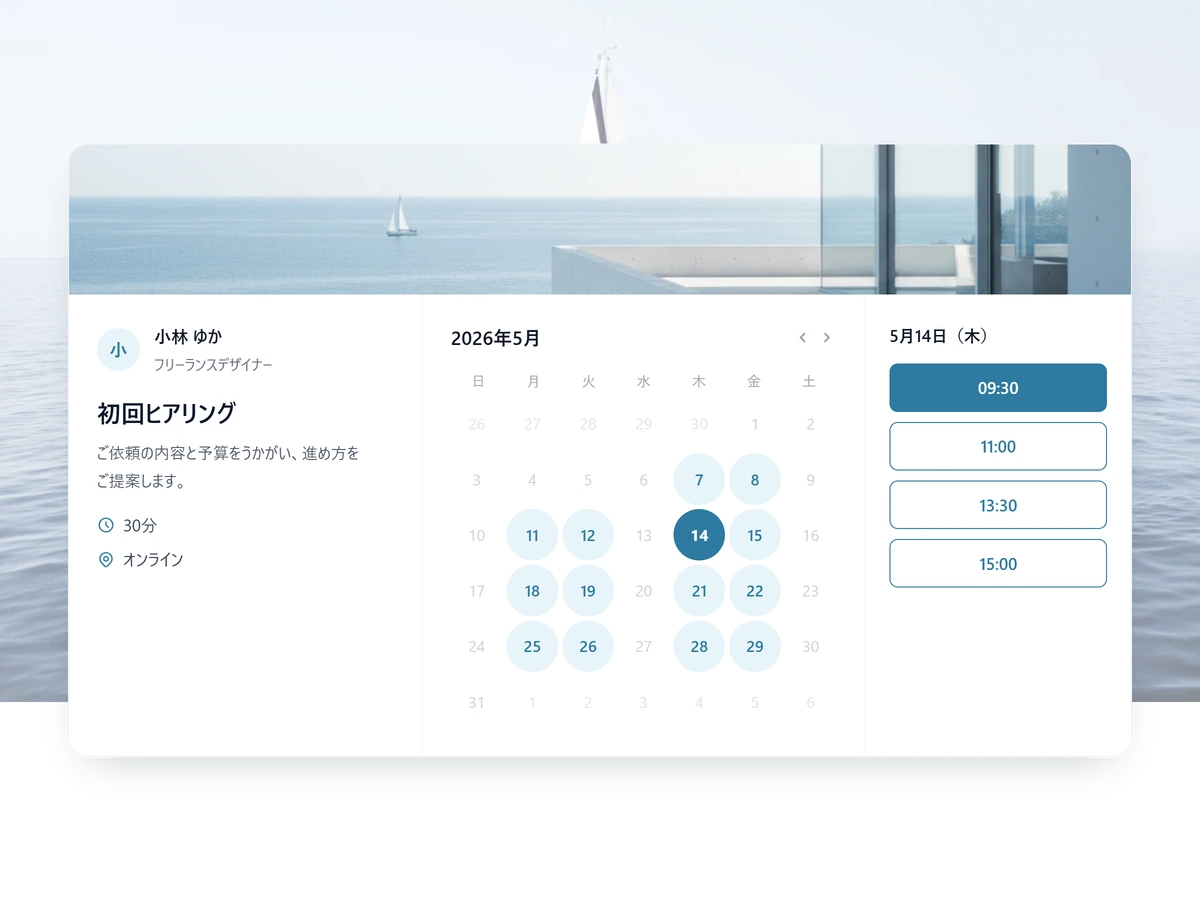
Bookings, payment and client records behind a single link — no website needed to start taking work.
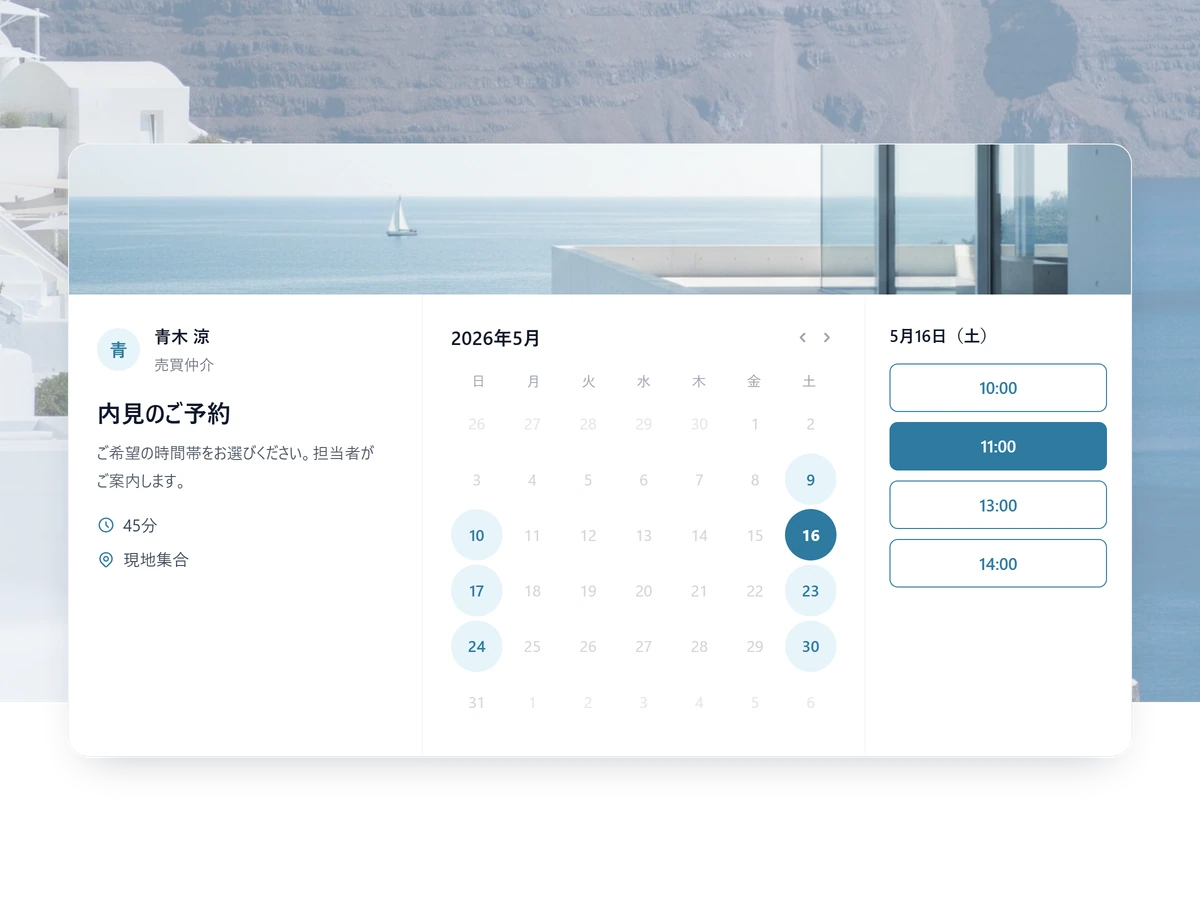
Viewing bookings routed to the agent who covers that property type, with buyer intent asked up front.
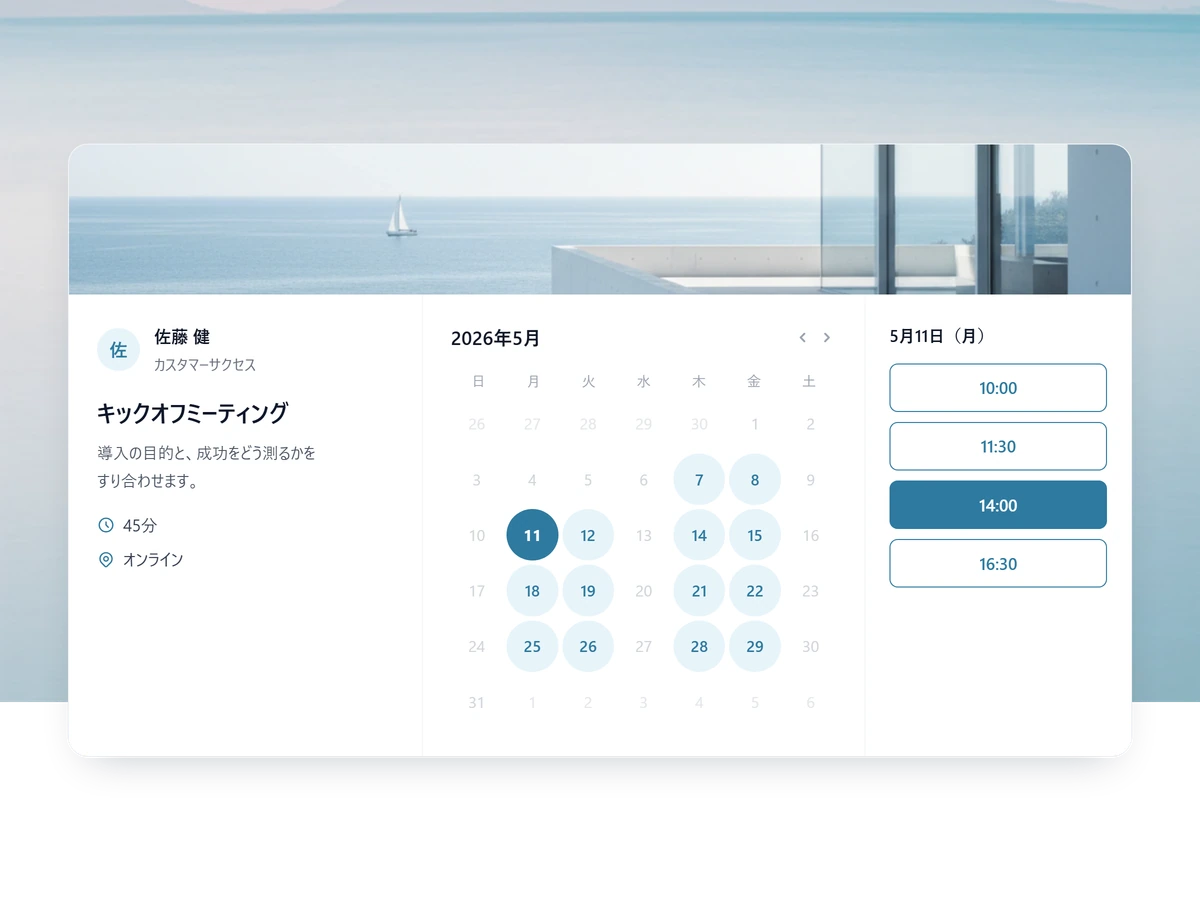
Onboarding, QBRs and renewal conversations booked by the customer rather than chased by the CSM.

The free plan takes real bookings — one scheduling link, calendar sync and reminder emails, no card required.